Why Is My Router Blinking Blue?
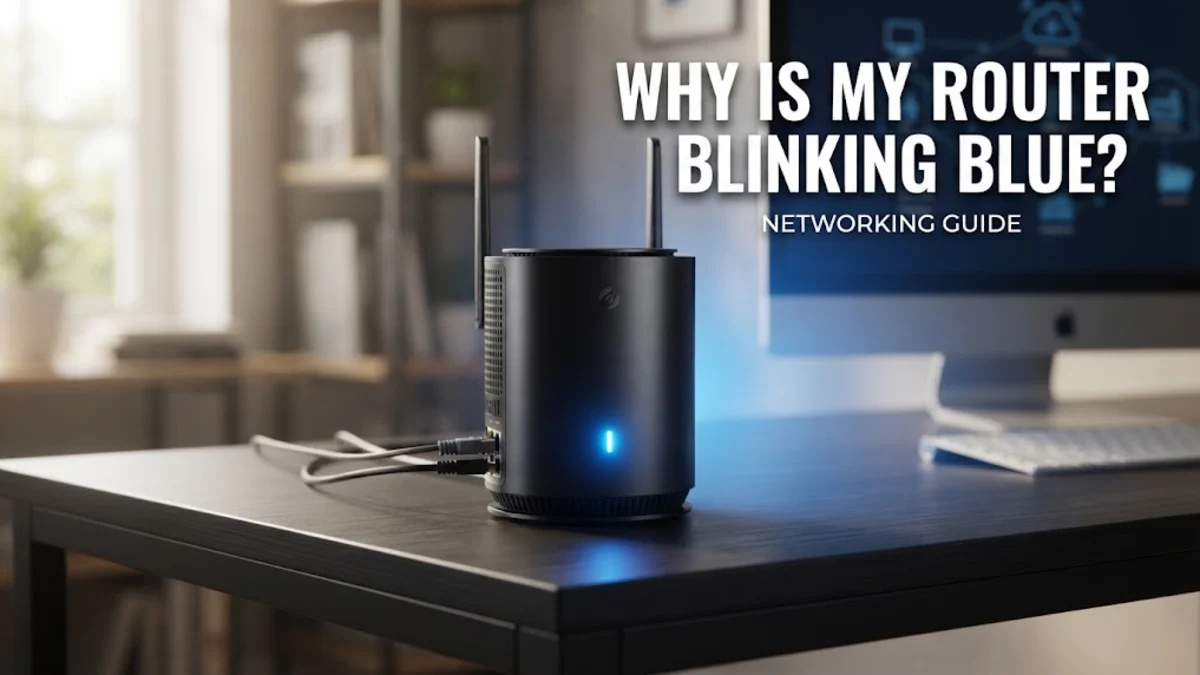
Understanding what this specific light behavior represents helps you quickly narrow down whether the issue stems from a loose cable, an upstream service outage, or a temporary software glitch. Follow this troubleshooting guide to diagnose and resolve the problem step by step.
What a Blinking Blue Router Light Actually Means
If your router recently underwent an automatic background update, a blinking blue light might persist for a few minutes while the new system files unpack and install. Do not unplug the device during this phase, as interrupting a firmware installation can corrupt the router software. However, if the light continues flashing for more than ten minutes without restoring your connection, it indicates a communication failure between your home network and the wider internet.
Step 1: Check All Physical Cable Connections
In addition to the Ethernet connection, verify that your coaxial cable or telephone line connected to the main modem is tightly fastened. A slightly loose wall jack can degrade the signal quality enough to prevent the router from establishing a stable handshake with your ISP. Once you confirm all physical connections are secure, observe the router lights to see if the blinking pattern changes to a steady glow.
Step 2: Perform a Full Power Cycle of Modem and Router
Plug the modem back into the electrical outlet first and wait a couple of minutes until its online indicator lights stabilize. Next, reconnect the power cord to your router. As the router boots up, it will query the modem for an IP address and attempt to synchronize your network traffic. This simple restart clears out corrupted routing tables and frequently resolves persistent blinking blue light issues instantly.
Step 3: Inspect Internet Service Provider Outages
You can also look at the status indicator lights directly on your modem. If the downstream or online lights on the modem are flashing or completely dark while your router blinks blue, the problem is almost certainly on the provider's side. In this scenario, local technicians must resolve the issue upstream, and your connection will restore automatically once service is successfully resumed in your area.
Step 4: Access Router Admin Panel for Diagnostics
192.168.1.1 or 192.168.0.1, which you can find printed on a sticker underneath the device.Log into the administrator dashboard using your custom password or the default credentials listed on the hardware label. Once inside the menu, navigate to Status or Network Map to check the WAN connection type and error logs. If the interface reports a DHCP timeout or authentication failure, you may need to re-enter your PPPoE credentials or contact support to re-register your router MAC address with your provider.
Step 5: Perform a Factory Reset as a Last Resort
Release the button and wait a few minutes while the router wipes custom configurations and reloads its baseline factory firmware. Keep in mind that a factory reset erases all personalized settings, including your custom Wi-Fi network name and security password. You will need to reconnect your devices using the default network credentials printed on the bottom sticker and set up your wireless configuration again from scratch.
The bottom line
A blinking blue router light is usually a sign that your device is struggling to communicate with your internet provider or completing a system process. By systematically checking your physical cables, performing a complete power cycle, verifying local service status, and inspecting administrative logs, you can quickly diagnose the root cause and get your home network back online.
Frequently asked questions
Can I use my internet while the router light is blinking blue?
Generally, no. A blinking blue light usually signifies that the router has no active internet connection, meaning web pages and online apps will not load.
How long should a router firmware update take?
Most automated router updates finish within two to five minutes. During this period, status lights may blink blue before turning solid once the installation completes.
What should I do if resetting my router does not fix the blue light?
If power cycling and factory resets fail, your ISP may need to check the line signal or replace a faulty modem provided on your account.
Does a blinking blue light mean my router is broken?
Not necessarily. It usually points to a software sync issue, configuration error, or upstream signal problem rather than permanent hardware failure.
Should I unplug my modem when restarting my network?
Yes. Always power down both the modem and the router simultaneously, and power the modem back up first before turning on the router.