Google Chrome vs. Microsoft Edge: Which Is Best in 2026?
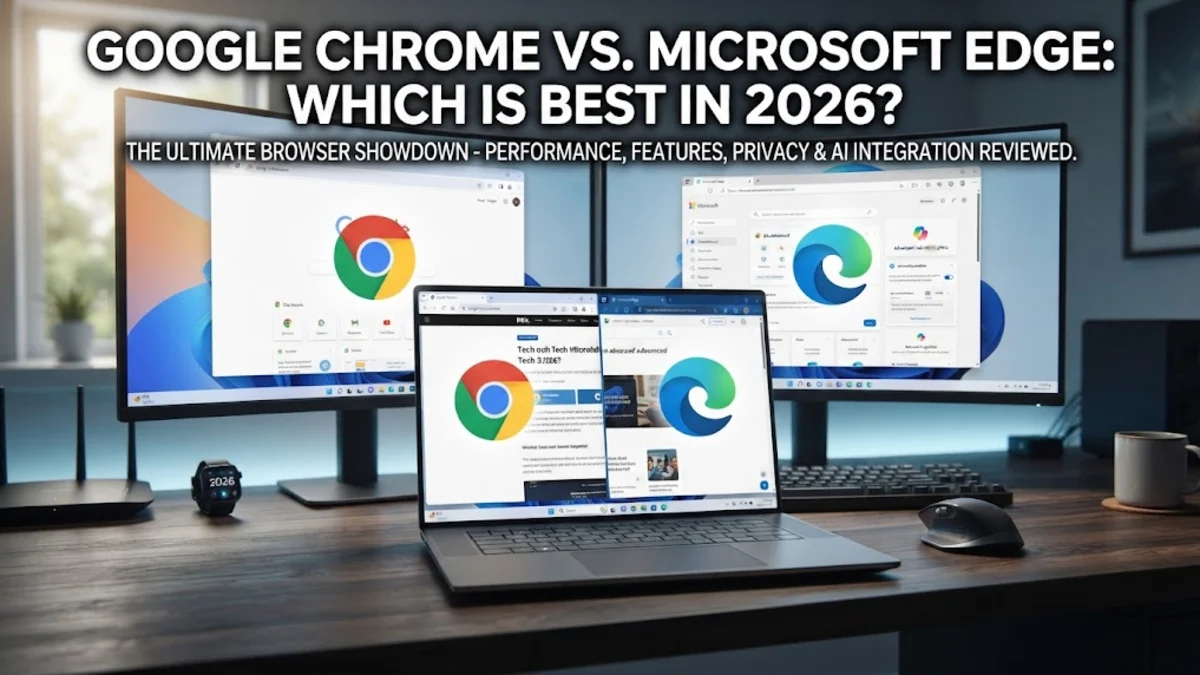
When choosing a web browser in 2026, Google Chrome and Microsoft Edge remain the top two heavyweights for desktop and mobile users alike. Both browsers are built on the Chromium open-source engine, meaning they share a similar foundation underneath the hood, yet they offer distinctly different experiences when it comes to resource management, built-in features, and ecosystem integration.
Deciding between the two depends heavily on your daily workflow, how much you value built-in artificial intelligence tools, and whether you prefer Google or Microsoft services. This comprehensive guide breaks down the core differences in performance, privacy, and productivity to help you determine which browser deserves a permanent spot on your taskbar.
Performance and Resource Management
Because both Google Chrome and Microsoft Edge utilize the Chromium engine, raw page-rendering speeds and JavaScript benchmark scores are remarkably close. However, how each browser handles your system's RAM and CPU tells a vastly different story in day-to-day multitasking. Historically, Chrome earned a notorious reputation for heavy memory consumption, but recent optimizations have introduced robust memory saver modes that automatically freeze inactive tabs to free up system resources for active tasks.
Microsoft Edge approaches resource management with Efficiency Mode, which dynamically throttles background tabs, reduces CPU usage, and significantly extends battery drain on laptops during heavy workloads. If you frequently keep dozens of resource-heavy tabs open while running desktop IDEs, video editors, or spreadsheets, Edge often outperforms Chrome in raw battery efficiency and background resource management on Windows devices.
Conversely, Chrome maintains a slight edge in speed consistency and synchronization across cross-platform environments, particularly when transitioning between macOS, Linux, Android, and Windows. Chrome's multi-process architecture isolates each tab and extension into its own sandboxed process, ensuring that if one website crashes or freezes, the rest of your browsing session remains entirely unaffected and responsive.
AI Integration and Productivity Features
Artificial intelligence has become a primary differentiator in 2026. Microsoft Edge comes deeply integrated with Copilot right in the sidebar, allowing users to summarize lengthy research papers, generate creative images, rewrite emails, and compare product specifications across e-commerce sites without ever leaving their active tab. Edge also features integrated productivity tools like vertical tabs for wide monitor setups, split-screen viewing for side-by-side multitasking, and native PDF annotation capabilities that far surpass standard browser PDF viewers.
Google Chrome integrates Google Gemini directly into the omnibox and sidebar ecosystem, making it effortless to pull real-time information from your Google Workspace accounts, Gmail, Google Drive, and Google Calendar. While Chrome's AI features feel more native to the broader Google cloud ecosystem, Edge offers a more comprehensive suite of out-of-the-box productivity panels designed specifically for power users and enterprise professionals who need structured window management.
Additionally, Edge includes unique features like Collections for organizing research, sleeping tabs for reducing background clutter, and a built-in coupon finder for online shopping. Chrome counters with exceptional tab grouping tools, customizable profiles for separating work and personal accounts, and seamless casting capabilities to Google Chromecast and smart displays throughout your home or office.
Privacy, Tracking Protection, and Security
Privacy features and tracker blocking vary significantly between these two browser rivals. Microsoft Edge includes a built-in Tracking Protection feature with three distinct strictness levels (Basic, Balanced, and Strict) designed to block known trackers, third-party trackers, and digital fingerprinting by default without requiring extra third-party extensions. Furthermore, Microsoft Defender SmartScreen is integrated directly into Edge to warn you instantly of malicious downloads, fraudulent websites, and phishing attempts before they can harm your device.
Google Chrome relies heavily on its cloud-based Safe Browsing infrastructure and is currently expanding its Privacy Sandbox initiative, which aims to phase out third-party cookies in favor of privacy-preserving advertising APIs. While Chrome provides robust enterprise-grade security policies and rapid background updates to patch zero-day vulnerabilities, users who prefer out-of-the-box granular privacy controls often find Edge's default tracking prevention settings much easier to configure.
Both browsers offer robust Incognito or InPrivate browsing modes, password breach monitoring, and biometric authentication for stored credentials. However, Edge provides additional enterprise compliance certifications and data governance controls, making it a favorite among IT administrators who manage corporate endpoint security across large organizations.
Extensions and Ecosystem Compatibility
One of the greatest advantages of modern Chromium-based browsers is universal extension compatibility. Because both Chrome and Edge run on the underlying Chromium open-source project, you can install browser extensions directly from the Chrome Web Store on both platforms. This ensures you never have to sacrifice your favorite password managers, productivity extensions, grammar checkers, or ad blockers regardless of which browser you choose.
However, cross-device ecosystem sync remains a major deciding factor for most users. Chrome seamlessly synchronizes bookmarks, saved passwords, autofill data, open tabs, and browser themes across Android, iOS, Windows, macOS, and ChromeOS devices using a standard Google account. This makes Chrome the undisputed king for users who bounce between an Android smartphone, a Mac laptop, and a Windows desktop.
Microsoft Edge provides equally smooth synchronization across Windows, Android, iOS, and macOS devices, but adds specialized integration with Windows features, mobile companion apps like Phone Link, and Xbox gaming services. If your daily digital life revolves around Microsoft 365, OneDrive, and Windows PCs, Edge creates a unified workflow that feels significantly more cohesive than Chrome's standalone application model.
Direct Feature Comparison
To better understand how these two industry-leading browsers stack up across key technical metrics, review the following feature matrix. This detailed breakdown highlights structural differences that directly impact everyday browsing habits, security preferences, hardware utilization, and multi-device productivity on modern laptops and desktop computers.
| Feature | Google Chrome | Microsoft Edge |
|---|---|---|
| Engine | Chromium | Chromium |
| AI Assistant | Google Gemini | Microsoft Copilot |
| Extension Support | Chrome Web Store | Chrome Web Store & Microsoft Store |
| Resource Saver | Memory Saver Mode | Efficiency Mode |
| Mobile Ecosystem | Android & iOS | Windows, Android & iOS |
| Default OS | Cross-platform | Windows Native |
As illustrated in the comparison table, both browsers share identical underlying rendering engines and extension libraries, but differ greatly in their approach to default integrations and system optimizations. Your choice ultimately depends on whether you prioritize Google's cloud-first approach or Microsoft's enterprise-grade desktop integration.
The bottom line
Ultimately, Google Chrome remains the absolute best choice if you live inside the Google ecosystem and want a reliable, fast cross-platform browser that syncs effortlessly across mobile and desktop devices. Microsoft Edge is the superior option if you want advanced productivity features, built-in AI assistance, superior battery management on Windows devices, and robust built-in privacy protection.
Frequently asked questions
Can I use Chrome extensions on Microsoft Edge?
Yes. Because Microsoft Edge is built on the Chromium engine, you can install extensions directly from the Chrome Web Store in addition to the Microsoft Edge Add-ons store.
Which browser uses less RAM in 2026?
Both browsers feature advanced memory optimization modes like Memory Saver in Chrome and Efficiency Mode in Edge. However, Microsoft Edge generally consumes slightly less RAM and offers better battery efficiency on Windows devices.
Is Microsoft Edge better than Google Chrome for privacy?
Microsoft Edge offers robust out-of-the-box tracking prevention with customizable strictness levels. Chrome relies on Google's Safe Browsing and Privacy Sandbox initiatives, meaning privacy depends heavily on your account and security settings.
Can I sync my Chrome data to Microsoft Edge?
Yes, Edge allows you to import your bookmarks, passwords, autofill data, and browsing history from Google Chrome during initial setup or at any time through the browser settings menu.
Does Microsoft Edge come pre-installed on Windows?
Yes, Microsoft Edge is the default native web browser included with Windows 10 and Windows 11, whereas Google Chrome must be downloaded manually from the official website.