Laptop vs Chromebook: Which Should You Buy in 2026?
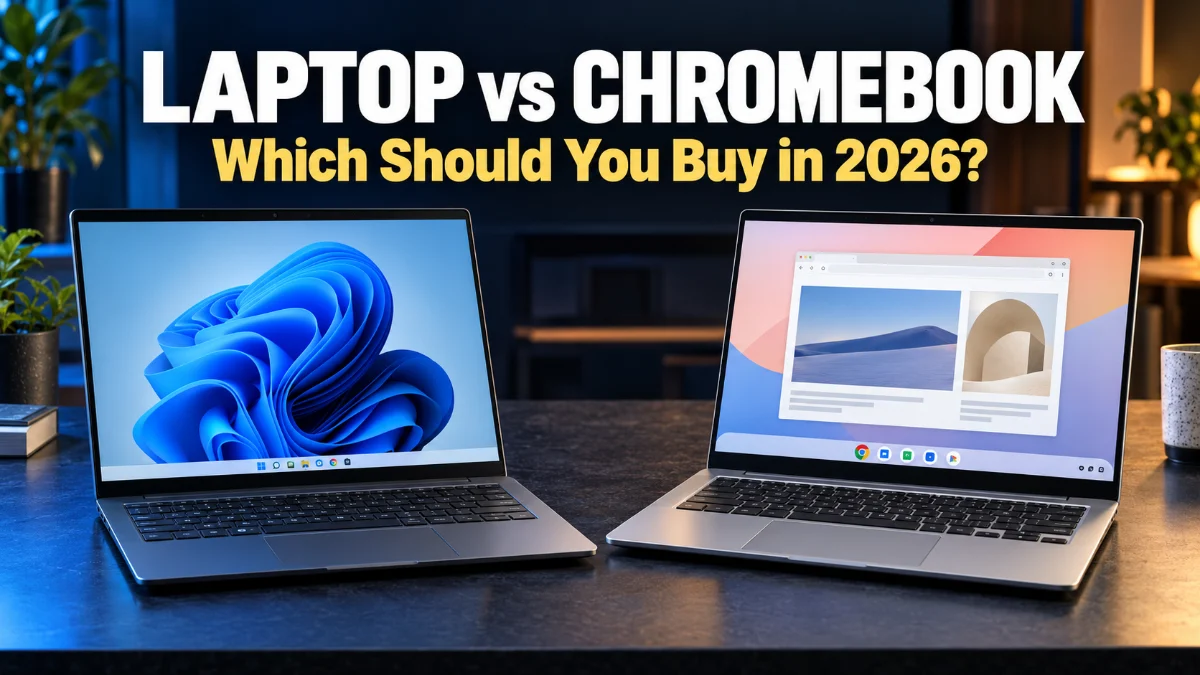
When shopping for a new portable computer, understanding the core differences in the laptop vs chromebook debate is essential for making the right choice. Traditional laptops run full desktop operating systems like Windows or macOS, offering deep software compatibility and powerful hardware for intensive workloads.
On the other hand, Chromebooks run Google's lightweight ChromeOS, focusing on web-based tasks, fast boot times, and seamless integration with cloud services. Choosing between the two depends heavily on your daily workflow, budget, and the specific applications you rely on most.
Operating System and Software Ecosystem
The biggest distinction in any laptop vs chromebook comparison lies in the operating system. Traditional laptops typically run Windows 11 or macOS, which allow you to install complex desktop software such as full Adobe Creative Cloud suites, advanced local video editors, and specialized engineering tools. You have complete control over your file system, local storage directories, and background services without restrictions.
In contrast, Chromebooks rely on ChromeOS, which is essentially a secure browser-based environment built on the Linux kernel. While modern Chromebooks can run Android apps from the Google Play Store and Linux container applications for developer workflows, they cannot run native Windows or Mac desktop software. If your daily routine revolves around web applications, Google Workspace, cloud storage, and streaming services, ChromeOS provides a streamlined experience. However, professionals who require heavy local processing and legacy desktop apps will quickly hit a wall with a Chromebook.
Performance and Hardware Specifications
When examining performance, traditional laptops usually pack much more powerful internal hardware. They feature multi-core processors from Intel, AMD, or Apple Silicon, alongside dedicated graphics cards, expansive RAM configurations, and fast NVMe solid-state drives. This hardware muscle allows traditional laptops to handle 4K video rendering, modern 3D gaming, and heavy multitasking with ease, though it often results in higher heat output and shorter battery life under load.
Chromebooks are engineered differently. Because ChromeOS is lightweight and relies heavily on cloud computing, these devices do not need massive processors or excessive amounts of RAM to run smoothly. You will frequently find Chromebooks equipped with energy-efficient processors and modest storage capacities. This minimalist hardware design makes budget Chromebooks feel remarkably fast and responsive when browsing the web, checking email, or editing documents online, but they simply lack the raw computational power required for intensive local workloads.
Battery Life and Portability
Portability and battery endurance are critical factors for students and professionals who work on the go. Traditional laptops vary wildly in this category. Ultrabooks and modern MacBooks offer incredible battery life that easily lasts a full workday, but powerful gaming laptops or desktop replacements might drain their batteries in just a few hours and require heavy charging bricks.
Chromebooks excel in this arena, particularly at lower price points. Because their operating system and hardware are optimized for power efficiency, even budget-friendly Chromebooks frequently deliver impressive battery life that easily outlasts similarly priced Windows laptops. Their fanless designs, smaller components, and lightweight chassis also make them exceptionally thin, quiet, and easy to slip into a backpack for a full day of classes or remote work without worrying about finding an available wall outlet.
Pricing and Value for Money
Budget is often the deciding factor when comparing a laptop vs chromebook. Chromebooks dominate the budget market, offering snappy performance, decent build quality, and modern features at a fraction of the cost of a traditional laptop. This makes them exceptionally popular for budget-conscious students, casual home users, and educational institutions looking for reliable deployment at scale.
Traditional laptops span a much wider pricing spectrum. While you can find inexpensive Windows laptops, entry-level models often suffer from sluggish performance, low-resolution displays, and flimsy build quality due to the heavy resource demands of Windows 11. To get a smooth, reliable experience on a traditional laptop, you generally need to invest a bit more money. Premium traditional laptops command high prices, but they justify those costs with superior materials, display quality, and processing power that lasts for years.
Gaming and Entertainment Capabilities
Entertainment and gaming preferences highlight another major divide between these two device types. If you enjoy playing modern PC games locally, traditional laptops—especially those with dedicated graphics cards—are the clear winners. They grant access to massive gaming libraries on Steam, Epic Games, and Xbox Game Pass, allowing you to run demanding titles locally with high framerates.
Chromebooks handle media consumption wonderfully, offering excellent video streaming, music playback, and casual mobile gaming via the Google Play Store. Furthermore, cloud gaming services like NVIDIA GeForce NOW have transformed Chromebooks into viable cloud gaming machines, letting you stream high-end games over a stable internet connection. However, if you want offline gaming capabilities or access to local PC gaming libraries, a traditional laptop is indispensable.
Quick Comparison Summary
To quickly evaluate which device matches your lifestyle, reviewing a direct side-by-side comparison helps clarify the key differences. The table below outlines how traditional laptops and Chromebooks stack up across major feature categories.
| Feature | Traditional Laptop | Chromebook |
|---|---|---|
| Operating System | Windows 11 or macOS | ChromeOS |
| App Support | Native desktop apps, legacy software | Web apps, Android apps, Linux apps |
| Average Price | Varies widely ($300 to $2,500+) | Generally affordable ($200 to $700+) |
| Battery Life | Moderate to high (depends on model) | Consistently high across all price points |
| Best Suited For | Gaming, coding, professional editing | Web browsing, students, cloud work |
The bottom line
Ultimately, the choice between a laptop and a chromebook comes down to what you plan to do with the device. If your daily tasks involve heavy software, local gaming, or professional creative work, a traditional laptop is the right choice. If you primarily use web browsers, cloud apps, and want great battery life on a budget, a Chromebook will serve you exceptionally well.
Frequently asked questions
Can a Chromebook run Microsoft Office?
Yes, but you will use the web-based version of Microsoft 365 or the Android apps downloaded from the Google Play Store rather than the full desktop installation.
Are Chromebooks good for university students?
Chromebooks are great for students whose coursework involves writing papers, researching online, and using cloud platforms like Google Workspace.
Can I use offline apps on a Chromebook?
Yes, many applications, including Google Docs and certain media players, allow offline editing and syncing once you reconnect to the internet.
Do traditional laptops last longer than Chromebooks?
Traditional laptops often feature higher-end hardware that stays relevant longer for demanding tasks, though software update lifespans apply to both types of devices.