Google Account vs Apple Account: Which Is Better in 2026?
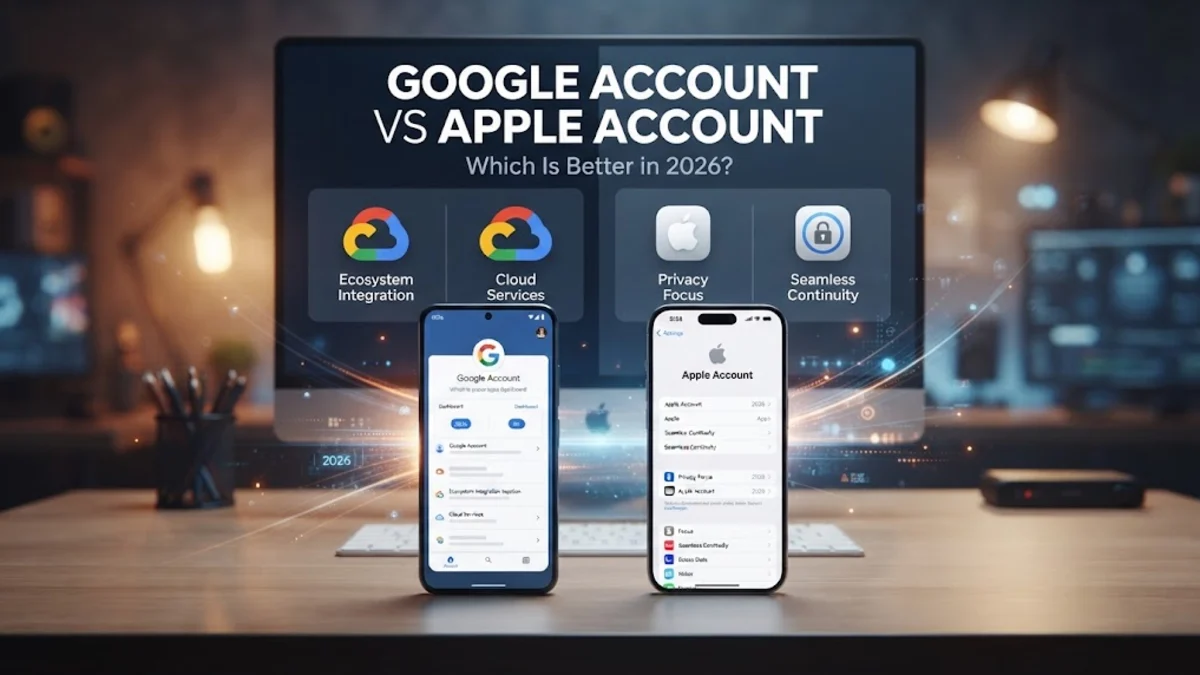
When you set up a new smartphone or computer, managing your digital life starts with choosing your primary ecosystem. Deciding between a Google Account and an Apple Account determines how you sync your data, secure your passwords, and back up your personal files across devices.
While both accounts offer robust security features, cloud storage, and device integration, they approach privacy and cross-platform compatibility very differently. Understanding these core differences helps you pick the right option for your daily workflow and long-term data security.
Ecosystem Integration and Device Compatibility
Your choice between a Google Account and an Apple Account heavily depends on the hardware you use every day. A Google Account is designed to be hardware-agnostic, meaning it works seamlessly whether you are using an Android phone, a Windows laptop, a Mac, or an iPhone. You can access your emails, documents, and photos through a web browser or dedicated apps on virtually any platform without losing functionality or access to your core data.
On the other hand, an Apple Account is deeply intertwined with Apple's hardware ecosystem. While you can access basic services like web-based iCloud or Apple Music on a Windows PC or Android device, features like iMessage, FaceTime, seamless clipboard sharing, and automatic device handoff are exclusive to Apple devices. If you live entirely within the iPhone, iPad, and Mac ecosystem, an Apple Account provides a frictionless, deeply unified experience that third-party accounts simply cannot match in day-to-day use.
Security Features and Two-Factor Authentication
Security is paramount when managing your digital identity, and both tech giants provide advanced protective measures to keep unauthorized users out of your account. Both Google and Apple support standard two-factor authentication methods, including SMS codes, authenticator apps, and physical security keys conforming to FIDO standards. These safeguards ensure that even if someone discovers your primary password, they cannot access your account without your physical device or secondary verification method.
Google offers an Advanced Protection Program specifically designed for high-risk users such as journalists, activists, and IT administrators, which enforces strict hardware key requirements and blocks untrusted third-party apps. Apple counters with end-to-end encryption for a vast majority of its iCloud data categories through Advanced Data Protection, meaning even Apple cannot decrypt your backups or notes if law enforcement or hackers demand access. Both systems are exceptionally secure, but Apple leans heavier on total end-to-end encryption by default for sensitive stored data.
Cloud Storage and Backup Options
Cloud storage is essential for safeguarding your photos, documents, and device backups against hardware failure or loss. Google Account users receive fifteen gigabytes of free shared storage pool across Google Drive, Gmail, and Google Photos. This capacity can be expanded through subscription tiers, and Google Photos is widely praised for its advanced search capabilities powered by machine learning, allowing you to find specific images using text queries like sunset at the beach or your family pets.
Apple Accounts provide five gigabytes of free iCloud storage, which is notably smaller and fills up quickly once device backups and high-resolution photo libraries are enabled. To get more space, you must subscribe to iCloud+. However, Apple excels at automated device backups, securely storing your entire iPhone or iPad state so you can restore a lost or broken device in a matter of minutes. While Google offers flexible multi-platform file sharing, Apple's backup system is tailored specifically for smooth device recovery.
Privacy Policies and Data Management
Privacy is a major differentiator between the two companies' business models. Google's primary revenue engine is targeted advertising, which means its services analyze your search queries, location history, and watch habits to serve relevant ads across the web. While Google provides a robust activity dashboard where you can review, pause, or auto-delete your data history, the foundational architecture of the service is built around data aggregation for ad personalization.
Apple positions privacy as a core hardware selling point, generating revenue primarily through hardware sales and subscription services rather than targeted advertising. Apple utilizes features like Mail Privacy Protection, App Tracking Transparency, and on-device processing for features like Siri and photo recognition whenever possible. If minimizing corporate data collection and ad tracking is your top priority, an Apple Account generally offers a more private ecosystem out of the box.
Password Management and Built-in Tools
Managing credentials securely is critical to preventing account takeovers, and both accounts feature built-in password managers. Google Password Manager is built directly into Chrome and Android, automatically saving and syncing your login credentials across all your devices, including Windows and iOS. It also features a built-in password checkup tool that alerts you if any of your saved credentials have appeared in known data breaches across the web.
Apple's equivalent is iCloud Keychain, which integrates natively into Safari and iOS, iPadOS, and macOS settings. It generates strong, unique passwords and auto-fills them securely using biometric authentication like Face ID or Touch ID. In recent versions, Apple has also spun this out into a dedicated Passwords app across all its platforms, making it easier to manage credentials without opening browser settings. Both tools are free and reliable, but Google Password Manager wins on cross-platform versatility, while iCloud Keychain wins on native Apple integration.
Side-by-Side Ecosystem Comparison
To help you evaluate which account structure best fits your hardware setup and privacy preferences, review the direct feature comparison below. This table highlights how Google and Apple stack up across key categories like free storage, encryption, and cross-platform access.
| Feature | Google Account | Apple Account |
|---|---|---|
| Free Cloud Storage | 15 GB (Shared across Drive, Gmail, Photos) | 5 GB (Shared across iCloud and backups) |
| Cross-Platform Support | Excellent on Android, iOS, Windows, and Mac | Limited outside of Apple hardware ecosystem |
| End-to-End Encryption | Available for select data types (Passwords, Chrome sync) | Comprehensive via Advanced Data Protection for iCloud |
| Primary Revenue Model | Targeted advertising and cloud subscriptions | Hardware sales and digital service subscriptions |
| Password Management | Google Password Manager (Cross-platform) | iCloud Keychain / Passwords app (Apple-centric) |
Analyzing these core differences clarifies that neither account is universally superior for every user. Your choice should be dictated by the devices you rely on daily and how much you value built-in hardware privacy versus flexible web services.
The bottom line
Choosing between a Google Account and an Apple Account ultimately comes down to your hardware preferences and privacy priorities. If you use a mix of Windows, Android, and Apple devices, a Google Account offers unmatched versatility and generous free storage. If you rely entirely on Apple hardware and prioritize strict end-to-end encryption and minimal ad tracking, an Apple Account is the clear winner.
Frequently asked questions
Can I use a Google Account on an iPhone?
Yes, you can easily sign in with your Google Account on iOS to access Gmail, Google Drive, Google Photos, and Chrome, though some system-level features remain exclusive to Apple Accounts.
Can I transfer my data from a Google Account to an Apple Account?
You cannot directly merge or transfer accounts, but Apple provides a data transfer tool to move copies of your photos and videos from Google Photos to iCloud.
Which account is more secure against hackers?
Both accounts offer robust security features like two-factor authentication and security keys. However, Apple offers broader end-to-end encryption through Advanced Data Protection for stored cloud data.
Do I have to pay for cloud storage on either account?
Both accounts offer free tiers with storage limits (15 GB for Google, 5 GB for Apple). Once you exceed these limits, you must subscribe to Google One or iCloud+ for additional space.
Can I have multiple accounts for either ecosystem?
Yes, both Google and Apple allow you to add and switch between multiple accounts on your devices, making it easy to separate personal and work data.