Why Is My AirPods Case Chirping? How to Stop It
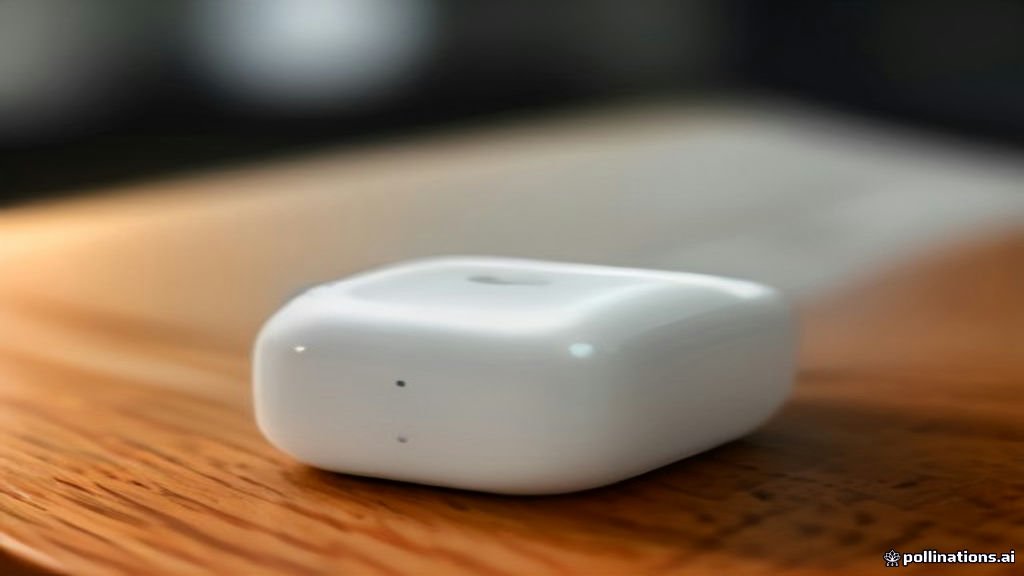
Your AirPods case starts chirping because of the built-in Find My features, low battery alerts, or charging confirmation sounds. In 2026, with the latest AirPods Pro and standard models, Apple has integrated more sophisticated speakers into the charging cases to help you locate them, but these sensors can sometimes trigger at inconvenient times.
Understanding the Find My Stalking Alerts
Disabling Charging Case Sounds in Settings
Low Battery and Power State Warnings
If your AirPods case is chirping intermittently even when it isn't being moved, it is likely a low-battery warning. When the charging case drops below a 5% or 10% charge level, it may emit a sequence of tones to alert you that it no longer has enough power to charge the earbuds inside. This is a proactive measure to prevent you from leaving the house with dead earbuds. Because the case has its own independent battery, it can remain active and chirping even if the earbuds themselves are at 100%.
To fix this, simply plug your case into a verified power source. In 2026, most users are using high-wattage USB-C chargers or Qi2 wireless pads. Ensure that the status light on the front of the case glows amber (charging) or green (fully charged). If the chirping continues while plugged in, it might indicate that the case is not receiving a steady current. Check the charging port for lint or debris using a non-metallic toothpick. A clogged port can cause the connection to cycle on and off rapidly, leading to a repetitive 'loop' of charging chirps.
Managing Notify When Left Behind Alerts
Resolving Software Glitches with a Hard Reset
Sometimes the internal firmware of the AirPods case becomes 'stuck' in a notification loop, causing it to chirp for no apparent reason. This is often a software bug that can occur after a botched background firmware update. Since AirPods do not have a traditional screen or 'off' switch, a hard reset is the only way to clear the cache and restart the internal controller. This will not delete your data, but it will require you to re-pair the AirPods to your devices.
To perform a reset: Place both AirPods in the charging case and keep the lid open. Locate the small setup button on the back of the case. Press and hold this button for approximately 15 seconds. Watch the status light on the front (or inside the lid, depending on your model); it will flash amber, then eventually turn white. Once the light flashes white, the reset is complete. Bring the case close to your iPhone and follow the on-screen prompts to pair them again. This usually clears any phantom 'Find My' pings that were causing the chirping.
Checking for Hardware Faults and Moisture
If none of the software solutions work, your AirPods case might be chirping due to hardware failure or environmental factors. Moisture is a common enemy; if sweat or water enters the charging port or the internal circuitry of the case, it can cause a short circuit that triggers the speaker. Similarly, if the case has been dropped, the internal accelerometer might be damaged, leading it to believe it is constantly being moved or 'stolen,' which triggers the stalking alert sounds.
Inspect the case for any signs of physical damage or corrosion inside the bud wells. If you suspect liquid damage, do not plug the case into a charger. Instead, leave it in a dry area with the lid open for 48 hours. If the chirping persists after a full drying period and a factory reset, the internal speaker module or logic board may be faulty. In this situation, since AirPods are not user-serviceable, your best course of action is to visit an Apple Store or an authorized service provider to check your warranty status, as this likely requires a hardware replacement.
The bottom line
An AirPods case chirping is rarely a sign of a broken device; it is usually just the hardware trying to communicate its status or location. By adjusting your Find My settings, disabling charging sounds, and keeping the battery topped up, you can maintain a silent and functional experience. If the problem persists after a reset, a quick trip to tech support will usually resolve any deeper hardware issues.
Frequently asked questions
Can I turn off the chirping sound permanently?
Yes, for charging sounds, you can go to Bluetooth settings and toggle off 'Enable Charging Case Sounds.' However, stalking alerts (Find My sounds) can only be paused or managed by setting trusted locations in the Find My app for safety reasons.
Why does my case chirp when I pick it up?
This is likely the 'Find My' movement alert. If the case thinks it is separated from its owner, it chirps when moved to alert anyone nearby. Ensure your iPhone Bluetooth is on and the AirPods are linked to your Apple ID.
Does the AirPods case chirp when the battery is low?
Yes, many newer models of AirPods cases will emit a subtle chime when the battery level is critically low to remind you to charge the device before it dies completely.
Will resetting my AirPods stop the random beeping?
Often, yes. A hard reset (holding the back button for 15 seconds until the light flashes amber then white) clears software glitches that might be causing the speaker to trigger incorrectly.