Gmail vs Apple Mail: Which Email Service Is Better in 2026?
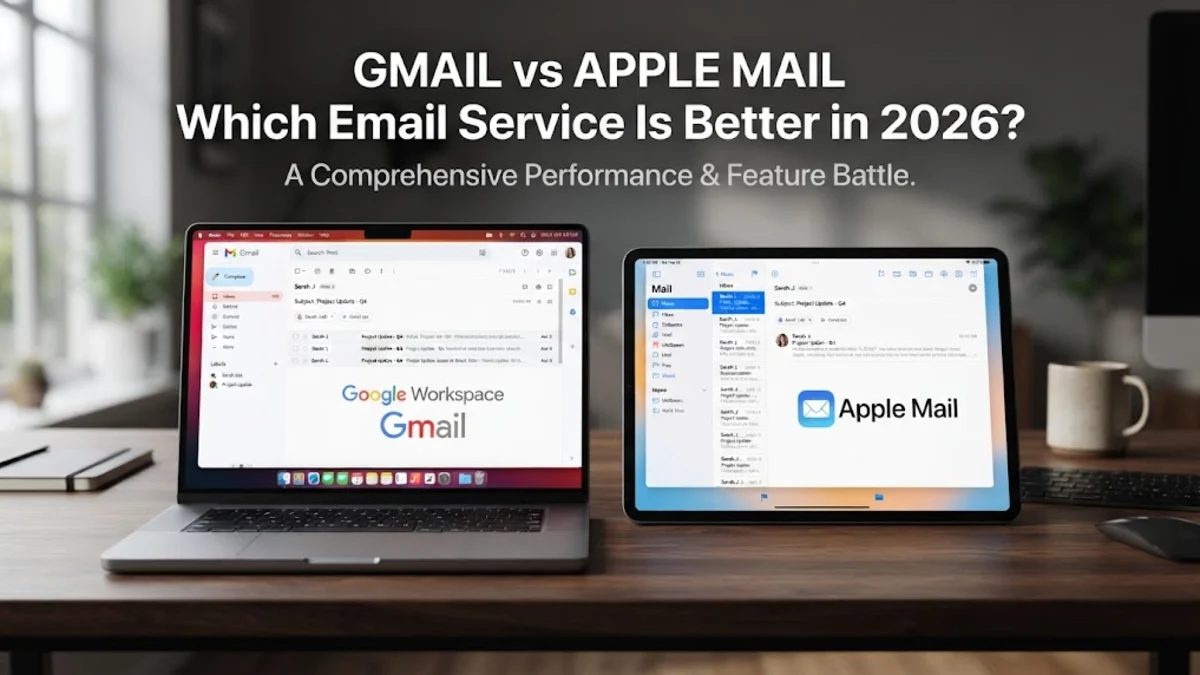
Choosing between Gmail and Apple Mail in 2026 depends entirely on your priority: are you looking for the smartest cloud-based features or the most secure, integrated native experience? While Gmail remains the king of cross-platform accessibility and powerful search, Apple Mail has evolved into a privacy-first powerhouse with deep system-level integration for iPhone, iPad, and Mac users. In this comparison, we break down how these two giants perform in the current landscape of AI-driven communication and cloud storage. If you find yourself struggling to manage a cluttered inbox or worrying about how your data is being used for advertising, the choice between Gmail and Apple Mail has never been more significant. Both services have introduced revolutionary changes this year, particularly in how they handle automated drafting and security protocols. This guide will help you navigate the technical differences and workflow advantages of each platform to determine which one deserves to be your primary communication hub.
User Interface and Organization: Labels vs Folders
Apple Mail, on the other hand, sticks to a traditional folder-based hierarchy. While you can move emails into specific folders, a message can generally only exist in one place at a time. However, Apple Mail compensates for this with Smart Mailboxes. These are virtual views that use specific criteria (like sender, date, or presence of attachments) to aggregate emails regardless of which folder they reside in. For users who prefer a clean, native macOS or iOS aesthetic, Apple Mail offers a more streamlined look that matches the operating system’s design language. It feels less like a webpage and more like a core part of your device’s hardware.
Search Performance and Filtering Capabilities
Apple Mail relies on Spotlight indexing for its search functionality. While it is very fast on modern Apple Silicon Macs and iPhones, it can sometimes struggle if the local index becomes corrupted or if you are searching through multiple accounts simultaneously. Apple has improved this significantly in the latest versions of macOS and iOS, introducing Search Suggestions that predict what you are looking for before you finish typing. However, it still lacks the deep semantic understanding that Google’s cloud-based processing provides. If your workflow involves constant searching through massive archives, Gmail’s server-side speed offers a distinct technical advantage over Apple Mail’s local-first approach.
Privacy and Data Security Standards
Gmail, being a product of an advertising-focused company, has a different relationship with data. While Google no longer scans the content of your emails to serve ads, it still collects metadata about your interactions to improve its services and profile your interests. However, Gmail’s security infrastructure is world-class. Its spam and phishing filters are widely considered the best in the industry, blocking millions of malicious attempts every minute. Gmail also offers Confidential Mode, which allows you to set expiration dates for sensitive messages and prevent recipients from forwarding or printing them. For users who want maximum anonymity from the platform itself, Apple Mail is the preferred choice; for those who want the best protection against external hackers and spam, Gmail’s aggressive filtering is hard to beat.
AI Integration: Gemini vs Apple Intelligence
Apple Mail counterattacks with Apple Intelligence, which focuses on on-device processing to maintain privacy. Apple’s AI provides Priority Notifications, which bubble the most important emails to the top of your stack based on your personal habits. It also offers Smart Replies and Summarization, but it does so while keeping your data on your device whenever possible. While Apple’s AI may feel slightly less 'creative' in drafting long-form content compared to Gemini, it excels at productivity-focused tasks like automatically adding calendar events from emails or identifying a phone number in a signature. The choice here is between the sheer generative power of Google’s cloud and the privacy-centric, utility-focused AI of Apple.
Storage Limits and Ecosystem Integration
Apple Mail uses iCloud for storage. The free tier is a meager 5GB, which is shared across device backups, photos, and mail. Most Apple users will quickly find they need to upgrade to an iCloud+ plan. However, the ecosystem benefits are enormous for those with multiple Apple devices. Handoff allows you to start writing an email on your iPhone and finish it on your Mac instantly. Universal Clipboard lets you copy a tracking number on your iPad and paste it into a search in Apple Mail on your Mac. If you use a PC or an Android phone alongside your Mac, Apple Mail becomes much less convenient, as there is no native app for non-Apple platforms, forcing you to use the less-featured iCloud web interface.
Customization and Third-Party Extensions
Apple Mail is more restricted but supports Mail Extensions on macOS. These allow for features like 'Send Later' or 'Remind Me,' although many of these features are now natively built into the app. Apple Mail’s customization is primarily focused on the toolbar and the layout of the preview pane. It doesn't offer the same level of third-party 'app-within-an-app' integration that Gmail does. However, Apple Mail’s support for multiple accounts is superior in terms of organization; you can view a Unified Inbox for five different accounts (Gmail, Outlook, Yahoo, etc.) more elegantly than you can within the Gmail app itself. If you manage several disparate email identities, Apple Mail provides a more cohesive 'all-in-one' experience.
The bottom line
In 2026, the Gmail vs Apple Mail debate comes down to your digital lifestyle. If you value powerful AI tools, world-class search, and the ability to access your mail from any device, Gmail is the superior platform. However, if you are deeply embedded in the Apple ecosystem and prioritize your privacy above all else, Apple Mail’s native features and on-device intelligence make it a more secure and seamless choice. Most users will find that using the Gmail service inside the Apple Mail client offers a 'best of both worlds' compromise, though you will miss out on Google's specific Gemini AI features by doing so.
Frequently asked questions
Can I use my Gmail account inside the Apple Mail app?
Yes, Apple Mail supports Gmail accounts via IMAP. Simply go to **Settings** > **Mail** > **Accounts** > **Add Account** and select **Google**. This allows you to use Apple’s interface with your Google data.
Which email service is more secure against hackers?
Both are highly secure, but Gmail has a slight edge in proactive threat detection and spam filtering due to its massive scale. However, Apple Mail is superior for privacy, as it prevents senders from tracking your activity through pixels.
Is there an Apple Mail app for Android or Windows?
No, Apple Mail is exclusive to Apple hardware (iOS, iPadOS, and macOS). On Windows or Android, you would need to use the iCloud website or a third-party email client to access your @icloud.com email.
Does Gmail's AI (Gemini) cost extra?
Basic Gemini features are included in free Gmail accounts, but advanced capabilities, such as more complex drafting and integration with other Workspace apps, may require a Google One AI Premium subscription.
Can I undo a sent email on both platforms?
Yes, both Gmail and Apple Mail support an 'Undo Send' feature. In Gmail, you can customize the delay up to 30 seconds. In Apple Mail, the default is 10 seconds, but it can be adjusted in the app settings.