iCloud vs Google Photos: Which Is Best for Your iPhone?
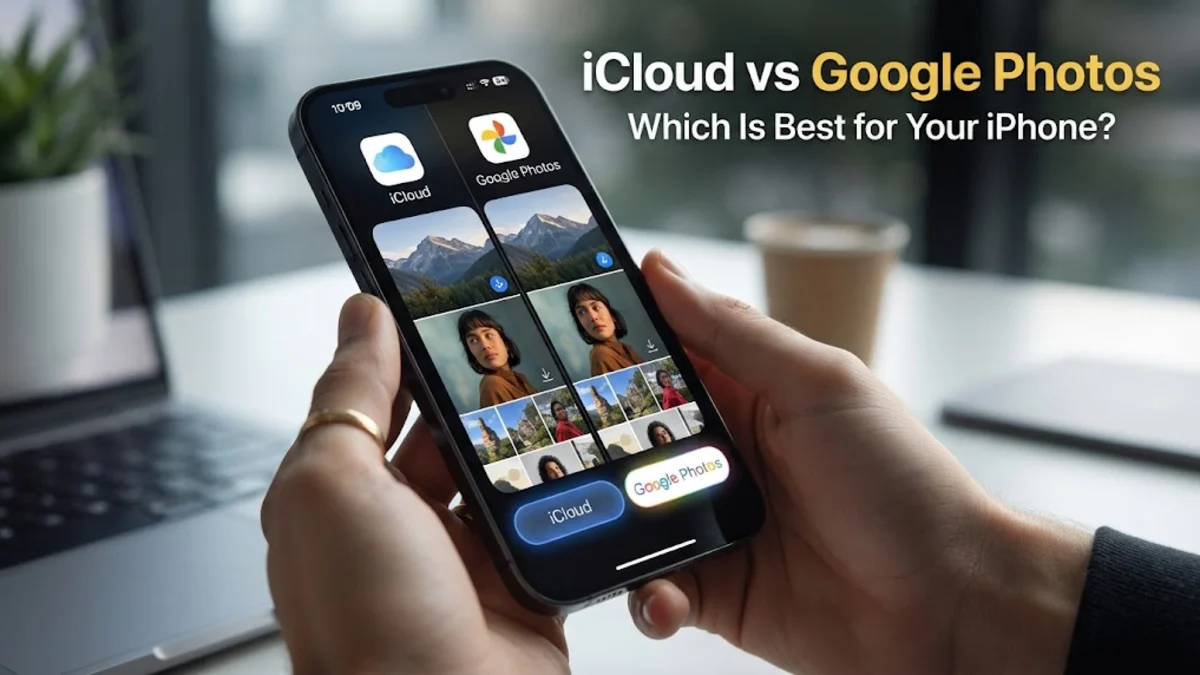
Deciding between iCloud vs Google Photos is one of the most important choices you will make when setting up your iPhone in 2026. While both services provide reliable cloud storage for your memories, they cater to very different types of users. iCloud is designed as a seamless extension of your iPhone's hardware, while Google Photos acts as a powerful, intelligent layer that prioritizes search and cross-platform flexibility. This comparison will break down the storage costs, AI features, and privacy protections of both to help you decide. For most users, the choice depends on whether you value deep system integration or advanced AI-driven organization. If you are deeply embedded in the Apple ecosystem, iCloud offers a friction-free experience that Google simply cannot match on iOS. However, if you use a mix of devices or want the most powerful photo-editing tools available today, Google Photos remains a formidable competitor.
System Integration and Ease of Use
Storage Tiers and Monthly Value
The cost of storage is often the deciding factor for many users. As we move through 2026, Apple continues to offer a base tier of 5GB for free. This is notoriously small and will likely be filled within a few weeks by device backups and high-resolution videos. Google Photos is more generous, offering 15GB of free storage to every user. However, keep in mind that this 15GB is shared across your Gmail and Google Drive, so it may disappear faster than you expect. When it comes to paid plans, both services are priced competitively. Most regions offer a 200GB plan for approximately $2.99 per month and a 2TB plan for $9.99 per month. Google offers a mid-tier 100GB plan for $1.99 which is an excellent 'sweet spot' for casual users. Apple counters this with its Apple One bundles. If you already subscribe to Apple Music or Apple TV+, bundling your iCloud storage can significantly lower your total monthly tech spend. For users who need massive amounts of storage, such as professional photographers, both platforms now offer 6TB and 12TB tiers, though these are premium options that cost significantly more each month.
AI Search and Organization Capabilities
Google Photos has long been the leader in AI-driven search, and in 2026, its 'Ask Photos' feature powered by Gemini models is revolutionary. You can search your library using natural language queries like 'find the photo of the blue cake from my birthday' or 'show me the best photos of my dog at the park.' Google's ability to recognize faces, objects, and even specific locations without manual tagging is incredibly accurate. It also automatically creates themed movies, stylized photos, and 'Best Take' compositions that combine multiple group shots into one perfect image. Apple has made massive strides with its own AI, known as Apple Intelligence. The Photos app now features a 'Clean Up' tool that rivals Google's Magic Eraser, allowing you to remove distracting objects from the background of your shots with a single tap. Apple's search has also improved, allowing for complex queries, though it still feels slightly more rigid than Google's conversational AI. The main difference lies in processing: Apple performs most of its AI indexing on your device to protect your privacy, whereas Google uses its powerful cloud servers. This means Google's search is often faster and more comprehensive, but it requires your data to be processed in the cloud.
Privacy and Data Security
Editing Tools and Creative Features
Both platforms have moved beyond simple cropping and color correction, offering desktop-class editing tools on your iPhone. Google Photos features the 'Magic Editor,' which allows you to move subjects around within a frame, change the color of the sky, or expand the edges of a photo using generative AI. These tools are incredibly powerful and easy to use, even for those with no editing experience. Google also offers 'Unblur,' which can rescue older, blurry photos from your archives using AI reconstruction. Apple's editing suite in the Photos app is more focused on photographic integrity. While the 'Clean Up' tool handles object removal, the rest of the suite is designed for precise control over light, shadows, and color. In 2026, Apple has integrated more generative features that allow you to create 'Memories' movies based on a text prompt, but the actual photo manipulation tools remain more conservative than Google's. Apple's 'Live Photos' feature is also more deeply integrated into the system, allowing you to change the 'Key Photo' or turn a long exposure into a beautiful blurred-water effect without leaving the native gallery. If you want to radically alter your photos with AI, Google is better; if you want to enhance the natural beauty of your shots, Apple is sufficient.
Cross-Platform Accessibility
If you live in a multi-platform household where you use an iPhone but work on a Windows PC or occasionally use an Android tablet, Google Photos is much easier to manage. Google Photos has a world-class web interface and native apps for every major operating system. Accessing your library on a Windows machine is as simple as going to photos.google.com in any browser. All your albums, face groupings, and edits are instantly available and look identical to how they appear on your phone. Apple has historically struggled with cross-platform support. While there is an iCloud for Windows app, it has often been criticized for being slow and prone to sync errors. The web version of iCloud Photos is functional but lacks the speed and feature set of the Google equivalent. However, if you are a Mac user, the experience is reversed. The macOS Photos app is a powerful tool that mirrors the iPhone experience perfectly. For those who anticipate switching to Android in the future, starting your library in Google Photos now will save you a massive headache later, as moving a 2TB library from iCloud to Google is a time-consuming process that often results in lost metadata.
Shared Libraries and Collaboration
The bottom line
Ultimately, the choice between iCloud vs Google Photos comes down to your ecosystem loyalty and your privacy preferences. If you own multiple Apple devices and want a seamless, high-privacy solution that requires zero configuration, iCloud is the best choice for you. Its integration with the iOS operating system ensures your photos are always available and your storage is managed automatically. On the other hand, if you value the world's best AI search capabilities, want the freedom to use any device, and enjoy experimental editing tools, Google Photos is the superior service. You can even use both simultaneously—using iCloud for your immediate system backups and Google Photos as a searchable, long-term archive.
Frequently asked questions
Can I use both iCloud and Google Photos on my iPhone?
Yes, you can run both apps at the same time. Many users use iCloud to keep their photos synced across their Apple devices while using Google Photos as a secondary backup and for its superior search features. Just be aware that this will use more battery and data as your phone has to upload every photo twice.
Does Google Photos delete photos from iCloud?
No. If you delete a photo within the Google Photos app, it will usually ask if you want to delete the local copy from your iPhone. If you say yes, it will be removed from your device and consequently from iCloud. However, the apps do not communicate directly with each other's cloud storage.
Which service is better for high-quality video?
iCloud is generally better for iPhone video because it supports all of Apple's proprietary formats like ProRes and HDR without conversion issues. While Google Photos can store these files, it may struggle with playback of certain high-bitrate Apple formats in the web browser.
How do I move my photos from Google Photos to iCloud?
You can use the Google Takeout service to download your entire library, but the most efficient way in 2026 is to use the 'Transfer a copy of your data' tool found in Google's privacy settings, which can send photos directly to iCloud without you needing to download them to a computer first.
Is 50GB of iCloud storage enough for 2026?
For a casual user who only takes a few photos a week and doesn't shoot much video, 50GB can last a year or two. However, with the increasing size of 48MP photos and 4K video files, most users will find they outgrow the 50GB plan quickly and will eventually need the 200GB tier.