Google Sheets vs Numbers: Which Spreadsheet App Is Best in 2026?
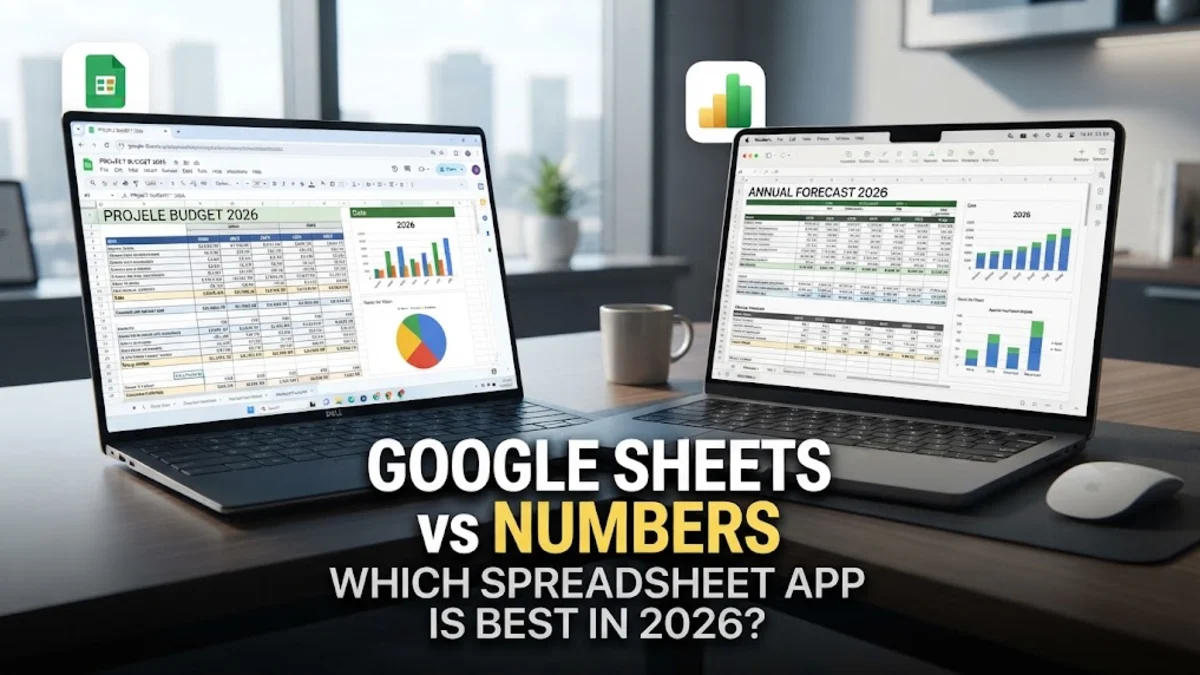
When deciding between Google Sheets and Numbers, the right choice depends heavily on your collaboration needs, device ecosystem, and data complexity. Google Sheets offers unmatched cross-platform compatibility and real-time web collaboration, while Apple Numbers shines with visually stunning templates and smooth performance on macOS and iOS.
Understanding the Core Philosophy of Both Apps
Google Sheets and Apple Numbers approach spreadsheet management from completely different angles, reflecting the corporate philosophies of their respective creators. Google Sheets is built from the ground up as a cloud-native application, meaning it lives primarily inside your web browser and prioritizes accessibility across any device with an internet connection. Whether you are using a Windows PC, a Chromebook, an Android phone, or a Mac, Google Sheets delivers an identical core experience without requiring installation. On the other hand, Apple Numbers is designed as part of the Apple iWork productivity suite, tailored specifically for Mac, iPad, and iPhone users. Numbers treats the canvas differently than traditional grid-based spreadsheet programs, allowing users to place multiple independent tables, charts, and text boxes onto a free-form canvas page rather than forcing everything into one giant continuous grid. This design makes Numbers exceptional for creating polished financial reports, event planners, and personal budgets that look like professional graphic design projects rather than dense mathematical documents. Understanding this fundamental difference helps clarify why web-first teams lean toward Google, while creative professionals and individual Apple users often prefer the flexibility and aesthetic polish of Numbers.
Collaboration and Real-Time Multi-User Editing
When it comes to working with other people on the same document, Google Sheets is the undisputed industry leader. Because it was born in the cloud, Google Sheets allows dozens of users to open, edit, and comment on a single spreadsheet simultaneously in real time. You can see exact cursor locations, watch cell updates instantly, track revision history down to the specific minute, and chat with co-workers inside the sidebar without missing a beat. Sharing files is as simple as sending a link with customizable permission levels, ranging from view-only access to full editing rights. Apple Numbers has made significant strides in recent years by leveraging iCloud for collaborative sharing, allowing multiple people to edit a spreadsheet together from their Apple devices or via the iCloud web interface. However, the multi-user experience in Numbers is not quite as seamless or robust as Google Sheets, especially when collaborating across mixed operating systems like Windows and macOS. If your daily workflow involves sharing live budgets with external clients, remote team members, or people using diverse hardware platforms, Google Sheets prevents the friction and formatting compatibility issues that often arise when forcing non-Apple users onto iCloud links.
Formulas, Functions, and Advanced Data Analysis
For heavy data processing, financial modeling, and complex automation, Google Sheets provides a deeper and more powerful toolset than Apple Numbers. Google Sheets supports an extensive library of advanced formulas, robust array functions, and native integration with Google Apps Script for building custom macros and automated workflows. Furthermore, Google Sheets handles massive datasets containing tens of thousands of rows with reliable cloud-backed performance, making it suitable for enterprise data analysis, inventory tracking, and complex dashboard creation. Apple Numbers is well-equipped for everyday calculations, standard financial formulas, and basic statistics, but it tends to slow down significantly when dealing with extremely large datasets. Instead of putting all data into one massive table, Numbers encourages breaking information down into smaller, manageable tables on separate sheets or canvas pages. While this approach keeps personal budgets and project trackers clean and readable, it can complicate advanced data querying, lookups, and relational database management. Power users who rely heavily on complex pivot tables, data validation rules, and third-party API integrations will find Google Sheets to be the vastly superior tool for rigorous analytical work.
Templates, Visual Design, and Formatting Options
If visual presentation and professional aesthetic appeal are your primary priorities, Apple Numbers easily outperforms Google Sheets out of the box. Apple provides an exquisite collection of professionally designed templates that feature gorgeous typography, elegant color palettes, and modern layouts for everything from travel itineraries to project timelines. Because Numbers uses a canvas-based layout, you can freely mix tables, charts, images, and shapes on the same page without awkward grid constraints, allowing you to build visually striking reports that look ready for print or presentation. Google Sheets has improved its template gallery and formatting options over the years, offering clean conditional formatting, alternating colors, and standard charts, but it remains fundamentally tied to the traditional spreadsheet grid. While you can customize Google Sheets to look clean and professional, achieving the same level of typographic elegance and visual polish as a default Apple Numbers template requires considerably more manual design effort and formatting adjustments.
Platform Availability and Ecosystem Integration
Ecosystem integration is often the decisive factor when choosing between these two applications. Google Sheets is entirely cross-platform, running smoothly inside any modern web browser on Windows, macOS, Linux, and ChromeOS, alongside dedicated mobile apps for Android and iOS. This universal accessibility ensures you can access, edit, and share your spreadsheets from literally anywhere without worrying about compatibility barriers or file conversions. Apple Numbers is free on all Apple devices, including Mac, iPad, and iPhone, and integrates deeply with iCloud, AirDrop, and macOS system features. However, Numbers is not available as a native desktop application for Windows or Android users, though Windows users can access a web-only version through iCloud.com. If your personal or professional digital life is firmly planted in the Apple ecosystem, Numbers offers a frictionless, responsive experience with tight integration across your devices. Conversely, if you work across multiple operating systems or collaborate frequently with Windows-centric teams, Google Sheets eliminates compatibility hurdles entirely.
Feature Comparison Table and Final Verdict
| Feature | Google Sheets | Apple Numbers |
|---|---|---|
| Primary Platform | Web-based, Cross-platform | macOS, iOS, Web via iCloud |
| Collaboration | Real-time, multi-user | Supported via iCloud |
| Layout Style | Traditional continuous grid | Free-form canvas and tables |
| Max Dataset Size | Handles large datasets well | Best with smaller, modular tables |
| Cost | Free (Google Account) | Free on Apple devices |
The bottom line
Choosing between Google Sheets and Numbers comes down to your operating system and collaboration needs. Use Google Sheets for multi-platform teamwork and advanced data work, and choose Numbers for beautiful personal finance and Mac-based reporting.
Frequently asked questions
Can I open an Apple Numbers file in Google Sheets?
Not directly. You must first export the Numbers file into an Excel (.xlsx) or CSV format from your Mac or iOS device, and then upload that file into Google Sheets.
Is Google Sheets completely free to use?
Yes, Google Sheets is free for anyone with a standard Google account. Businesses and schools can also access enhanced enterprise features through paid Google Workspace plans.
Can I use Apple Numbers on a Windows PC?
Apple Numbers does not offer a native Windows desktop app, but Windows users can access and edit Numbers spreadsheets through a web browser by logging into iCloud.com.
Which application is better for handling large datasets?
Google Sheets handles large datasets and high row counts much more reliably than Apple Numbers, which is optimized for smaller, modular tables on individual canvas pages.
Does Apple Numbers require an internet connection?
No, Apple Numbers is installed locally on your Mac, iPad, or iPhone, allowing you to create and edit spreadsheets offline before syncing changes via iCloud later.