Can You Get Scammed by Text? How to Protect Yourself
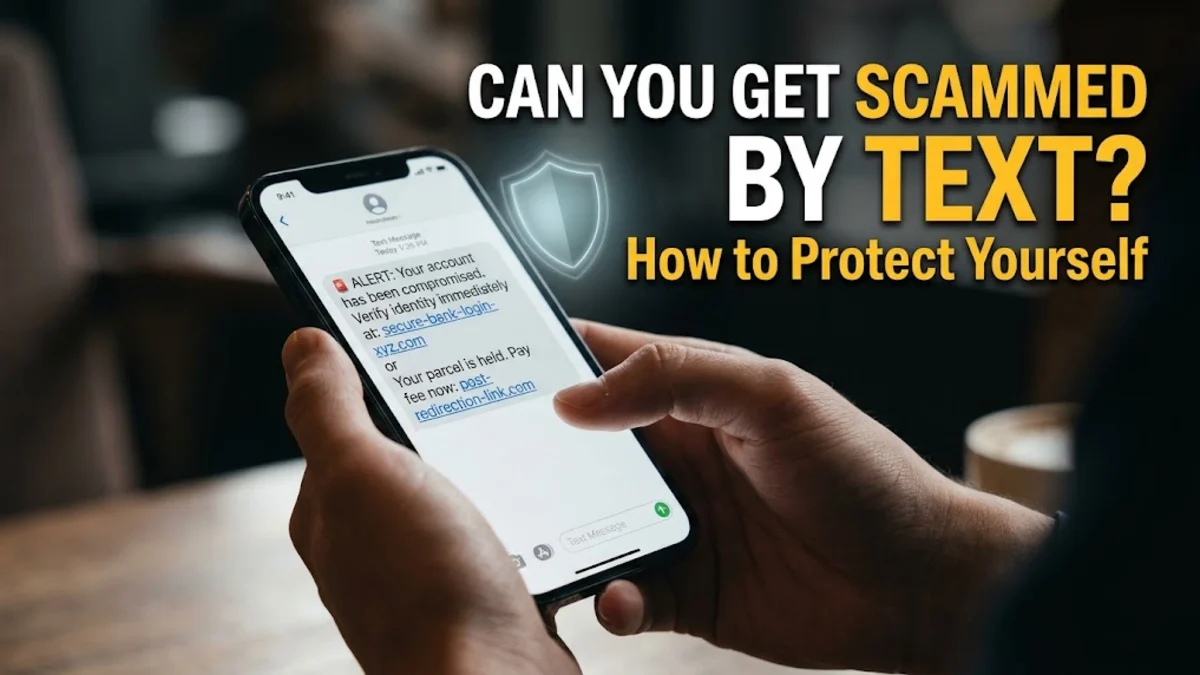
Yes, you can absolutely get scammed by text. Text message scams, formally known as smishing (SMS phishing), are among the fastest-growing attack vectors used by cybercriminals worldwide. Because text messages have remarkably high open rates compared to email, scammers rely on mobile messaging to bypass traditional network firewalls and trick you into handing over credentials, banking details, or money.
Modern text scams rarely look like crude spam. Criminals spoof legitimate contact names, hijack active conversation threads, and simulate urgent account notifications from couriers, banks, toll authorities, and government agencies. Understanding how smishing works, what happens if you interact with a message, and the exact steps to protect your device will keep your personal information and financial accounts secure.
How Text Message Scams Operate Behind the Scenes
Smishing attacks rely on social engineering paired with telecom manipulation. Scammers utilize automated software known as SMS blasters or illicit internet-to-text gateways to transmit thousands of messages per minute. In many instances, attackers employ sender ID spoofing, a protocol loophole that lets them replace their actual phone number with an alphanumeric name, such as your bank or a postal courier. When this happens, your smartphone operating system may automatically file the fraudulent message inside a legitimate message thread you already have with that provider.
The goal of nearly every scam text falls into one of three categories: credential harvesting, malware delivery, or direct financial theft. The attacker manufactures artificial urgency or fear—such as claiming your debit card has been suspended, an unpaid motorway toll is racking up late fees, or a critical package cannot be delivered. By creating an emotional trigger, they attempt to rush you into reacting before your critical reasoning takes over.
The Most Common SMS Scams to Watch Out For
While text scams evolve constantly, most attacks cycle through several proven templates designed to manipulate daily habits. Scammers tailor these messages to regional services, targeting carriers and government bodies in Australia, the United States, the United Kingdom, and Canada.
| Scam Category | Common Pretext | Primary Goal |
|---|---|---|
| Delivery notifications | Failed package delivery, unpaid customs fees, missing address info | Harvest credit card details via spoofed courier portals |
| Toll road notices | Unpaid highway toll fees (such as Linkt, E-Toll, or SunPass) | Steal payment information before an alleged deadline |
| Bank security alerts | Suspicious login detected, unauthorized transaction, locked account | Steal online banking passwords and two-factor authentication codes |
| Impersonation of family | "Hi Mum" or "Hi Dad" claiming a broken phone and emergency | Convince victims to transfer emergency funds via bank app |
| Account verification | Unexpected two-factor codes or password reset confirmations | Trick victims into replying with one-time passwords (OTPs) |
Among these, toll road and delivery scams remain pervasive because millions of people regularly drive on tollways or wait for online orders. The messages almost always contain a shortened URL or an obfuscated link that mimics an official domain, redirecting you to an identical-looking login or payment page designed to harvest your data.
What Happens If You Open, Reply, or Click a Link?
Simply opening or reading an SMS on modern versions of iOS and Android will not infect your phone with malware or give attackers remote access. Modern mobile platforms run messaging apps within strict operating system sandboxes, preventing plain text from executing arbitrary code. However, the risk changes dramatically depending on how you interact with the message after viewing it.
If you reply to the message—even with the word "STOP"—you signal to the scammer's automated dialer that your phone number is active and monitored by a real person. As a result, your number gets marked as a high-value target on dark-web marketing lists, dramatically increasing the volume of future spam calls and text messages you receive.
If you click a link inside a scam text, you expose yourself to two primary threats:
- Phishing landing pages: You land on a clone of a legitimate corporate website (such as your bank, Australia Post, USPS, or Netflix) that prompts you to log in or enter card numbers. Any detail entered into these forms transmits directly to the criminal's server.
- Malicious payloads: On Android devices, suspicious links may attempt to download an unauthorized
.apkfile disguised as a security update or package tracking tool. On iOS, links might prompt the installation of an untrusted mobile device management (MDM) profile, giving an attacker administrative oversight over your device.
Red Flags That Expose a Fraudulent Text Message
Recognizing the indicators of a scam text message allows you to neutralize threats immediately without needing specialized software. Legitimate organizations adhere to strict messaging guidelines and rarely demand immediate administrative action through an unsolicited SMS.
- Urgent deadlines and threats: Scammers insist that you have 12 or 24 hours to pay an overdue fee, verify your identity, or prevent account closure. Legitimate companies give ample formal notice through account dashboards and official mail.
- Mismatched and shortened web addresses: Look closely at the domain. An official institution uses its primary domain name (such as
commbank.com.auorusps.com). Scammers use domains packed with hyphens, unusual extensions like.top,.xyz, or.live, or link shorteners to disguise the true destination. - Requests for one-time codes: No bank, tech provider, or telecommunications company will ever text or call asking you to provide a one-time verification password (OTP). These codes are meant solely for you to enter into secure, verified apps.
- Suspicious origin numbers: If a national agency or major corporation texts you from a standard 10-digit international or personal mobile number rather than a registered shortcode or authenticated business profile, treat it with extreme caution.
Immediate Steps to Take If You Fell for a Scam Text
If you clicked a suspicious link, typed in credentials, or transferred money, acting swiftly minimizes the damage. The first 30 minutes following an incident are critical to containing unauthorized account access and protecting your funds.
- Contact your bank or card issuer immediately: Call the fraud department using the emergency number printed on the back of your physical card, not any number provided in the text. Request a freeze or cancellation of any compromised cards and report unauthorized transfers.
- Change your passwords: From a clean, separate computer or secure browser, update the passwords for your email accounts, banking profiles, and any affected services. Ensure your new passwords are unique and at least 16 characters long.
- Revoke active sessions and reset 2FA: In your security settings for affected accounts, select the option to log out of all active devices. If you suspect an attacker bypassed SMS two-factor authentication, switch your authentication method to an authenticator app (such as Google Authenticator) or a hardware passkey.
- Audit your device for malicious software: On Android, open Settings > Apps > See all apps and remove any unfamiliar software installed recently. On an iPhone, navigate to Settings > General > VPN & Device Management and verify that no unapproved configuration profiles are present.
- Report the scam: Forward the scam message to your national reporting service. In Australia, report it to Scamwatch; in the US, forward the text to 7726 (SPAM) and report to the FTC; in the UK, forward to 7726 and notify Action Fraud.
How to Configure Built-In Scam Filters on iPhone and Android
Both Apple and Google have built robust, privacy-respecting spam filters directly into their mobile operating systems. Configuring these tools reduces the chances of an incoming scam text reaching your primary notification shade.
To activate spam filtering on an Android phone using the default Google Messages app:
- Open the Messages app.
- Tap your profile icon in the upper-right corner and select Messages settings.
- Scroll down and tap Spam protection.
- Toggle the switch next to Enable spam protection to the on position. This cross-references incoming messages against Google's global database of known malicious senders.
To filter unknown senders on an iPhone:
- Open the Settings app on your device.
- Scroll down and tap Apps > Messages (or directly Messages depending on your iOS version).
- Scroll to the Message Filtering section and tap Unknown & Spam.
- Turn on Filter Unknown Senders. This creates a dedicated tab in your Messages app for people not in your contacts list and suppresses their notifications.
The bottom line
You can certainly get scammed by text, but understanding the mechanisms behind smishing makes it straightforward to defend against. As a golden rule, treat every unexpected SMS that contains a link, requests personal information, or demands immediate payment as potentially fraudulent. When in doubt, never click a link inside a message; instead, open your browser or official mobile app independently to verify your account status directly with the service provider.
Frequently asked questions
Can your phone get hacked just by opening a text message?
No. Simply opening and viewing a standard SMS will not hack your phone or install malware. The danger comes from clicking malicious links inside the message, entering sensitive data on phishing web pages, or manually approving the download of untrusted application packages.
What happens if I accidentally click a link in a scam text?
If you click a link but do not enter any credentials, personal details, or financial numbers, your risk is relatively low. Close the browser tab immediately, clear your mobile browser's cookies and site cache, and ensure your phone's operating system is running the latest security patch.
Why did a scam text appear in the same thread as my real bank?
Scammers exploit sender ID spoofing, where telecom networks allow senders to display an alphanumeric name instead of a phone number. If a scammer labels their message with your bank's exact business name, your phone's operating system aggregates it into that existing chat thread.
Is replying 'STOP' to a spam text safe?
No. While legitimate marketing messages honor 'STOP' requests by law, scammers use automated systems that interpret your reply as proof that your phone number belongs to an active, responsive person. This results in your number being added to more attack lists.
Can scammers take money from my bank account just from my phone number?
No. A scammer cannot withdraw funds or access your bank balance with just your phone number. However, they can use your phone number to target you with smishing messages or attempt unauthorized SIM swaps to intercept incoming two-factor authentication codes.