How to Fix a Hacked Facebook Account
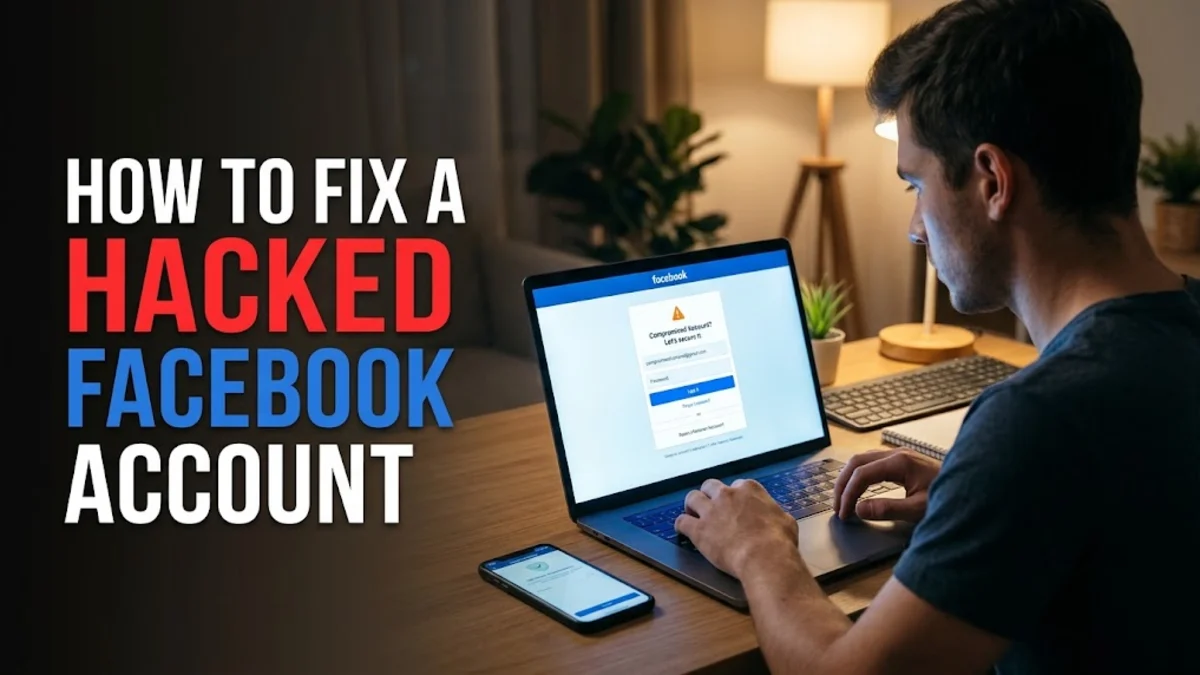
Discovering that unauthorized users have gained control of your social media profile can be stressful. If you need to fix a hacked facebook account, swift action is required to lock out intruders, recover your login credentials, and secure your personal information before further damage occurs.
This guide walks you through the exact recovery and security steps needed to regain full control of your profile, clear out rogue sessions, and implement robust defenses to prevent future security breaches.
Recognizing the Early Warning Signs of a Compromised Profile
Before attempting any recovery procedures, you must confirm the extent of the compromise. Common indicators that your profile has been breached include unauthorized posts appearing on your timeline, messages sent to your friends that you did not write, or alterations to your primary contact email and date of birth. In many cases, attackers will immediately change your account password and log you out of all active devices, preventing you from accessing the platform normally.
If you still have partial access, check your account activity log by navigating to Settings & privacy > Activity log. Look for login locations or device names that you do not recognize. Spotting these anomalies early helps you determine whether you are dealing with a simple password leak or a sophisticated takeover involving changed recovery options.
Utilizing the Official Facebook Hacked Recovery Tool
When your password has been altered and standard login methods fail, you should immediately visit the dedicated security recovery portal. Open your web browser and navigate to the official Facebook compromised account page at facebook.com/hacked. This system is designed specifically to help users prove their identity and regain access when their credentials have been stolen by malicious actors.
Once on the recovery page, click the button indicating that your account has been compromised. You will be prompted to enter your current or previous password. If the hacker has already changed it, entering your old password will trigger a verification pathway. Follow the on-screen prompts to identify your account using your associated phone number or email address, and prepare to receive a secure code to verify your identity.
Resetting Your Password and Securing Your Linked Email
After the system verifies your identity through a recovery code sent to your phone or backup email, you will be forced to create a completely new password. Choose a strong, unique combination containing upper and lower-case letters, numbers, and symbols. Never reuse passwords across multiple websites or online services, as credential stuffing attacks rely on leaked data from unrelated breaches to access your social media accounts.
Simultaneously, you must secure the email address linked to your profile. If an attacker managed to gain access to your email inbox, they could intercept future password reset links. Log into your email provider immediately, check your forwarding and filter settings to ensure no unauthorized rules were created, and update your email account password while enabling its own multi-factor authentication features.
Terminating Unauthorized Active Sessions and Devices
Merely changing your password does not automatically kick active intruders off your account immediately in every instance. You must manually review and terminate all ongoing login sessions across smartphones, tablets, and desktop computers. Go to Settings & privacy > Settings > Accounts Center > Password and security > Where you're logged in.
Review the list of connected devices and locations. If you spot an unfamiliar browser or geographic region, select the device and click the option to log it out. For maximum security, use the feature to select all sessions and log out everywhere at once. This forces any active hacker session to terminate instantly, requiring the new password for any subsequent access attempts.
Revoking Access to Rogue Third-Party Apps
Hackers frequently exploit third-party games, quizzes, and external websites connected to your profile to harvest data or post spam on your behalf long after you have changed your password. Clean up these lingering connections by heading to Settings & privacy > Settings > Apps and websites.
Carefully review the list of active, expired, and removed applications. Remove any app or website that you do not actively use or do not recognize. Restricting these permissions ensures that malicious third-party integrations cannot silently monitor your profile data or continue publishing unauthorized content to your news feed.
Enabling Advanced Two-Factor Authentication Security
To prevent future compromises, you must implement strong two-factor authentication (2FA) immediately after recovering your profile. Navigate to Settings & privacy > Settings > Accounts Center > Password and security > Two-factor authentication and select your primary profile.
Choose an authentication method that offers high security. Hardware security keys or standalone authenticator apps like Google Authenticator or Duo Security are significantly safer than SMS text message verification, which can be vulnerable to SIM swapping attacks. Once configured, any future login attempt from a new device will require both your password and a unique time-sensitive code.
The bottom line
Recovering a compromised profile requires prompt action and careful auditing of your security settings. By utilizing official recovery pathways, changing your credentials, clearing active sessions, and enabling two-factor authentication, you can effectively fix a hacked facebook account and safeguard your personal data moving forward.
Frequently asked questions
What should I do if the hacker changed my email and phone number?
Use the facebook.com/hacked portal and select the option stating you no longer have access to these items. Facebook will guide you through uploading an official photo ID to verify your identity and restore access.
How long does account recovery take?
If you can receive a code via your original phone number or email, recovery takes only a few minutes. If identity verification via photo ID is required, the review process can take anywhere from 24 to 48 hours.
Will my friends be notified if my account was hacked?
Facebook does not always automatically notify your contacts, so it is wise to warn your friends via alternative communication channels if the hacker has been sending malicious links or asking for money.
Can I recover deleted posts or messages after a hack?
Depending on how long the hacker had control, deleted content is often permanently removed from your active profile. However, you can check your activity log to review actions taken during the breach.
Why did my account get hacked in the first place?
Most hacks occur due to password reuse across breached websites, phishing scams, or clicking malicious links that install unauthorized browser extensions or malware.