Best Password Manager App in 2026
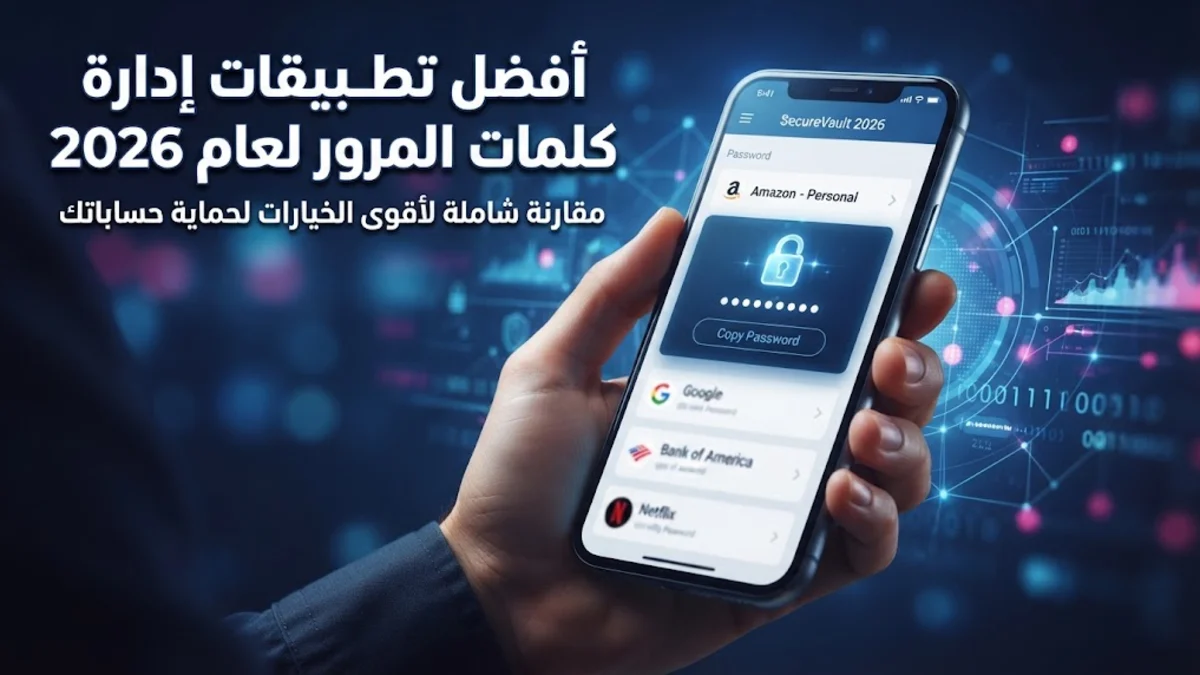
Finding the best password manager app is essential for protecting your online accounts from credential stuffing, phishing campaigns, and modern cyber threats. Instead of reusing the same weak password across multiple websites, a dedicated manager creates, remembers, and inputs complex credentials securely behind a single master password.
With numerous options available on the market today, selecting the right tool depends heavily on your specific device ecosystem, budget, and preference for cloud synchronization or advanced security auditing features.
Why You Need a Password Manager App
Modern cyber threats make remembering unique passwords for dozens of online services nearly impossible without digital assistance. People often resort to reusing simple phrases, birth dates, or writing them down on sticky notes near their monitors, which leaves sensitive financial, social, and professional accounts vulnerable to unauthorized access and automated credential stuffing attacks.
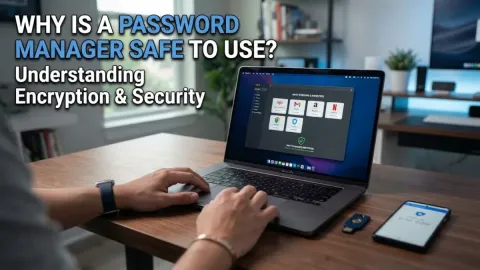
A reliable password manager app solves this problem by utilizing advanced encryption standards like AES-256 to lock your private vault securely. Once your vault is protected by a strong master password, the application automatically autofills your login details safely across web browsers and mobile apps without ever exposing the raw text data to malicious actors or third-party servers.
Key Features to Look For in an App
When evaluating different password manager applications, you should look far beyond basic storage capabilities and examine security architecture, cross-platform synchronization, and ease of use. Zero-knowledge encryption architecture is absolutely non-negotiable; this means the provider cannot see, store, or access your master password or unencrypted vault data under any circumstances, ensuring complete privacy.
Additionally, look for built-in multi-factor authentication generators, secure credential sharing features, and dark web monitoring tools that alert you immediately if your personal email or password appears in a known data breach. A clean user interface and reliable browser extensions will also make your daily authentication workflow much smoother across all your devices.
Top Password Manager Apps Compared
Different applications cater to varying user priorities, ranging from open-source transparency to polished multi-device ecosystem integration. Reviewing the core strengths of leading applications helps you decide which option aligns best with your daily computing habits and security requirements.
| Name | Primary Strength | Free Tier |
|---|---|---|
| Bitwarden | Open-source transparency and robust free tier | Available |
| 1Password | Polished user experience and vault separation | No (Trial available) |
| Dashlane | Built-in monitoring and web-first design | Limited free plan |
Bitwarden: The Best Open-Source Choice
Bitwarden stands out as a top recommendation for users seeking complete transparency, reliability, and a robust free tier without mandatory subscription fees. Because the core code is fully open-source and regularly audited by independent cybersecurity firms, you can trust that vulnerabilities are identified and patched rapidly by a global community of security developers.
The free version offers unlimited password storage across an unlimited number of devices, which is a rare and generous offering in the modern software landscape. If you want advanced features like encrypted file attachments, hardware security key support, and emergency access, upgrading to their affordable premium tier unlocks comprehensive tools for power users.
1Password: The Best for Seamless Integration
1Password is widely regarded as the premium gold standard for users who value design, convenience, and top-tier customer support across complex device networks. It organizes your digital life into secure vaults, making it exceptionally easy to separate personal credentials, family accounts, and sensitive business documentation into distinct categories.
The application handles biometric authentication smoothly on both mobile devices and desktop computers, allowing you to unlock your vault instantly using Face ID, Touch ID, or Windows Hello. Although it does not offer a permanent free tier, the paid subscription delivers exceptional value for families and power users who demand flawless browser integration and robust travel mode features.
Dashlane: Best for Built-In Security Extras
Dashlane offers a feature-rich experience tailored for users who want comprehensive security insights directly inside their password manager application. Beyond standard password storage and generation, it includes real-time dark web monitoring that continuously scans the web for compromised credentials tied to your email addresses.
The built-in password health dashboard assigns you a security score based on how many of your passwords are weak, reused, or old, making it easy to remediate vulnerabilities. While its free tier is restrictive in terms of device limits, the paid plans provide excellent value for users looking for an all-in-one privacy toolkit.
Security Best Practices for Your Vault
Simply installing a password manager is only the first step toward complete digital hygiene; you must also configure the application correctly to maintain optimal security. Creating a robust, memorable master password is critical because it acts as the primary defense protecting your entire digital identity from sophisticated cyber attacks.
You should also enable multi-factor authentication on your password manager account using a dedicated authenticator app or a physical hardware security key. Avoid SMS-based verification codes whenever possible, and regularly review your vault security dashboard within the app to update any reused or weak credentials flagged by the system.
The bottom line
Choosing the best password manager app drastically improves your digital security by eliminating weak and reused passwords once and for all. Evaluate your device ecosystem, test out available free tiers or trials, and start securing your online accounts today.
Frequently asked questions
Are password manager apps safe to use?
Yes, reputable password manager apps use zero-knowledge encryption, meaning your data is encrypted locally on your device before it ever reaches cloud servers.
What happens if I forget my master password?
Because of zero-knowledge architecture, providers cannot reset your master password. You must rely on your emergency kit, recovery code, or designated trusted contacts.
Can I use a password manager across different operating systems?
Most modern password managers offer cross-platform synchronization, allowing you to access your vault seamlessly across Windows, macOS, iOS, and Android devices.
Is it safe to store credit card details in a password manager?
Yes, encrypted vaults provide a secure space to store payment cards, identity documents, and secure notes alongside your standard login credentials.