Best Android Phone Camera 2026
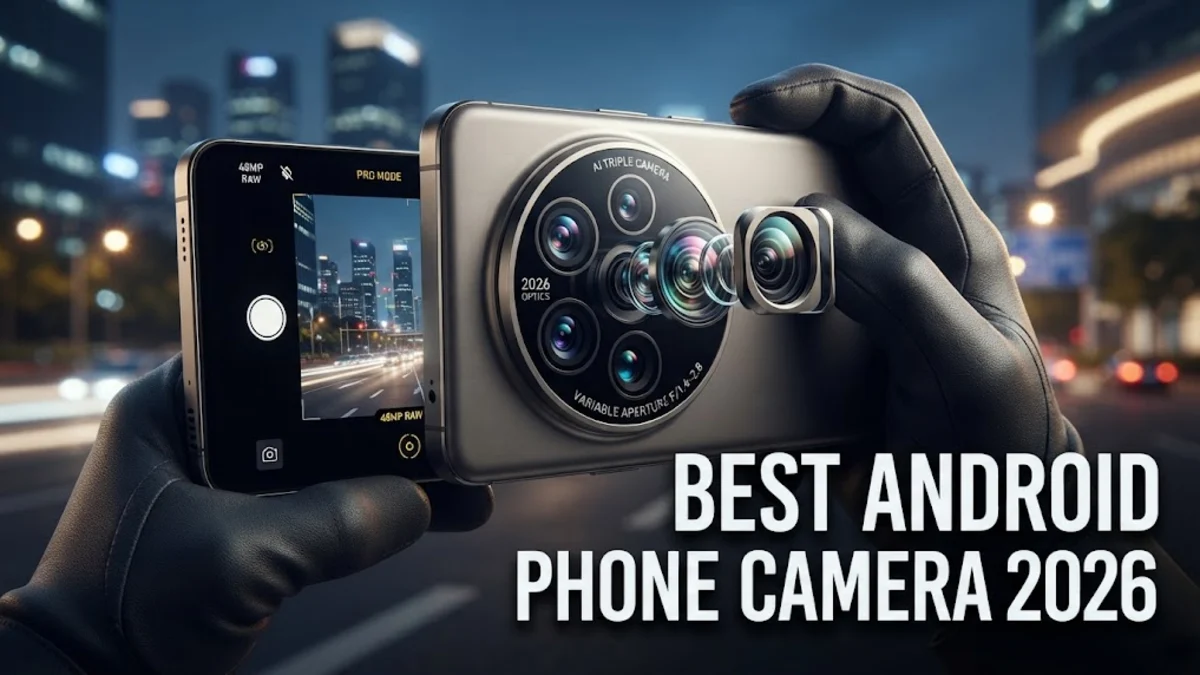
Finding the best Android phone camera in 2026 means looking beyond simple megapixel counts to evaluate sensor hardware, optical zoom range, and advanced computational processing. Modern flagship smartphones capture professional-grade photography right from your pocket, rivaling dedicated mirrorless cameras in everyday scenarios.
Whether you love taking crisp landscape shots, detailed macro photos, or smooth cinematic videos, today's top Android devices offer specialized lenses and AI-driven enhancements to ensure your memories are captured with stunning clarity and vibrant color accuracy.
What Makes a Great Smartphone Camera?
When evaluating the best Android phone camera options, sensor size remains one of the most critical hardware factors. Larger sensors physically capture more light, resulting in naturally shallower depth of field, reduced digital noise, and superior dynamic range in challenging lighting conditions. Manufacturers pair these massive sensors with high-quality optical glass and multi-prism periscope telephoto lenses to bridge the gap between pocket-sized convenience and professional reach.
Beyond raw hardware, modern computational photography plays an equally vital role. Instant multi-frame processing stacks several exposures together the moment you press the shutter button, balancing blown-out highlights in skies while lifting shadows in dark foregrounds. Advanced neural processing units handle real-time tone mapping, skin tone accuracy, and motion blur reduction, ensuring that even fast-moving subjects appear tack-sharp without requiring manual settings adjustments.
Samsung Galaxy S26 Ultra: The Zoom and Detail Powerhouse
The Samsung Galaxy S26 Ultra stands out as a premier choice for users who demand absolute versatility from their mobile photography setup. Equipped with a massive primary sensor and an upgraded dual-telephoto system, this device excels at capturing distant subjects with astonishing clarity. Samsung's refined processing philosophy focuses on rich contrast and vibrant saturation, making everyday snapshots immediately ready to share on social media without requiring heavy editing.
Low-light performance on the Galaxy S26 Ultra is powered by improved pixel-binning technology that merges adjacent pixels to gather maximum light in dark environments. Nightography mode activates automatically when ambient light drops below specific thresholds, cleaning up noise while preserving natural shadow details. Furthermore, the updated Expert RAW mode gives enthusiasts full control over exposure times, ISO levels, and uncompressed DNG files for deep post-processing flexibility.
Google Pixel 11 Pro: The Computational Photography King
Google continues to dominate the software side of mobile imaging with the Pixel 11 Pro, making it the top recommendation for point-and-shoot reliability. Instead of relying purely on massive physical lens assemblies, Google leverages custom Tensor processing and advanced machine learning algorithms to analyze every scene semantically. This means foliage, skin, textiles, and skies are individually recognized and processed with tailored color profiles to achieve stunningly natural results.
Features like Real Tone ensure that diverse skin tones are represented accurately across all lighting conditions, avoiding the washed-out or overly cool tones common in older smartphone cameras. Additionally, Google's suite of editing tools, powered by on-device generative AI, allows you to effortlessly remove distracting background objects, expand image borders, or unblur vintage family photos directly within the Google Photos app.
Comparing Top Android Camera Specifications
To help you compare the hardware offerings of the leading camera flagships on the market, the table below outlines the core camera specifications of the top contenders available to mobile photographers today.
| Device | Main Sensor | Ultrawide Sensor | Telephoto Zoom | Front Camera |
|---|---|---|---|---|
| Samsung Galaxy S26 Ultra | 200 MP f/1.7 | 50 MP f/2.2 | 5x & 3x Optical | 12 MP f/2.2 |
| Google Pixel 11 Pro | 50 MP f/1.68 | 48 MP f/1.7 | 5x Optical | 42 MP f/2.2 |
| OnePlus 14 Pro | 50 MP f/1.6 | 50 MP f/2.2 | 3x Optical | 32 MP f/2.4 |
As shown in the comparison, while sensor resolutions vary significantly between manufacturers, real-world image output depends heavily on how effectively the internal software pipeline interprets the raw data captured by each optical element.
Mastering Low-Light and Night Photography
Shooting in dark restaurants, city streets at night, or under starry skies used to yield grainy, unusable smartphone photos. Today's best Android cameras utilize sophisticated long-exposure stabilization techniques and multi-second stacking algorithms to turn dark scenes into clear, luminous images. When shooting in ultra-low light, hold your phone as steady as possible and allow the viewfinder indicator to complete its capture cycle before lowering your hands.
A common mistake in night photography is pointing the lens directly at glaring light sources like bright streetlamps, which can cause lens flare and reduce overall contrast. Instead, try tapping slightly away from the brightest light source to let the camera balance exposure more evenly across the frame. Utilizing built-in tripod detection modes on devices like the Galaxy S26 Ultra will also automatically extend exposure times for maximum detail capture.
Cinematic Video Recording and Stabilization
Modern Android flagships are no longer just for still photography; they are exceptionally powerful tools for mobile videography. Capable of recording in 4K at high frame rates with HDR10+ color profiles, these phones capture incredible dynamic range in high-contrast environments. Hybrid optical and electronic image stabilization works continuously in the background to smooth out footsteps and hand tremors, making handheld walking shots look like they were filmed with a motorized gimbal.
For professional-grade audio pairing, most top-tier Android phones support directional microphone recording, allowing you to isolate speech and minimize wind noise in outdoor settings. Switching to Pro Video mode lets you manually lock white balance, shutter speed, and focus pulls, giving independent filmmakers precise creative control over every shot without hauling heavy gear.
Choosing the Right Camera Phone for Your Style
Selecting the ideal device depends heavily on your personal photography preferences and daily habits. If you love capturing distant wildlife, architectural details, or sporting events, a phone with a powerful periscope zoom lens like the Samsung Galaxy S26 Ultra will serve you best. Its versatile focal lengths provide unmatched framing flexibility in diverse outdoor environments.
On the other hand, if you prefer capturing candid portraits of family and friends with minimal setup and editing required, a device emphasizing computational realism like the Google Pixel 11 Pro is likely the superior choice. Assess which shooting scenarios you encounter most frequently to ensure your investment matches your creative goals.
The bottom line
Choosing the best Android phone camera in 2026 comes down to prioritizing hardware zoom versus computational intelligence. By understanding your specific photography needs, you can select a smartphone that turns everyday moments into stunning visual masterpieces.
Frequently asked questions
Does higher megapixel count always mean better picture quality?
No. While high-resolution sensors capture immense detail, factors like physical sensor size, lens aperture, and software image processing play a much larger role in determining overall photo clarity and low-light performance.
Which Android phone has the best optical zoom?
Flagship devices equipped with dedicated periscope telephoto lenses, such as the Samsung Galaxy S26 Ultra, currently offer the best optical and hybrid zoom capabilities for capturing distant subjects clearly.
Can Android phones shoot in RAW format for editing?
Yes, most flagship Android phones include a Pro or RAW mode in their native camera apps that captures uncompressed image data for advanced editing in apps like Lightroom.
How can I keep my phone camera lenses clean for sharp photos?
Wipe your lenses regularly with a clean microfiber cloth. Fingerprints and smudges on smartphone glass scatter incoming light, causing hazy photos, blurry spots, and unwanted nighttime light flares.
Do I need a tripod for night photography on my phone?
While modern handheld stabilization is remarkably advanced, mounting your phone on a small tripod allows the camera to use longer shutter times for sharper, cleaner night photos with zero motion blur.