Best Router for Home in 2026: Top Picks Reviewed
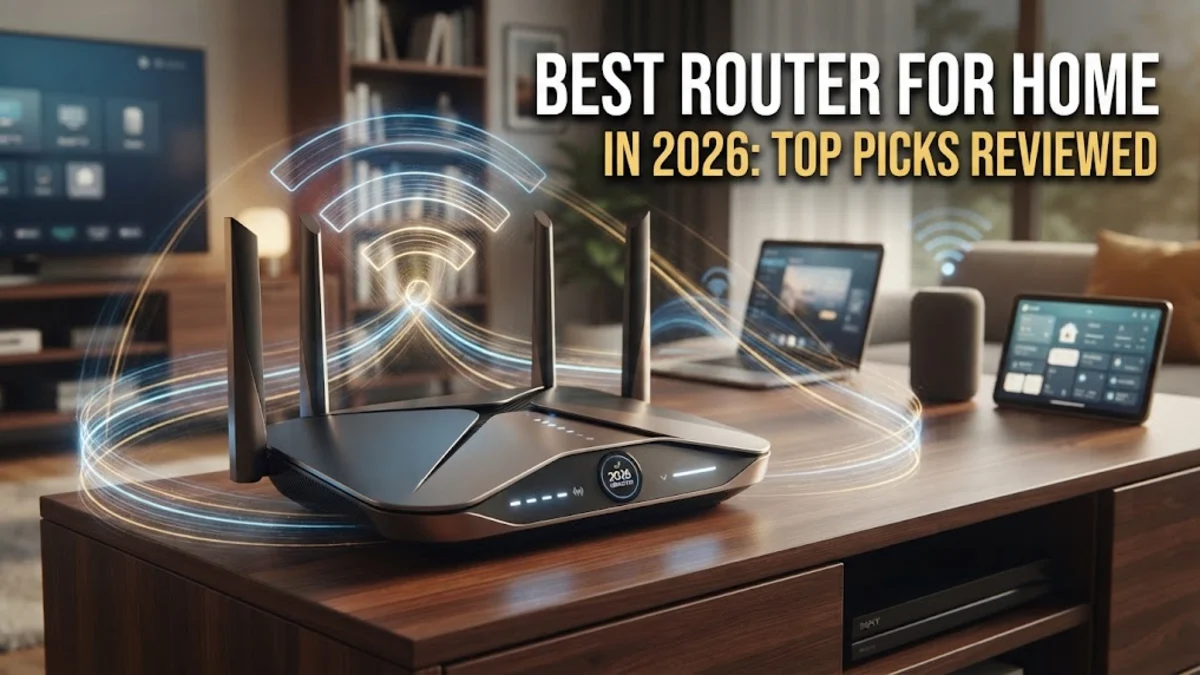
Finding the best router for home use depends heavily on your household size, internet plan, and connected devices. With modern 2026 streaming, gaming, and smart home demands, outdated hardware can bottleneck even the fastest fiber-optic connection.
Whether you need a robust mesh system to eliminate dead zones in a large multi-story house or a high-performance gaming router for low latency, choosing the right device ensures seamless coverage throughout every room.
Understanding Wi-Fi Standards
When shopping for the best router for home use, understanding current wireless standards is essential. In 2026, Wi-Fi 7 has become widely adopted, offering incredible multi-link operation and ultra-wide channels that drastically reduce latency and interference. If you have multiple devices streaming 4K video, handling heavy cloud backups, and participating in video calls simultaneously, a Wi-Fi 7 router delivers the bandwidth necessary to prevent congestion.
On the other hand, Wi-Fi 6E remains an exceptionally strong and more affordable alternative for many households. It utilizes the 6 GHz frequency band to provide clean, uncongested airwaves, provided your devices support it. Older standards like Wi-Fi 6 are still viable for basic internet plans under 300 Mbps, but investing in newer technology ensures your network remains future-proof for years to come.
Mesh Systems vs Standalone Routers
Deciding between a mesh Wi-Fi system and a traditional standalone router depends entirely on your home layout and square footage. Traditional routers broadcast a single powerful signal from one central location, which works wonderfully for apartments and smaller homes. However, thick concrete walls, multiple floors, and long hallways can severely degrade that signal before it reaches distant bedrooms or backyards.
Mesh systems solve this problem by utilizing a primary router paired with one or more satellite nodes placed strategically around the house. These nodes create a single unified wireless network name, allowing your phone or laptop to seamlessly roam from room to room without dropping connection or requiring manual switching. For homes larger than 2,000 square feet, a multi-node mesh system is almost always the superior choice.
Key Hardware Features to Look For
Beyond raw wireless speed, several hardware specifications dictate how well a router will perform under real-world conditions. Look for multi-gigabit Ethernet ports, specifically 2.5 Gbps or 10 Gbps WAN and LAN ports, if you subscribe to high-speed fiber internet packages. These wired connections ensure your gaming PC or desktop receives the absolute maximum speed your Internet Service Provider offers without throttling.
Security and processor power are equally critical. Modern routers feature multi-core processors and robust built-in security suites that scan for malware, manage parental controls, and encrypt traffic without slowing down throughput. Avoid models with outdated security protocols and prioritize devices offering automatic firmware updates to protect your connected smart home ecosystem from emerging digital threats.
Top Picks for Large Houses
For sprawling multi-story residences, high-end mesh systems dominate the market. Systems equipped with dedicated wireless backhaul channels ensure that communication between the main router and satellite nodes does not steal bandwidth from your actual devices. This means your smart TV, tablets, and work laptops maintain peak internet speeds even when connected to a secondary node upstairs.
When configuring a large mesh network, placing the nodes midway between the main router and the dead zone yields the best results. Placing a node too far away results in a weak link, while placing it too close defeats its purpose. Look for systems that offer easy mobile app setup and diagnostic tools to help you find the optimal layout for your specific floor plan.
Best Budget and Mid-Range Options
If you live in a mid-sized apartment or a modest single-story home, you do not need to spend a fortune on a sprawling enterprise-grade mesh network. Excellent mid-range standalone routers provide powerful directional antennas, beamforming technology, and ample processing power to handle dozens of connected devices effortlessly without breaking the bank.
When evaluating budget options, check the maximum supported client count and Wi-Fi coverage radius. Many modern Wi-Fi 6 routers priced under one hundred dollars offer phenomenal reliability for streaming and remote work. Just ensure the router supports Quality of Service (QoS) settings so you can prioritize critical video conferencing traffic over background downloads.
How to Optimize Your Router Placement
Even the best router for home use will underperform if placed inside a metal cabinet, tucked behind a television, or hidden on the floor behind a couch. Physical obstructions like brick, metal, and heavy timber absorb and reflect radio frequency waves, severely cutting down your wireless range and causing intermittent dropouts.
For optimal performance, place your router in a central, elevated location—such as on a shelf or mounted to a wall—near the middle of your living space. Keeping the device away from thick walls, large mirrors, and microwave ovens will minimize electromagnetic interference and ensure a strong, stable connection across all your household devices.
The bottom line
Choosing the best router for home use transforms your daily digital experience by eliminating dead zones, reducing lag, and supporting multiple heavy-duty devices simultaneously. Assess your home size, internet speed package, and layout before making a final investment to ensure flawless connectivity.
Frequently asked questions
Do I need Wi-Fi 7 for my home network?
Not necessarily. While Wi-Fi 7 offers incredible speeds and low latency, Wi-Fi 6E and Wi-Fi 6 routers remain more than adequate for most standard internet plans and streaming needs.
How do I know if I need a mesh system?
If your home is larger than 2,000 square feet, has multiple stories, or features thick walls that block wireless signals, a mesh system is recommended over a traditional router.
Where is the best place to put my router?
Place your router in a central, elevated location away from metal objects, thick concrete walls, and large electronic appliances to maximize coverage.
Can a better router increase my internet speed?
A better router cannot exceed the maximum speed provided by your Internet Service Provider, but it can significantly improve signal stability, range, and bandwidth distribution across multiple devices.