Best iPad for Drawing in 2026
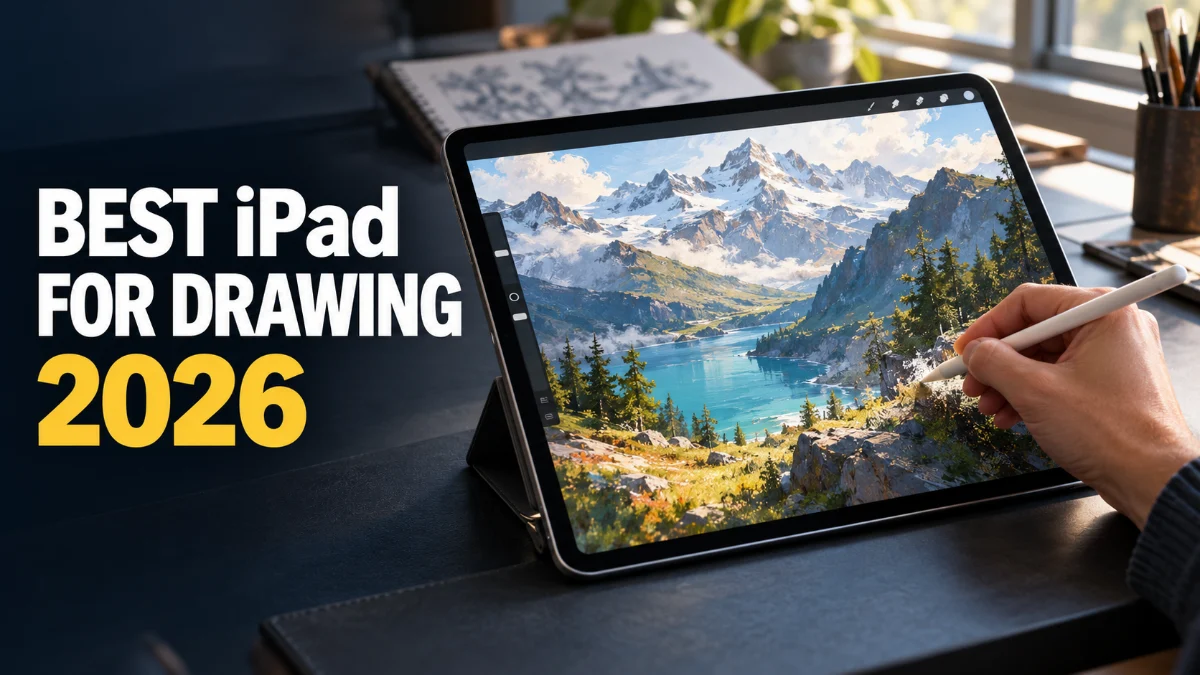
Finding the best iPad for drawing depends on your artistic workflow, budget, and preference for screen size versus portability. Apple's tablet lineup offers incredible precision, pressure sensitivity, and color accuracy for digital illustration.
Whether you are a professional concept artist using advanced layer-heavy software or a beginner learning digital sketching, choosing the right combination of device and Apple Pencil will transform your creative process.
iPad Pro M4: The Ultimate Choice for Professional Artists
The iPad Pro powered by the M4 chip represents the absolute pinnacle of digital art hardware. Available in 11-inch and 13-inch sizes, it features a stunning Tandem OLED Ultra Retina XDR display that delivers deep blacks, incredible brightness, and professional-grade color accuracy. For professional illustrators who demand flawless performance when working with massive canvas resolutions and hundreds of layers, this model handles complex brushes and heavy rendering without breaking a sweat.
Furthermore, the iPad Pro supports the Apple Pencil Pro, introducing features like barrel roll, squeeze gestures, and haptic feedback that mimic traditional physical tools more closely than ever before. If you make your living through digital illustration, graphic design, or animation, investing in the iPad Pro provides an uncompromised workflow, exceptional responsiveness, and future-proof power that will last for years.
iPad Air M2: The Best Value for Serious Illustrators
If you want near-professional drawing capabilities without paying the premium price tag of the Pro lineup, the iPad Air powered by the M2 chip is the ideal sweet spot. Available in both 11-inch and 13-inch configurations, it offers plenty of screen real estate for comfortable drawing and works seamlessly with the Apple Pencil Pro. The Liquid Retina display delivers sharp details and wide P3 color support, making your digital paintings look vibrant and accurate.
Performance-wise, the M2 processor easily handles demanding drawing apps like Procreate and Adobe Fresco with zero noticeable latency. You can work with generous layer counts on standard print resolutions without encountering memory warnings or lag. For freelance illustrators and art students looking for a powerful, reliable tool that balances cost and capability, the iPad Air is a fantastic choice.
iPad 10th Generation: Budget-Friendly Drawing for Beginners
Artists working with a tighter budget will find the standard iPad (10th Generation) to be a capable entry point into the world of digital illustration. Featuring a 10.9-inch Liquid Retina display and a reliable chip, it provides a responsive surface for sketching, journaling, and learning digital art techniques. While it lacks the advanced display lamination and M-series processing power of the Air and Pro models, it handles everyday drawing tasks remarkably well.
Keep in mind that the standard iPad relies on the Apple Pencil (USB-C) or the 1st generation Apple Pencil via an adapter, meaning you miss out on pressure sensitivity features like barrel roll and squeeze shortcuts found on the Apple Pencil Pro. However, for hobbyists, students, and beginners starting their creative journey, this iPad offers exceptional value and lets you practice digital painting without a massive upfront investment.
iPad mini: Ultra-Portable Sketching on the Go
For artists who value maximum mobility, the iPad mini offers a compact 8.3-inch canvas that fits easily into a small bag, jacket pocket, or sketchbook pouch. Despite its small physical footprint, it packs impressive performance and supports the Apple Pencil Pro, allowing you to capture spontaneous ideas, quick gesture sketches, and field notes wherever inspiration strikes. The screen is fully laminated, providing a direct-on-glass drawing sensation that feels remarkably natural.
Drawing on a smaller screen does require zooming in more frequently for fine details, but the portability is unmatched for urban sketchers and traveling creatives. Pair it with a compact sketching app, and you have a digital notebook that goes anywhere you do, ensuring you never miss a creative moment when you are away from your main studio desk.
Apple Pencil Compatibility and Choosing the Right Stylus
Your iPad choice is only half the equation; selecting the correct Apple Pencil is crucial for a great drawing experience. The Apple Pencil Pro works exclusively with the latest M4 iPad Pro and M2 iPad Air models, offering advanced features like squeeze menus, barrel rotation for shaped brushes, and gyroscope tracking. These features significantly speed up your workflow by letting you access tools without breaking your drawing rhythm.
Older or entry-level iPads use either the Apple Pencil 2 or the Apple Pencil (USB-C). While these styluses lack advanced haptic feedback and rotation sensors, they still offer ultra-low latency, tilt sensitivity, and palm rejection. Always verify which Apple Pencil model your chosen iPad supports before making a purchase to ensure full compatibility with your creative setup.
Comparing iPad Displays: Tandem OLED vs. Liquid Retina
Display technology plays a massive role in digital art, affecting how colors appear and how realistic the drawing surface feels. The iPad Pro features a Tandem OLED screen, which achieves true blacks and staggering contrast ratios, making it ideal for artists working in dark environments or fine-tuning subtle color gradients. The absence of blooming ensures your artwork looks crisp and authentic under any lighting condition.
On the other hand, the iPad Air and standard iPad use high-quality Liquid Retina LCD displays. While they do not reach the absolute contrast levels of OLED, they offer fantastic brightness, accurate sRGB and P3 color gamuts, and anti-reflective coatings. Most digital artists find Liquid Retina panels more than bright and color-accurate enough for professional client work, comic illustration, and graphic design.
The bottom line
Selecting the best iPad for drawing comes down to balancing your budget with your performance needs. Professionals will thrive with the M4 iPad Pro, while the M2 iPad Air offers the best overall value for most digital illustrators. No matter which model you choose, pairing it with the right Apple Pencil will give you a powerful, portable studio to bring your artistic vision to life.
Frequently asked questions
Do I need a screen protector for drawing on an iPad?
A screen protector is optional. Some artists prefer matte paper-like protectors to add friction and reduce glare, while others prefer the smooth glass surface for truest color clarity and maximum tip longevity.
Can I use older Apple Pencils on the new iPad Pro?
No. The M4 iPad Pro and M2 iPad Air only support the Apple Pencil Pro and the Apple Pencil (USB-C), whereas older styluses are incompatible with the magnetic charging and pairing rails on these newer tablets.
Is 128GB enough storage for digital art?
128GB is sufficient if you manage your completed files by moving them to cloud storage or an external drive regularly. However, if you work with massive layered PSD files or store many video process recordings, 256GB or higher is recommended.
Which drawing app should I install first?
Procreate is widely considered the industry standard for iPad illustration due to its intuitive interface, rich brush library, and fluid performance. Adobe Fresco is another excellent alternative, especially for vector work and watercolor simulations.