Android Phone vs Raspberry Pi: Which Is Better?
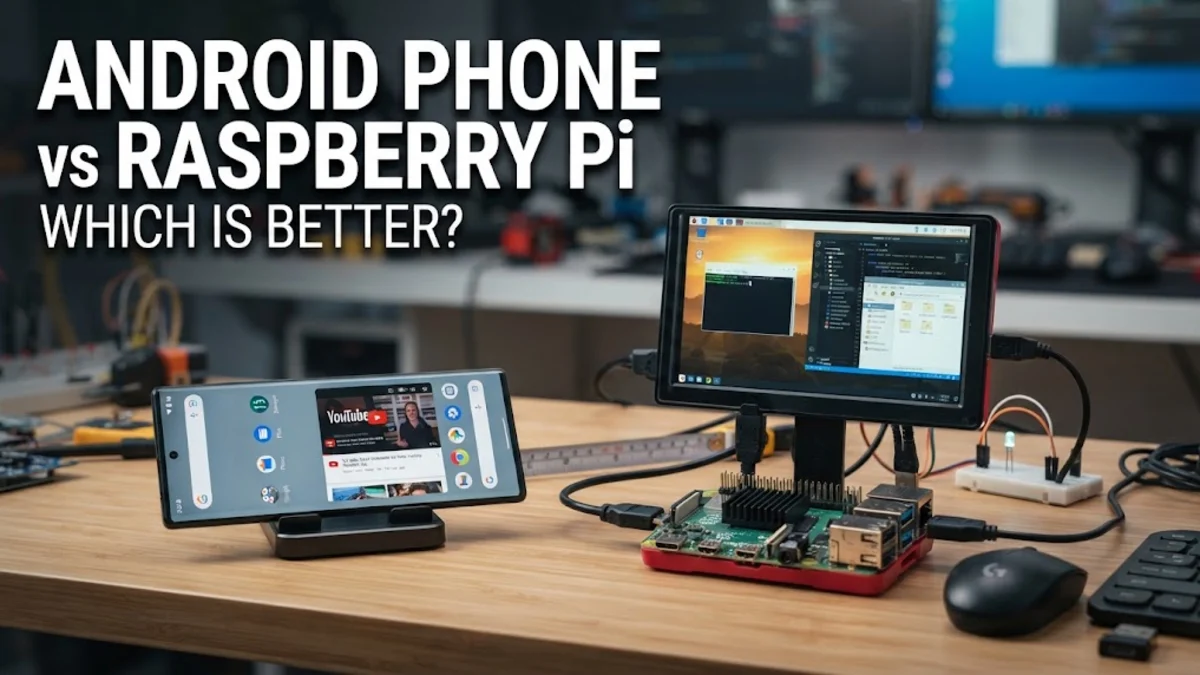
Understanding how these two platforms compare in hardware architecture, software support, and practical use cases will help you determine which device aligns with your specific goals, whether you want a portable pocket computer or a dedicated hobbyist server.
Core Architectural Differences and Operating Systems
On the other hand, a Raspberry Pi is a single-board computer designed primarily for education, hobbyist tinkering, and headless server tasks. While recent models also use powerful ARM processors, the board exposes various general-purpose input/output pins, standard USB ports, HDMI outputs, and Ethernet connections without an integrated screen, battery, or camera. It typically runs Raspberry Pi OS, a specialized Linux distribution, giving you full root access and a traditional desktop environment tailored for programming, server management, and physical hardware prototyping.
Performance, Processing Power, and Hardware Specs
A Raspberry Pi prioritizes passive cooling and energy efficiency over raw multi-core smartphone benchmarks. While the latest Raspberry Pi models deliver responsive desktop performance suitable for web browsing, office documents, and light coding, they lack the specialized graphics and neural hardware found in flagship phones. Yet, the Raspberry Pi excels in sustained workloads because it can be fitted with active cooling fans and heat sinks, allowing it to run heavy tasks continuously without thermal shutdown.
Use Cases for Android Phones: Portability and Daily Apps
Furthermore, many modern Android devices support desktop mode experiences when connected to an external monitor, allowing them to function as lightweight workstation computers. You can pair Bluetooth keyboards and mice to handle document editing, web research, and cloud-based tasks. However, you remain constrained by the mobile operating system's sandboxed environment, which restricts deep system-level modifications and server deployments compared to standard Linux machines.
Use Cases for Raspberry Pi: Maker Projects and Home Servers
In addition to hardware tinkering, a Raspberry Pi makes an exceptional low-power home server. Many enthusiasts use it to run network-wide ad blockers, media streaming servers, personal cloud storage, file-sharing nodes, and smart home automation hubs like Home Assistant. Because it consumes minimal electricity and can run 24/7 silently in a corner, it provides a cost-effective platform for experimenting with Linux command-line tools and networking services.
Power Consumption, Portability, and Peripheral Support
Conversely, a Raspberry Pi requires an external power supply via a USB-C or micro-USB connection and lacks an internal battery. It is designed to remain plugged into a wall outlet or a portable power bank. However, the Raspberry Pi offers superior physical peripheral support with multiple standard USB ports, full-size HDMI ports, and GPIO headers, making it easy to plug in keyboards, mice, storage drives, and custom hardware modules directly without cumbersome dongles.
Feature Comparison Table
| Feature | Android Phone | Raspberry Pi |
|---|---|---|
| Primary Form Factor | Portable mobile device with screen | Single-board computer |
| Operating System | Android OS (Mobile Linux-based) | Raspberry Pi OS (Desktop Linux) |
| Power Source | Internal rechargeable battery | External USB power supply |
| Hardware Expansion | Sealed; relies on USB/Bluetooth | GPIO pins, USB, HDMI, Ethernet |
| Best Suited For | Mobile apps, media, portability | Home servers, coding, electronics |
Examining these specifications confirms that neither device is universally superior. Your choice ultimately depends on whether you need a mobile companion for daily communication and portable tasks or a versatile, programmable computer board for learning, coding, and home server projects.
The bottom line
Choosing between an Android phone and a Raspberry Pi comes down to your intended project or daily routine. If you need a powerful, portable pocket device equipped with a screen, camera, and cellular connectivity for everyday apps, an Android phone is the clear winner. If you want to learn programming, build custom hardware electronics, or run a dedicated home server, the Raspberry Pi offers unmatched flexibility at an affordable price.
Frequently asked questions
Can I use an Android phone as a Raspberry Pi?
Not directly. While you can install terminal emulators and Linux environments on an Android phone using apps like Termux, you lack physical GPIO pins and the root-level hardware access needed for traditional Raspberry Pi maker projects.
Does a Raspberry Pi require a monitor and keyboard?
Not permanently. While you need a monitor, keyboard, and mouse for the initial setup, you can configure the Raspberry Pi for headless operation and control it remotely from another computer via SSH or VNC.
Which device uses less electricity?
Both devices are exceptionally energy-efficient compared to desktop PCs. A Raspberry Pi typically consumes between 3 to 15 watts depending on the model and workload, making it ideal for 24/7 server tasks.
Can I run Android on a Raspberry Pi?
Yes, unofficial Android builds and lineage operating systems exist for certain Raspberry Pi models, though performance and driver stability may not match a native smartphone experience.
Which is better for learning how to code?
The Raspberry Pi is generally better for learning programming and computer science fundamentals because it provides full access to the Linux command line, Python development tools, and hardware interfacing.