Best Google Pixel for GrapheneOS in 2026
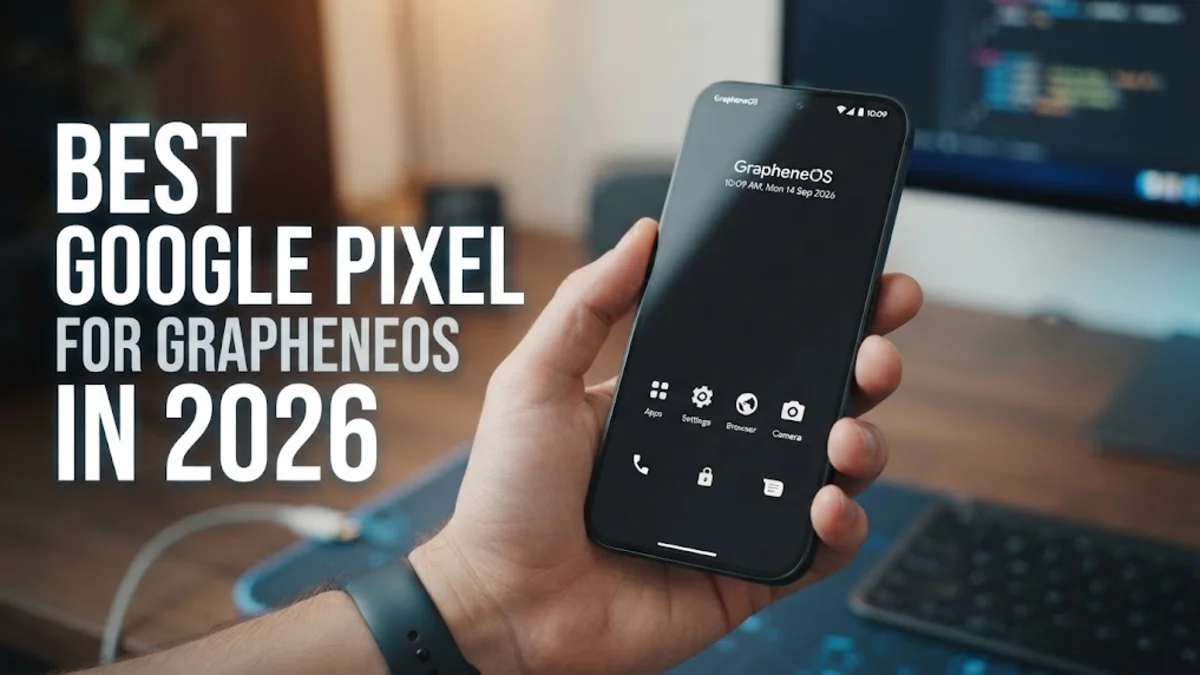
GrapheneOS is a privacy and security-hardened mobile operating system that exclusively supports Google Pixel hardware. While privacy enthusiasts often prefer different sizes or price tiers, selecting the wrong variant can leave you stuck with an unflashable bootloader or inadequate RAM for multitasking across private user profiles. Here is a breakdown of the top Pixel models for GrapheneOS and how to pick the right one.
Why GrapheneOS Exclusively Supports Google Pixel Devices
A common point of confusion among Android users is why a privacy-focused custom OS runs exclusively on hardware designed by Google. The explanation comes down to hardware security architecture rather than brand preference. Google Pixel smartphones provide an open implementation of Android Verified Boot that allows users to install their own cryptographic keys. This means you can lock your bootloader after flashing GrapheneOS, guaranteeing full hardware-enforced integrity checks on every startup.
Furthermore, Pixel phones feature the dedicated Titan M2 hardware security module and modern ARMv9 architecture with Memory Tagging Extensions (MTE). GrapheneOS leverages MTE at a system level to prevent memory corruption vulnerabilities, such as buffer overflows and use-after-free exploits. Other manufacturers either lock their bootloaders permanently, strip out verified boot capabilities when custom keys are installed, or omit the tamper-resistant hardware chips required for strong cryptographic attestation.
Top Overall Pick: Google Pixel 9
The standard Google Pixel 9 represents the sweet spot for GrapheneOS in 2026. Powered by the Tensor G4 processor and paired with 12 GB of RAM as standard, it effortlessly handles memory-intensive workloads without stuttering. Memory capacity is a crucial factor on GrapheneOS because the system encourages the use of multiple distinct user profiles and sandboxed Google Play Services, both of which consume more background memory than a standard stock operating system.
Google guarantees full OS and hardware security patch updates for seven years, providing official support until late 2031. GrapheneOS mirrors this support window, giving the Pixel 9 unmatched longevity. In real-world daily use, the phone maintains excellent battery endurance, snappy performance with hardened memory allocators enabled, and high-tier camera output using GrapheneOS's native Camera app.
Best Budget Contender: Google Pixel 8a
If you want top-tier privacy without spending flagship money, the Google Pixel 8a is your best entry point. It carries the same Titan M2 security module and primary Tensor G3 foundation as the more expensive models from its generation, alongside Google's seven-year software support commitment lasting until 2031. For basic communications, secure messaging via Signal, and privacy-first browsing, the Pixel 8a delivers exceptional value.
The primary compromise is its 8 GB of RAM. While 8 GB is sufficient for standard day-to-day use, running three or more active user profiles simultaneously or loading heavily bloated apps inside sandboxes can cause background profile reloads. If you run a minimalist setup with one main profile and an occasional secondary profile, the Pixel 8a provides robust hardware security at an accessible price.
Power User Pick: Google Pixel 9 Pro
For security professionals, journalists, and extreme multitaskers, the Google Pixel 9 Pro is the ultimate GrapheneOS device. Featuring 16 GB of physical RAM, this device easily accommodates complex compartmentalization workflows. You can keep multiple isolated user profiles running in memory simultaneously—such as a personal profile, a banking environment, and an untrusted app sandbox—without running into memory management slowdowns.
In addition to massive RAM overhead, the Pixel 9 Pro features an ultra-bright LTPO OLED panel that drops its refresh rate to conserve power, offsetting the slight battery penalty associated with running hardened security features like exploit mitigations and always-on VPN tunnels. The telephoto lens also functions cleanly within the GrapheneOS Camera application, offering high-magnification captures without relying on proprietary cloud services.
Hardware Comparison: Top Pixel Models for GrapheneOS
Selecting the right device depends on your budget, memory requirements, and target support lifecycle. Below is a direct comparison of the most popular Pixel models currently recommended for GrapheneOS:
| Device Model | RAM | Security Processor | Official Support Target | Best Use Case |
|---|---|---|---|---|
| Google Pixel 8a | 8 GB | Titan M2 | May 2031 | Budget-conscious privacy setup |
| Google Pixel 8 | 8 GB | Titan M2 | October 2030 | Compact, discounted daily driver |
| Google Pixel 9 | 12 GB | Titan M2 | August 2031 | Best overall balance of price and RAM |
| Google Pixel 9 Pro | 16 GB | Titan M2 | August 2031 | Multiple heavy profiles and power use |
Note that older devices like the Pixel 6 and 7 series are nearing or past their end-of-life schedules for primary hardware updates. While GrapheneOS offers extended support builds for some older devices, they do not receive upstream firmware or vendor driver fixes once Google discontinues them, making newer devices the only responsible choice for high-security threat models.
Critical Buyer Warning: Carrier Locks and Unlocking Pitfalls
Before purchasing any Pixel device for GrapheneOS, you must verify that the phone is factory carrier-unlocked. Devices purchased directly through carriers—particularly Verizon in the United States—feature permanently locked bootloaders. On these carrier-locked variants, the OEM unlocking toggle inside Android Developer options is permanently grayed out, making it completely impossible to install GrapheneOS.
To avoid this mistake, buy directly from the Google Store, Best Buy (unlocked version), or reputable refurbished sellers that clearly state factory unlocked status (not simply SIM-unlocked). Once you power on the device for the first time, immediately verify bootloader unlockability:
- Open Settings > About phone.
- Tap Build number seven times until developer mode unlocks.
- Navigate to Settings > System > Developer options.
- Ensure that the toggle for OEM unlocking can be switched on.
If the toggle is grayed out and connecting to Wi-Fi does not enable it, the phone has a carrier-restricted bootloader and must be returned.
Essential GrapheneOS Privacy Features to Enable First
Once GrapheneOS is flashed and your bootloader is safely locked with custom keys, take advantage of the operating system's standout privacy features right out of the box:
- Network and Sensors Permissions: Unlike stock Android, GrapheneOS adds distinct permission toggles for Network and Sensors. You can revoke internet access from offline calculators, photo galleries, or note-taking apps via Settings > Apps > [App Name] > Permissions.
- Storage Scopes: Instead of granting an app full access to your internal files, enable Storage Scopes. This lets you select specific folders or mock an empty storage directory for intrusive apps.
- Sandboxed Google Play: If you rely on apps requiring Google Play Services, install Google Services Framework and Play Services through the GrapheneOS "Apps" installer. They run as unprivileged standard apps without device administrator or root-level tracking permissions.
- Auto-Reboot Timer: Configure your device to reboot automatically if left locked for a set period (found in Settings > Security > Auto reboot). Rebooting puts your storage back into the Before First Unlock (BFU) state, encrypting your data at rest against physical extraction tools.
The bottom line
The Google Pixel 9 stands out as the best overall choice for GrapheneOS in 2026, offering 12 GB of RAM, a guaranteed support window through 2031, and full MTE hardware protection. If budget is your priority, the Pixel 8a provides a reliable entry point, while the Pixel 9 Pro satisfies the memory demands of intensive multi-profile users. Always verify that your prospective device is factory unlocked before buying so you can install and lock GrapheneOS without roadblock.
Frequently asked questions
Can I install GrapheneOS on Samsung Galaxy or Motorola phones?
No. GrapheneOS exclusively supports Google Pixel devices. Other manufacturers lack proper implementation of Android Verified Boot with custom user keys, do not provide public source trees for vendor components, or lack hardware security modules equivalent to the Titan M2.
Does unlocking the bootloader to install GrapheneOS void the Pixel warranty?
Google's official warranty policy does not void your hardware warranty simply for unlocking the bootloader or installing an alternative operating system. Furthermore, you can cleanly flash the stock Google firmware and re-lock the bootloader at any time using Google's official web flash tool.
Do banking apps work on GrapheneOS?
Most banking apps work properly on GrapheneOS when installed alongside Sandboxed Google Play Services. However, a small minority of banking apps strictly enforce hardware-backed Google Play Integrity attestation and may refuse to execute on custom operating systems.
Can I use eSIM on GrapheneOS?
Yes. GrapheneOS includes full support for eSIM management on compatible Pixel hardware. To activate or manage eSIM profiles, you simply toggle the privileged eSIM management switch in the device settings menu.
Is GrapheneOS difficult to install?
No. GrapheneOS offers an official WebUSB-based browser installer that runs on Chromium-based browsers like Chrome, Brave, or Edge. You simply connect your Pixel to a computer with a USB cable, follow the on-screen prompts, and the tool handles downloading, flashing, and re-locking your bootloader automatically.