Software
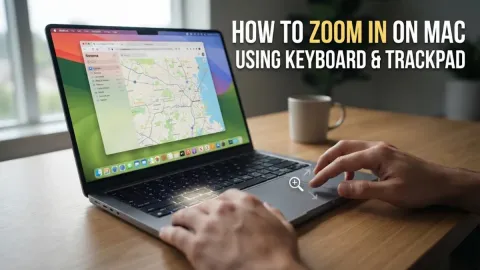
How to Zoom In on Mac Using Keyboard and Trackpad
To zoom in on a Mac, you can use the keyboard shortcut Command + + to enlarge content within specific apps like Safari or Chrome. For a system-wide zoom that enlarges th…
2 articles
To zoom in on a Mac, you can use the keyboard shortcut Command + + to enlarge content within specific apps like Safari or Chrome. For a system-wide zoom that enlarges th…
To zoom out on Mac instantly when your entire screen is magnified, press Option + Command + 8 to toggle the accessibility zoom off, or press Option + Command + - (minus)…