Software
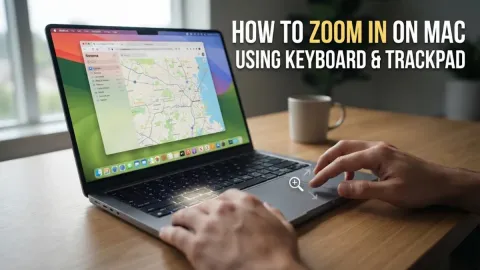
How to Zoom In on Mac Using Keyboard and Trackpad
To zoom in on a Mac, you can use the keyboard shortcut Command + + to enlarge content within specific apps like Safari or Chrome. For a system-wide zoom that enlarges th…
6 articles
To zoom in on a Mac, you can use the keyboard shortcut Command + + to enlarge content within specific apps like Safari or Chrome. For a system-wide zoom that enlarges th…
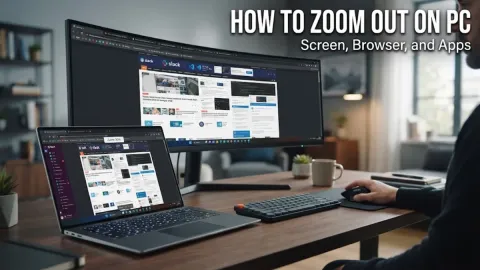
If your computer screen, web browser, or applications suddenly look oversized and difficult to navigate, you can easily zoom out using simple keyboard shortcuts or syste…
Accidentally zooming in on your Windows screen can make text and images look oversized, often making navigation frustrating. Fortunately, Windows provides several quick…
Learning how to pc shutdown with keyboard is essential when your mouse stops working, your computer freezes unexpectedly, or you simply want to streamline your daily wor…
The most effective Microsoft Excel shortcut keys allow you to navigate massive datasets, format complex cells, and execute advanced formulas without ever touching your m…
Taking a screenshot on Windows 11 is fast and versatile, offering built-in options that range from instant whole-screen captures to targeted rectangular snips, delay tim…