What Is Gemini Notebook and How to Use It
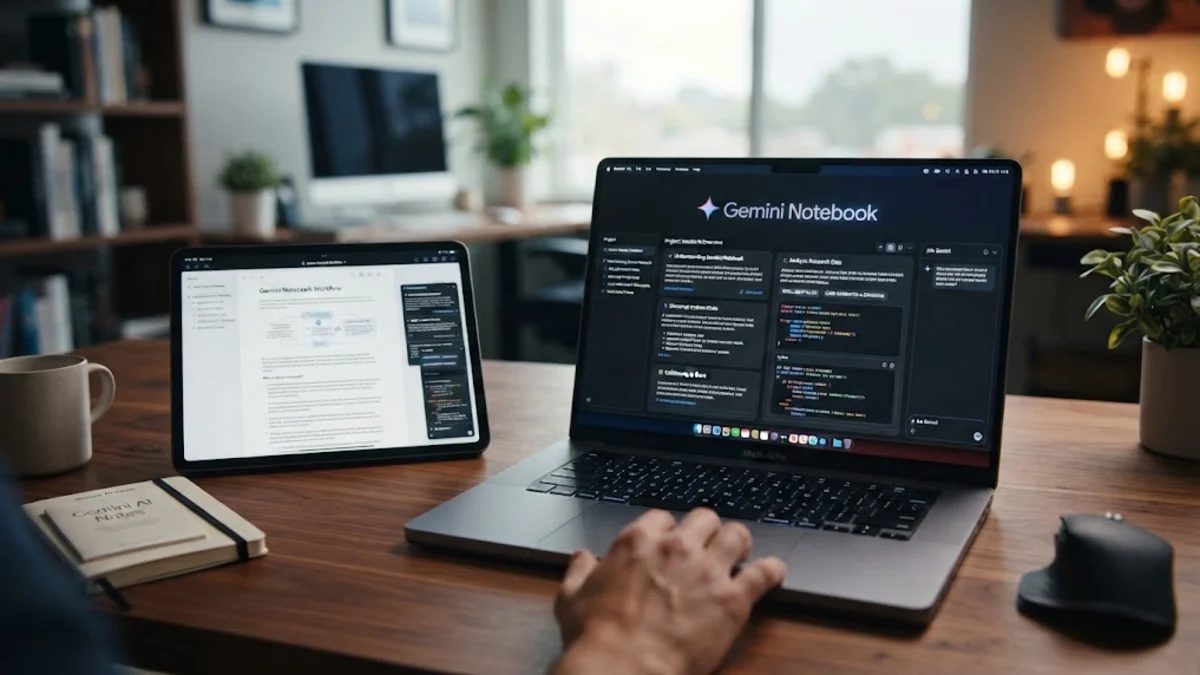
Gemini notebook, officially known as NotebookLM powered by Google Gemini, is a specialized AI-powered workspace designed to help you synthesize information, analyze documents, and generate notes securely. Unlike standard chatbots that pull from the entire open internet, this tool grounds its intelligence strictly in the specific files, PDFs, and notes you upload.
Whether you are tackling a complex academic research project, summarizing lengthy business reports, or organizing study materials, this workspace acts as a personalized, private expert on your exact data. By restricting its knowledge base to your chosen sources, it drastically reduces AI hallucinations and delivers precise, verifiable answers instantly.
Understanding Gemini Notebook and Its Core AI Architecture
At its core, a Gemini-powered notebook is built around a concept called Retrieval-Augmented Generation, or RAG. When you feed documents into the platform, the underlying Gemini model indexes your content to understand context, relationships, and specific details. This means the AI does not just guess what you want; it reads your exact uploaded texts to formulate responses.
Security and privacy are major priorities for professional users and students alike. Your uploaded files and generated notes remain private to your account and are never used to train public Google AI models. This ensures that sensitive corporate strategies, unpublished research papers, and personal notes stay completely confidential while you leverage advanced machine learning capabilities.
How to Upload Your Sources and Build a Custom Knowledge Base
Setting up your first workspace is straightforward. You begin by creating a new notebook and uploading your reference materials. The platform supports a wide variety of file formats, including PDF documents, plain text files, Google Docs, copied text snippets, and even website URLs. Each notebook functions as an independent project container.
To get the best results, structure your uploads logically. For instance, if you are studying European history, you might group all documents related to the Renaissance into one notebook and nineteenth-century industrialization into another. You can add up to dozens of sources per notebook, allowing the AI to cross-reference multiple independent texts and synthesize insights across your entire collection.
Using AI to Summarize, Analyze, and Synthesize Documents
Once your sources are uploaded, the AI automatically generates brief summaries and outlines for each individual document. You can instantly see key topics, important terminology, and document overviews without having to read hundreds of pages manually. The chat interface lets you ask complex questions and receive answers cited directly from your files.
For example, you can ask the system to compare the arguments made in source A against source B, extract specific data points, or explain difficult technical jargon in simple terms. Because every response includes inline citations pointing directly to the source paragraph, you can click through to verify the information in seconds, ensuring complete accuracy in your work.
Generating Audio Overviews and Study Guides Instantly
One of the most innovative features available in Gemini-powered notebooks is the ability to generate audio overviews. With a single click, the system transforms your written documents into an engaging, natural-sounding podcast discussion between two AI hosts who review, debate, and explain your material in conversational English.
Beyond audio generation, the tool can instantly turn your sources into structured study guides, frequently asked questions, briefing docs, and timeline chronologies. This makes it an exceptional tool for students preparing for exams or professionals who need to brief colleagues on dense technical documentation before a morning meeting.
Practical Use Cases for Work, Research, and Academic Study
Professionals across various industries use these custom AI notebooks to accelerate their daily workflows. Legal professionals upload case files and contracts to quickly find precedent clauses. Market researchers compile competitor reports, customer feedback logs, and financial statements to spot trends and draft comprehensive market analysis summaries.
In academic settings, graduate students and educators use the platform to manage literature reviews. By uploading dozens of peer-reviewed journal articles into a single notebook, researchers can instantly query themes across all papers, track methodologies, and draft literature review outlines with precise citations, saving dozens of hours of manual sorting.
Best Practices for Maximizing Accuracy and Avoiding Hallucinations
While grounding the AI in your own documents significantly minimizes errors, maximizing the effectiveness of your notebook still requires proper file preparation. Always ensure that your uploaded PDFs have clear, searchable text layers rather than scanned images without optical character recognition. Clean formatting helps the model parse data accurately.
Additionally, write clear, specific prompts rather than broad queries. Instead of asking what the document says about the project, ask for specific metrics, dates, or methodologies mentioned in chapter three. Regularly review the inline citations provided in the answers to cross-check critical data points before publishing your final reports or study materials.
The bottom line
Gemini notebooks transform how you interact with complex information, turning static documents into dynamic, interactive knowledge bases. By keeping your data secure and grounded in your chosen sources, it delivers reliable, citation-backed answers that save time and boost productivity in both work and study.
Frequently asked questions
What is the difference between standard Gemini and a Gemini notebook?
Standard Gemini draws information from the open internet and its general training data. A Gemini notebook restricts its knowledge base exclusively to the specific files, notes, and links you upload, ensuring precise, citation-backed answers.
Are my uploaded documents secure and private?
Yes. Your personal files and notes remain private to your account and are never used to train public Google AI models.
What file formats can I upload into a notebook?
You can upload PDF documents, plain text files, Google Docs, copied text snippets, and website URLs.
Can I share my Gemini notebook with other people?
Yes, you can collaborate by sharing notebooks with colleagues or classmates, allowing multiple users to query the same shared source library.
How many sources can I add to a single notebook?
You can add multiple sources per notebook, typically up to 50 individual documents or files, depending on current platform limits.