What Is the Gemini App and How It Works
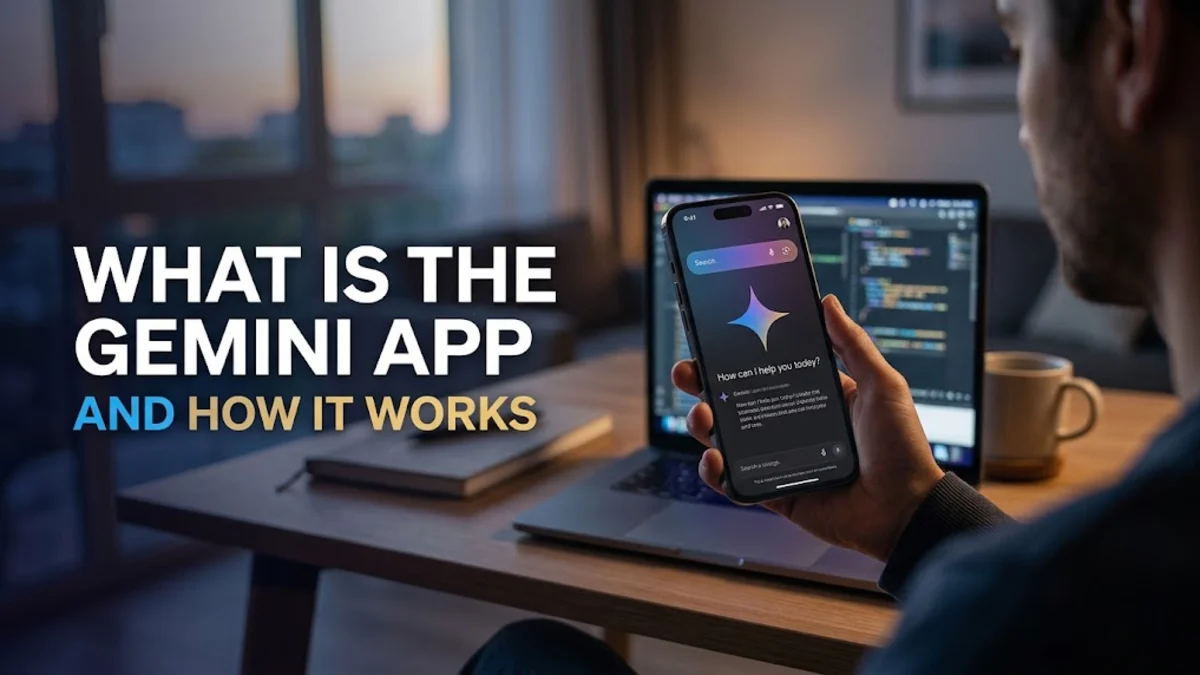
The Gemini app is Google's official mobile and web interface for its advanced multimodal artificial intelligence models. Designed to help you brainstorm, write, learn, and code, it integrates directly into your daily digital workspace.
Whether you are managing complex projects or looking for a quick answer on your phone, understanding what the app offers can significantly enhance your personal and professional workflow.
Core Definition and Multimodal Capabilities
At its core, the Gemini app serves as your personal AI assistant powered by Google's state-of-the-art neural networks. Unlike older text-only chatbots, Gemini was built from the ground up to be multimodal. This means it can natively understand, operate across, and combine different types of information, including text, code, images, audio, and video.
When you open the app, you are interacting with a system that does not just parse keywords in a database. It comprehends context, tone, and nuance across various media formats. For example, you can upload a photograph of a handwritten whiteboard diagram from a meeting, and Gemini can instantly transcribe it, summarize the key points, and draft a follow-up email for your team without missing a beat.
Key Features for Work and Productivity
The app is packed with practical features designed to streamline demanding tasks in professional and academic environments. One of its standout capabilities is integration with Google Workspace. With simple prompts, you can instruct Gemini to pull information directly from your Gmail, Google Docs, Drive, and Calendar to draft reports, find misplaced files, or schedule meetings.
Furthermore, the application excels at content generation and text analysis. It can synthesize lengthy PDF documents, translate foreign languages with high accuracy, and debug complex programming code across languages like Python, JavaScript, and C++. By automating these repetitive tasks, the app frees up valuable time for strategic thinking and creative problem-solving.
Gemini Free Versus Gemini Advanced
Google offers the Gemini app in two primary tiers to suit different user needs and budgets. The standard free tier provides access to Google's core conversational models, capable of handling everyday writing, brainstorming, and basic research tasks efficiently with zero financial commitment.
On the other hand, the paid subscription tier, known as Gemini Advanced, unlocks Google's most powerful models with a much larger context window. This allows the app to process massive amounts of data at once, run deeper coding analysis, and integrate deeply with advanced Google workspace applications. Choosing between the tiers depends entirely on whether you need casual assistance or heavy-duty enterprise-grade analytical power.
How to Access and Use the Application
Accessing the Gemini app is straightforward across multiple devices. On mobile platforms, you can download the official application from the Apple App Store for iOS or Google Play Store for Android. On Android devices, Gemini can even replace Google Assistant as your default phone assistant for hands-free queries.
If you prefer working on a desktop or laptop, you do not need a separate installation. You can simply navigate to the web version through any standard browser using your existing Google account credentials. Your conversation history syncs seamlessly across all your devices, allowing you to start a research session on your phone and finish drafting a project on your computer.
Gemini App Versus Traditional Search Engines
A common point of confusion for new users is distinguishing between the Gemini app and a traditional search engine like Google Search. While both tools help you find information on the internet, they serve fundamentally different purposes in your daily routine.
A search engine provides a list of relevant web links and snippets based on your keywords, requiring you to click through multiple sources to synthesize an answer. In contrast, the Gemini app acts as an interactive reasoning partner. It reads the web for you, compiles the data, reconciles conflicting sources, and delivers a single, cohesive, conversational response tailored directly to your specific prompt.
Privacy, Data Handling, and Safety Settings
When using an AI tool for professional work or study, data privacy is naturally a top priority. Google provides robust privacy controls within the Gemini app to help you manage how your information is handled and stored.
You can easily review and delete your activity history or pause saving entirely through your account settings. When logged in with a standard personal account, human reviewers may sample and annotate certain conversations to improve system safety, but you can opt out of this process or use enterprise-tier accounts that guarantee strict corporate data isolation and confidentiality compliance.
The bottom line
The Gemini app represents a powerful evolution in everyday productivity tools. By combining multimodal understanding with deep ecosystem integration, it helps streamline your daily tasks, from writing reports to analyzing complex data.
Frequently asked questions
Is the Gemini app free to use?
Yes, the standard version of the Gemini app is completely free to download and use with a Google account.
Can I replace Google Assistant with Gemini on my phone?
Yes, on supported Android devices, you can set Gemini as your primary digital assistant for hands-free voice commands.
Does Gemini connect with my Gmail and Google Docs?
Yes, through Workspace extensions, Gemini can access and summarize content from your Gmail, Docs, Drive, and other Google services.
Is an internet connection required to use Gemini?
Yes, Gemini relies on cloud-based neural networks, so an active internet connection is required for all queries and responses.
How do I download the Gemini app?
You can download the official application from the Google Play Store on Android devices or the Apple App Store on iOS devices.