Outlook vs Hotmail: What Is the Difference?
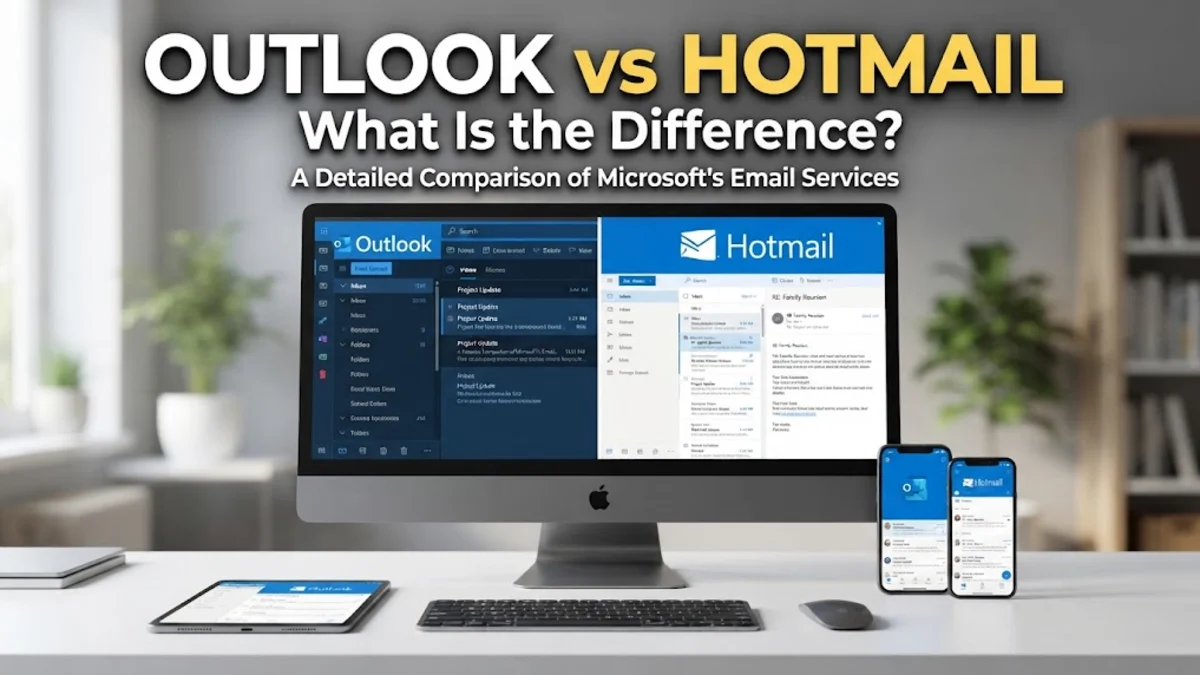
The primary difference between Outlook and Hotmail is that Hotmail is a legacy email brand, while Outlook is Microsoft's modern email service and productivity platform. If you still have an email address ending in @hotmail.com, your mail runs on the exact same Microsoft cloud infrastructure, web interface, and security architecture as an account ending in @outlook.com.
Many users wonder whether Hotmail still exists, if Microsoft plans to discontinue legacy addresses, or whether they must create a new inbox. In this guide, we break down how Hotmail evolved into Outlook, compare the differences in features and branding, and explain how to manage or modernize your account without losing a single message.
The Evolution: How Hotmail Became Outlook
Hotmail launched in 1996 as one of the world's first free, web-based email providers. Founded by Sabeer Bhatia and Jack Smith, it was initially stylized as HoTMaL to reference HTML code. Microsoft acquired Hotmail in 1997 and integrated it into its online services umbrella. Over the next decade and a half, the platform underwent several rebrandings, including MSN Hotmail and Windows Live Hotmail, while remaining one of the most widely used webmail services on the internet.
By 2012, Microsoft began a massive overhaul of its webmail infrastructure to compete directly with modern platforms and integrate tightly with its enterprise offerings. Microsoft officially phased out the Hotmail brand in 2013 and migrated all user mailboxes to Outlook.com. While the Hotmail name was retired from active consumer marketing, existing email addresses were completely preserved, allowing millions of longtime users to continue sending and receiving messages seamlessly.
Domain Name vs. Software Platform
When discussing outlook vs hotmail, the confusion usually stems from conflating an email domain with an email client. Hotmail exists today purely as an email domain (@hotmail.com) and a historical service name. You cannot purchase a standalone program called Hotmail, nor does Microsoft maintain separate servers or mail servers for Hotmail users. Every Hotmail inbox is managed behind the scenes by Outlook.com.
Outlook, on the other hand, represents three distinct things in the Microsoft ecosystem: the free webmail interface (Outlook.com), the enterprise and personal desktop applications for Windows and macOS, and the mobile apps available for iOS and Android. When you log in to your Hotmail account via a web browser, you are directed to the Outlook web application. Your inbox, spam filters, calendar, and contacts operate through modern Outlook tools regardless of the domain name suffix after the @ symbol.
Direct Feature Comparison
Because both domains operate under the same unified Microsoft Account umbrella, their technical capabilities depend on your subscription tier rather than your domain name. A free @hotmail.com address has the exact same baseline storage, interface, and spam protection as a free @outlook.com address.
| Feature | Hotmail (@hotmail.com) | Outlook.com Free | Outlook Desktop (Microsoft 365) |
|---|---|---|---|
| Web Interface | Modern Outlook.com | Modern Outlook.com | Full Desktop Application |
| Free Mailbox Storage | 15 GB | 15 GB | 50 GB to 100 GB (Paid) |
| Free Cloud Storage | 5 GB (OneDrive) | 5 GB (OneDrive) | 1 TB or more (Paid) |
| Offline Access | Limited (via browser caching) | Limited (via browser caching) | Complete local .ost/.pst support |
| Spam and Phishing Filters | Microsoft Defender Cloud | Microsoft Defender Cloud | Advanced Enterprise Protection |
| New Account Creation | No longer available | Yes | Yes (requires subscription) |
As the comparison shows, the only substantial distinction between Hotmail and Outlook.com is registration availability. Microsoft no longer permits users to register brand-new @hotmail.com email addresses through its standard signup page, offering @outlook.com instead.
Do You Need to Change Your Hotmail Address?
You do not need to abandon or replace your @hotmail.com address. Microsoft has maintained backward compatibility for legacy accounts for well over a decade, and there is no operational deadline to retire existing Hotmail addresses. Your incoming emails will continue to arrive, your outbound messages will send without issue, and your credentials will continue unlocking your Microsoft Account services.
However, many professionals choose to create an @outlook.com address for business correspondence. Because Hotmail was popular in the late 1990s and early 2000s, some recruiters and corporate clients perceive @hotmail.com addresses as dated or unmaintained. You do not need to register a separate, standalone account to get a modern address; instead, Microsoft allows you to attach an Outlook alias directly to your current inbox.
How to Add an Outlook Alias to a Hotmail Account
Adding an email alias allows you to receive emails sent to both your old Hotmail address and a new Outlook address in a single unified inbox. You share the same password, contact list, and settings across both addresses.
- Open your browser and navigate to account.microsoft.com, then sign in with your Hotmail credentials.
- Click on the Your info tab located in the top navigation bar.
- Under the Account info section, select Edit account info. You may be prompted to verify your identity with two-factor authentication.
- Under the Account aliases header, click Add email.
- Select Create a new email address and add it as an alias, type your desired username before the @outlook.com suffix, and click Add alias.
- If you want the new address to appear on outgoing messages by default, click Make primary next to your new Outlook address.
Even if you designate the new @outlook.com address as your primary alias, do not delete your original @hotmail.com alias from the list. Keeping it active ensures you continue receiving password resets, banking notices, and personal correspondence sent to your old address.
Security and Authentication Upgrades
Because Hotmail accounts are often decades old, they are frequent targets for credential stuffing and brute-force attacks from old data breaches. Since all Hotmail accounts run on modern Microsoft security infrastructure, you should verify that your account uses current security protocols rather than legacy settings.
To secure your account, navigate to account.microsoft.com > Security. From here, enable two-step verification using an authenticator app, such as Microsoft Authenticator. Modern Microsoft accounts also support passkeys and passwordless sign-in, completely removing vulnerable alphanumeric passwords in favor of biometrics or security hardware tokens on your mobile device or PC.
The bottom line
In the comparison between Outlook and Hotmail, the bottom line is simple: Hotmail is the beloved predecessor, and Outlook is the modern engine running the entire service. If you still use an @hotmail.com address, you have full access to current Outlook features, robust spam defense, and cloud storage. By adding an @outlook.com alias, you can modernize your digital identity while keeping decades of emails intact.
Frequently asked questions
Can I still create a new Hotmail email address?
No. Microsoft phased out new user registrations for @hotmail.com domains in most regions. New personal accounts created through Microsoft are assigned an @outlook.com domain name instead.
Will Microsoft delete my old Hotmail account?
Microsoft will not delete your account simply because it ends in @hotmail.com. However, Microsoft enforces an account activity policy: if you do not sign in to your Microsoft account at least once every two years, the account may be closed due to inactivity.
Can I sign in to Outlook.com using my Hotmail username and password?
Yes. Navigating to Outlook.com or mail.live.com and entering your full @hotmail.com email address and password will load your inbox immediately on the modern web client.
Does Hotmail have less storage than Outlook?
No. Both free @hotmail.com accounts and free @outlook.com accounts come with identical cloud storage allotments: 15 GB for email storage and 5 GB of free OneDrive cloud storage for attachments and files.
What happens if I delete my Hotmail address after adding an Outlook alias?
If you remove an @hotmail.com alias from your Microsoft account, it is permanently deleted and cannot be recovered or registered again by anyone. Always leave your legacy Hotmail address listed as a secondary alias so you do not miss incoming mail.