Android Phone vs Smartphone: What Is the Difference?
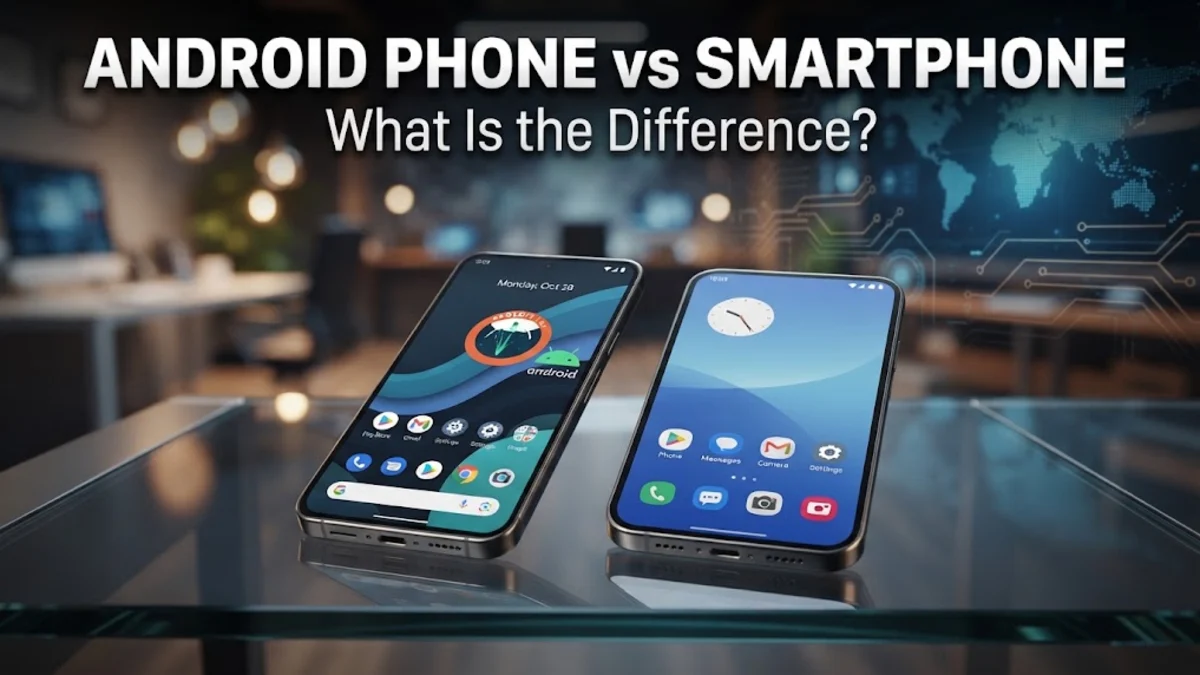
When comparing an android phone vs smartphone, the key distinction comes down to general categories versus specific operating systems. Every Android phone is a smartphone, but not every smartphone is an Android phone. A smartphone is an overarching category of handheld mobile devices equipped with touchscreen interfaces, internet access, mobile operating systems, and app capabilities. An Android phone is a specific type of smartphone that runs on Google's Android operating system.
If you are shopping for a new mobile device or trying to understand modern technology terms, confusing these two labels is common. Understanding how the broader category differs from the underlying operating system helps you evaluate hardware designs, software ecosystems, and customization options so you can choose the ideal device for your needs.
Defining the Core Terms: Smartphones vs. Android Devices
A smartphone is a broad category of mobile communication devices that perform functions far beyond basic voice calls and SMS text messages. Modern smartphones combine handheld computer processing power, high-speed cellular and Wi-Fi connectivity, high-resolution touchscreens, digital cameras, and advanced motion sensors. They allow users to run complex applications, stream high-definition media, navigate using GPS, and manage daily digital workflows seamlessly.
An Android phone is a specific subcategory within the general smartphone family. It refers to any mobile handset that uses Google's Android operating system as its primary software engine. While every Android handset qualifies as a smartphone, non-Android devices—such as Apple's iPhone series—belong to competing software ecosystems. Understanding this relationship is similar to comparing vehicles: a smartphone is like the general term 'automobile,' while an Android phone represents a specific engine class or model line within that category.
Operating Systems: The Engine Behind Your Phone
The core factor distinguishing an Android phone from other smartphones is the software platform that controls device hardware and user interaction. A smartphone requires an operating system (OS) to execute background processes, manage system memory, interface with hardware components, and render visual displays on screen. Without an operating system, modern mobile hardware cannot function.
Android is developed primarily by Google and built on an open-source Linux kernel foundation. This open structure allows various hardware manufacturers—such as Samsung, Google, Motorola, and Xiaomi—to adapt and modify the platform for their specific products. In contrast, proprietary mobile platforms like Apple's iOS are tightly controlled and restricted exclusively to Apple hardware. Consequently, while all smartphones share baseline capabilities like web browsing and app support, Android devices offer unique OS-level privileges including customizable default applications, accessible file systems, and flexible background processing.
Hardware Diversity and Customization Options
Because the umbrella term 'smartphone' encompasses all advanced mobile hardware, designs across the general market vary significantly. However, Android phones represent the broadest hardware diversity available today. Because dozens of different manufacturers build Android hardware, buyers can select from folding dual-screen displays, ultra-rugged water-resistant casings, integrated styluses, and high-performance gaming phones equipped with internal cooling fans.
Software customization is another key feature of Android phones compared to standard proprietary smartphones. On an Android device, you can personalize almost every aspect of the user interface. You can change your home launcher by navigating to Settings > Apps > Default apps > Home app, install custom icon packs, arrange interactive desktop widgets, and download third-party keyboards. Other smartphone operating systems enforce much stricter layout guidelines and limited home screen personalizations.
Side-by-Side Comparison: Category vs. Platform
To clarify how general smartphones compare to Android-specific handsets, review the side-by-side technical and operational breakdown below.
| Feature | Smartphone (General Category) | Android Phone (Specific Platform) |
|---|---|---|
| Definition | Broad category of internet-connected touch devices | Smartphones specifically running Google's Android OS |
| Operating System | Various (Android, iOS, KaiOS, specialized platforms) | Android OS (stock builds or manufacturer skins) |
| Hardware Choice | Includes all manufacturers and proprietary designs | Vast selection across Samsung, Pixel, Motorola, etc. |
| Default App Store | Depends on OS (Apple App Store, Google Play Store) | Google Play Store (with third-party store support) |
| File Management | Varies from sandboxed to open file systems | Direct file system access via dedicated file manager apps |
| App Sideloading | Restricted on closed systems; allowed on open systems | Supported via manual APK installation permissions |
Choosing a generic smartphone simply means purchasing a modern touchscreen device with internet capabilities. Selecting an Android phone specifically guarantees features like open file access, split-screen multitasking, diverse pricing tiers, and deep customization options.
App Ecosystems and Google Services Integration
Every smartphone relies on an software storefront to distribute applications, mobile games, and productivity utilities. On Android phones, the official primary application portal is the Google Play Store. In addition, Google Play Services runs continuously in the background, handling automated security scans through Google Play Protect, managing location requests, and delivering push notifications.
Deep integration with Google's cloud ecosystem is a defining trait of Android smartphones. When setting up an Android phone, signing in with your Google account automatically synchronizes your Gmail, Google Calendar, Google Photos, and Google Drive files across your devices. Furthermore, Android allows users to sideload apps—installing application packages directly from trusted third-party websites—by enabling permissions in Settings > Apps > Special app access > Install unknown apps.
Which Smartphone Fits Your Needs?
Deciding between an Android smartphone and alternative platforms comes down to evaluating your preferences for customization, hardware design, budget, and existing tech hardware. If you want maximum freedom over your interface layout, file system access, and app sources, an Android smartphone provides the most flexible environment. Android devices also span every price point, from budget-friendly entry models to high-end flagship devices.
On the other hand, if you already rely heavily on Apple products like a Mac, iPad, or Apple Watch, a non-Android smartphone such as an iPhone may offer smoother out-of-the-box ecosystem syncing. Consider your current device ecosystem, how much control you want over your phone's software settings, and whether specific hardware features—like expandable microSD storage or headphone jacks—are necessary for your daily routines.
The bottom line
In summary, while every Android phone is a smartphone, not every smartphone runs Android. Understanding the distinction between the broad hardware category and Google's operating system empowers you to choose the exact software features, customization levels, and price range that align with your everyday technology needs.
Frequently asked questions
Is an iPhone considered an Android phone?
No. An iPhone is a smartphone, but it runs Apple's proprietary iOS operating system rather than Google's Android platform.
Can an Android phone run apps made for iPhones?
No. Android and iOS use completely different software code formats. However, most major software developers release separate versions of their apps on both the Google Play Store and the Apple App Store.
Do all Android phones look and work the same way?
No. Smartphone manufacturers such as Samsung, Motorola, and Xiaomi customize the visual look and software features of Android using visual interfaces known as custom skins or user interfaces.
Do smartphones require a cellular data plan to function?
No. You can connect any smartphone or Android device to a local Wi-Fi network to browse the internet, stream media, download apps, and send messages without an active SIM card or cellular carrier plan.