iCloud vs. OneDrive: Which Cloud Storage Is Better in 2026?
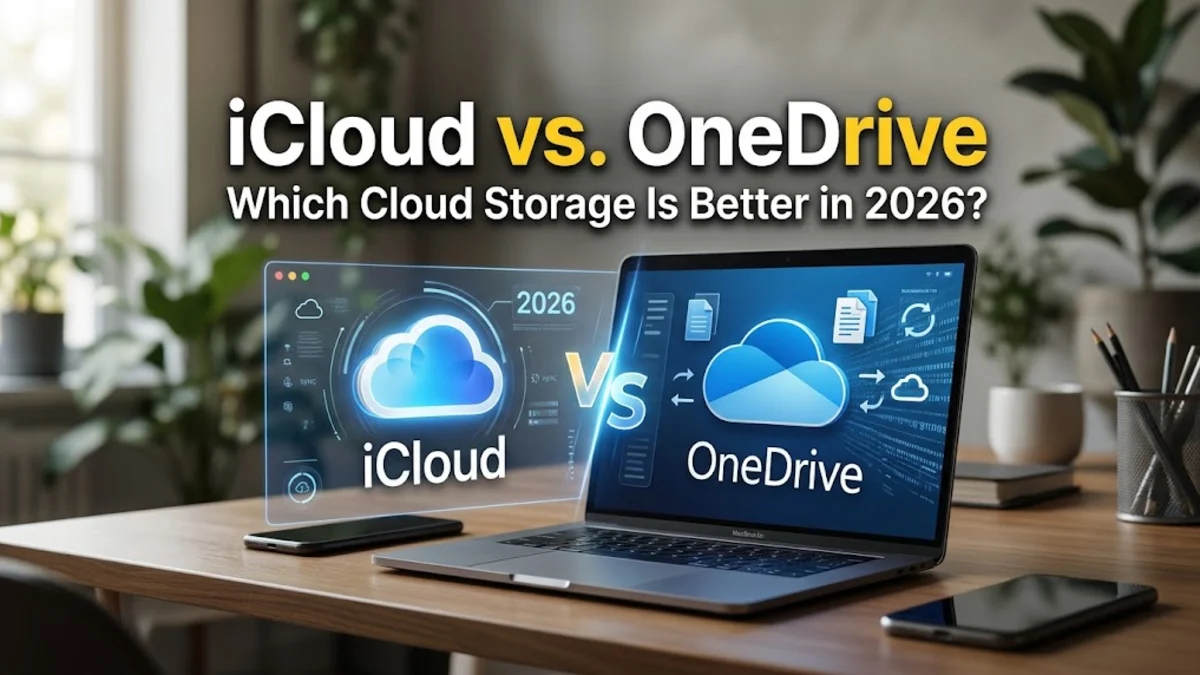
Choosing between iCloud and OneDrive depends heavily on the devices you use every day and how you prefer to manage your digital files. iCloud is Apple's native cloud storage solution, deeply integrated into iOS, iPadOS, and macOS, while Microsoft OneDrive offers powerful cross-platform syncing and seamless integration with Windows and Microsoft 365 apps. Understanding the key differences in pricing, security, file sharing, and ecosystem compatibility helps you determine which service fits your workflow. Whether you want automatic iPhone backups or robust document collaboration across multiple operating systems, comparing these two platforms ensures you make the right choice.
Ecosystem Integration and Compatibility
iCloud is built directly into the operating system of every Apple device. When you sign into your iPhone, iPad, or Mac with your Apple Account, iCloud automatically handles photo libraries, device backups, Safari bookmarks, and app data without requiring additional configuration. This deep native integration means you rarely have to open an app to manage your core backups; everything happens quietly in the background as long as you have an active internet connection. However, iCloud's experience on Windows or Android is noticeably limited, offering web-based access and a basic desktop app that lacks the seamless performance found on Apple hardware. On the other hand, Microsoft OneDrive is designed as a universal, cross-platform cloud storage provider. It runs exceptionally well on Windows 10 and Windows 11, where it serves as the default file explorer location for documents and pictures. OneDrive also offers robust mobile apps for iOS and Android, allowing you to automatically back up your smartphone camera roll regardless of your device brand. If you frequently switch between a Windows PC and an iPhone, or use multiple operating systems for work and personal projects, OneDrive provides a much more cohesive multi-device experience than iCloud.
Pricing and Storage Plans
Both cloud providers offer a free tier to get started, but their paid storage tiers and pricing structures differ significantly. Apple provides every user with 5GB of free iCloud storage, which fills up quickly once you start backing up photos and device data. To get more space, you can subscribe to iCloud+ plans, which start at 50GB and scale up to 2TB or 12TB. A major advantage of iCloud+ is that storage plans can be shared with up to five family members through Family Sharing, making it a cost-effective option for households fully invested in the Apple ecosystem. Microsoft OneDrive offers a more generous 5GB of free storage as well, but its paid standalone plans differ. OneDrive standalone typically offers 100GB of storage, but the real value comes bundled with Microsoft 365 subscriptions. If you subscribe to Microsoft 365 Personal or Family, you instantly receive 1TB of OneDrive storage per person, along with desktop access to Word, Excel, and PowerPoint. For users who already rely on Office apps, the Microsoft 365 bundle delivers significantly more storage per dollar compared to standalone iCloud+ tiers.
File Management and Syncing Features
Security and Privacy Options
Data privacy is a critical factor when choosing where to store your personal photos, financial records, and confidential documents. Apple places a strong emphasis on user privacy, utilizing end-to-end encryption for sensitive data categories such as passwords, health data, and browsing history stored in iCloud. Furthermore, Apple offers Advanced Data Protection, an optional setting that extends end-to-end encryption to your iCloud backups, notes, and photos, ensuring that even Apple cannot access your encrypted data if servers are ever compromised. Microsoft employs robust security measures for OneDrive, including encryption in transit and at rest, alongside multi-factor authentication and ransomware detection and recovery tools. If OneDrive detects a malicious attack on your files, it alerts you immediately and allows you to restore your entire OneDrive account to a previous point in time within the last 30 days. While Microsoft scans files for security threats and policy compliance, its enterprise-grade security infrastructure makes it exceptionally reliable for business and personal document protection alike.
Collaboration and Office Integration
If your workflow involves collaborating on documents, spreadsheets, or presentations with colleagues or classmates, the choice between iCloud and OneDrive becomes starkly apparent. iCloud offers basic collaboration tools through Apple iWork apps like Pages, Numbers, and Keynote, allowing you to invite others to edit documents in real time. However, these tools are primarily restricted to users who have Apple devices or access via a web browser, limiting their effectiveness in mixed-device professional environments where Microsoft Office dominates. OneDrive shines in collaborative environments because it is deeply tied to Microsoft 365 and Office Online. You can share documents, spreadsheets, and presentations with anyone, regardless of whether they use Windows, Mac, iOS, or Android, and multiple people can edit the same file simultaneously within web or desktop apps. Version history tracking is exceptionally detailed in OneDrive, letting you review past edits, restore older drafts, and track comments effortlessly, making it the superior choice for group projects and office workflows.
The bottom line
Choosing between iCloud and OneDrive ultimately comes down to your device ecosystem and daily productivity needs. If you live entirely within the Apple ecosystem and prioritize seamless iPhone backups and tight macOS integration, iCloud+ is the natural and most frictionless choice. However, if you use a Windows PC alongside your mobile devices, require generous storage bundled with Office apps, or need advanced document collaboration, Microsoft OneDrive provides superior flexibility and value.
Frequently asked questions
Can I use OneDrive on my iPhone?
Yes, Microsoft OneDrive offers a dedicated app for iOS that lets you view, edit, and automatically back up your iPhone photos.
Does iCloud work on Windows PCs?
Yes, you can download the iCloud app from the Microsoft Store to sync photos, bookmarks, and passwords on Windows, though it is less integrated than OneDrive.
Can I share my storage with family members?
Both services allow family sharing. iCloud+ lets you share storage with up to five family members, while Microsoft 365 Family shares 1TB per person for up to six users.
Which service offers more free storage?
Both iCloud and OneDrive provide 5GB of free cloud storage upon creating an account.
Is my data secure in the cloud?
Both platforms use strong encryption, and iCloud offers optional end-to-end encryption via Advanced Data Protection for maximum privacy.