Google Pixel vs iPhone: Which Phone Should You Buy?
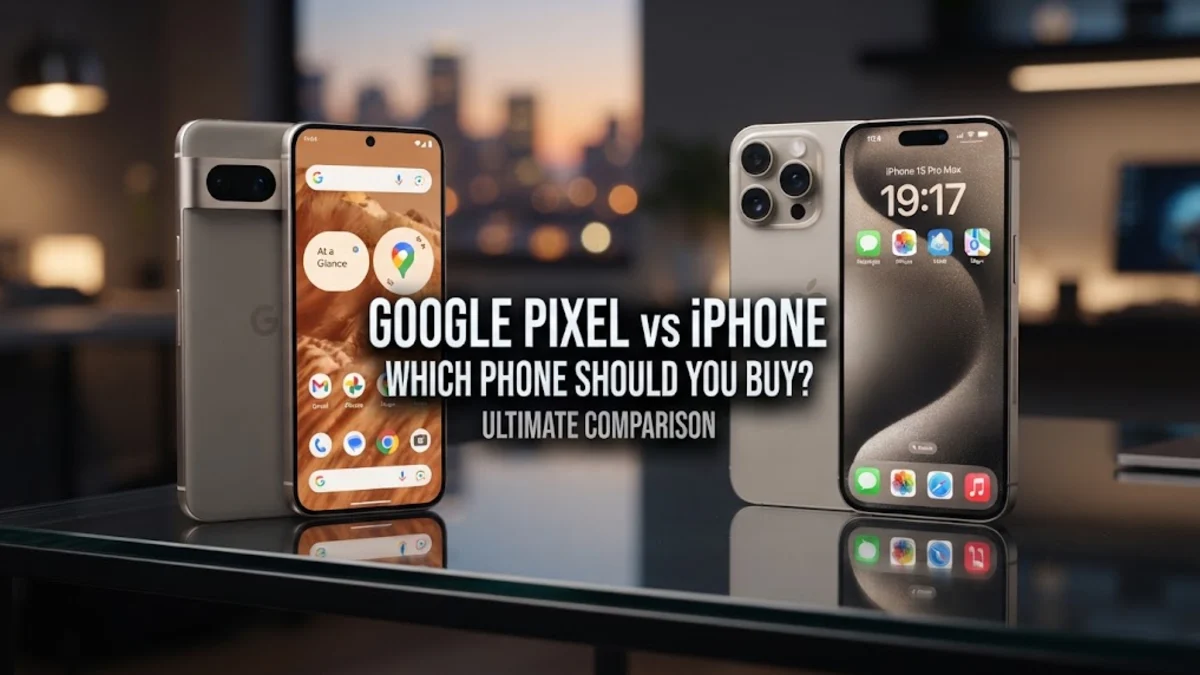
Both platforms offer outstanding build quality, excellent cameras, and multi-year software support guarantees. However, subtle differences in notification handling, file management, privacy controls, and day-to-day usability can significantly impact your workflow. This breakdown examines their core differences so you can pick the device that best fits your daily routine.
Operating System and Interface Experience
The choice between Android on a Pixel and iOS on an iPhone shapes everything you do on your screen. The Google Pixel runs a clean version of Android styled with Google's dynamic Material You design language. It adapts system accent colors to match your wallpaper, organizes the notification shade with intuitive conversation threading, and allows complete freedom over home screen grid layouts, icon packs, and default browser and email apps.
Apple's iOS prioritizes structural uniformity and smooth system animations. While recent updates have expanded home screen widget flexibility and lock screen personalization, iOS remains stricter regarding system-level modifications. Notifications on iOS still gather in a center-screen feed that many users find harder to manage quickly compared to Android's granular notification categories. If you prefer fine-grained control over file systems and screen layouts, the Pixel delivers a far more flexible environment. Conversely, if you value absolute consistency where every third-party application follows identical navigation paradigms, the iPhone provides a smoother learning curve.
Camera Capabilities and Image Processing
Both brands represent the peak of smartphone photography, but their computational approaches produce distinctly different results. The Google Pixel relies heavily on computational algorithms and machine learning to produce images with high dynamic range, crisp shadow contrast, and accurate skin tones via Real Tone tuning. Night Sight on Pixel captures scenes in near-total darkness without turning skies into artificial daylight, preserving natural ambience.
The iPhone maintains a slight advantage in video recording consistency and portrait warmth. Apple's video pipeline records wide dynamic range with zero dropped frames, exceptional audio capture, and reliable autofocus tracking across all lenses. Photographers who shoot raw video or rely heavily on social media uploads will notice that third-party platforms often process camera sensor data from iOS devices with better compression and clarity. For still photography, especially point-and-shoot scenarios in tricky lighting, the Pixel frequently edges out Apple by avoiding over-sharpened facial textures.
On-Device AI and Everyday Smart Features
Artificial intelligence has become the primary battleground between Google and Apple. The Pixel incorporates Google Gemini directly into the system architecture, powering utility tools that solve practical everyday annoyances. Features like Call Screen inspect incoming spam calls in real time before your phone ever rings, Hold for Me stays on the line with customer support queues on your behalf, and Circle to Search lets you look up anything on your display instantly with a single gesture.
Apple integrates Apple Intelligence across iOS, focusing on summarized notifications, contextual Siri commands, system-wide writing assistants, and automated photo album indexing. Apple's approach processes the vast majority of personal queries directly on your device chip or routes them to encrypted Private Cloud Compute servers. While Apple's AI aids writing and personal scheduling seamlessly, Google's smart utilities remain unmatched for proactive voice recognition, instantaneous live audio transcription in the Recorder app, and hands-off call screening.
Battery Efficiency, Charging, and Ecosystem Integration
Hardware integration defines daily battery endurance and accessory compatibility. iPhones consistently deliver superior idle battery conservation due to Apple's custom-engineered silicon, which sips power during standby. Even with heavy daily workloads, iPhones generally finish the day with predictable reserves. Google's Pixel uses adaptive battery software to restrict background energy draw based on your app habits, though intensive cellular searches and mobile gaming can drain the battery faster than comparable iOS hardware.
Charging conveniences also differ. iPhones support universally popular magnetic Qi2 and MagSafe accessory standards, making it easy to snap on battery packs, car mounts, and bedside charging stands. Pixels charge via standard USB Power Delivery protocols, allowing faster wired charging rates with generic third-party wall adapters. When it comes to accessories, Apple's proprietary ecosystem—encompassing the Apple Watch, AirPods with automatic device switching, AirTags, and Mac computers—delivers an integrated handoff experience that Android cannot fully replicate without mixing multiple manufacturers.
Privacy Controls, Cloud Storage, and Security
Both platforms deploy robust security architectures, yet their approaches to personal user data reflect their overarching business philosophies. Google provides transparent permission management, alerting you whenever apps access your clipboard, microphone, or camera. You can configure precise location permissions via Settings > Location > App location permissions to ensure third-party tools only access your coordinates while actively in use. However, Google's core business relies on services, meaning telemetry data connects heavily to your unified Google Account across YouTube, Maps, and Chrome.
Apple positions user privacy as an essential hardware selling point. Features like App Tracking Transparency require applications to request explicit user permission before monitoring browsing activity across other companies' apps and websites. Furthermore, iCloud Keychain, Private Relay, and Advanced Data Protection enable end-to-end encryption across cloud backups, Notes, and Photos. If minimizing corporate data telemetry is your top priority, Apple holds the advantage. If seamless cloud collaboration across different operating systems like Windows and Linux is necessary, Google's cross-platform cloud services are far more practical.
Direct Specification and Feature Comparison
To help you evaluate how their core strengths stack up side by side, review this comparison of standard software and hardware capabilities:
| Feature | Google Pixel | Apple iPhone |
|---|---|---|
| Operating System | Android (Material You) | iOS |
| AI Core | Google Gemini & Tensor TPU | Apple Intelligence & Neural Engine |
| Photo Strengths | Real Tone, Night Sight, Magic Eraser | Realistic color balance, rapid shutter response |
| Video Quality | Excellent 4K HDR, Video Boost | Industry-standard 4K Dolby Vision, ProRes |
| Ecosystem Perks | Fast pairing with Chromebooks and PC | Tight links with Mac, Apple Watch, iPad |
| Spam Protection | Real-time Call Screen & Voice Filtering | Standard carrier filtering and silence options |
| Wired Connection | USB-C standard with external display out | USB-C standard with high-speed data on Pro |
Both manufacturers now pledge at least seven years of continuous operating system upgrades, security patches, and functional feature drops, ensuring that whichever model you select will remain secure and functional through the end of the decade.
Which Phone Should You Buy?
Select the Google Pixel if you want a phone that feels like a proactive digital assistant. The Pixel is the better device for people who receive heavy volumes of phone calls, want immediate translation and voice transcription tools, and prefer an uncluttered Android environment without vendor bloatware. It is also the ideal choice if you already use Windows computers, Chromebooks, or Google Workspace tools like Docs, Sheets, and Drive as your primary work hub.
Choose the iPhone if you prioritize maximum video quality, best-in-class standby battery life, and high hardware resale value. The iPhone remains the undisputed champion if your household or close social circle communicates via iMessage and FaceTime, or if you already own an iPad, Mac, or Apple Watch. Its app ecosystem remains marginally more polished for third-party developer releases, making it the lower-friction choice for most consumers who want a reliable device that works effortlessly out of the box.
The bottom line
The contest between Google Pixel and iPhone is no longer about raw hardware specs, but how you want your phone to work for you. If you want smart automated tools, superior still photography, and deep interface customization, choose the Pixel. If you depend on effortless cross-device continuity, premium video recording, and strict hardware privacy standards, the iPhone remains the top choice.
Frequently asked questions
Is switching from iPhone to Google Pixel difficult?
No. Google provides a straightforward cable transfer utility during setup that moves your contacts, calendar entries, local photos, messages, and free apps from your old iPhone directly to your Pixel. Remember to deregister iMessage before switching to avoid missed text messages.
Does the Google Pixel take better photos than the iPhone?
For still photography, many reviewers prefer the Pixel due to its exceptional dynamic range, reliable shadow detail, and natural skin tone reproduction. However, the iPhone remains the market leader for smooth, artifact-free video recording.
How long do Google Pixel and iPhone receive software updates?
Both Google and Apple provide industry-leading longevity. Google explicitly commits to seven full years of major Android OS and security updates for current Pixel devices, matching Apple's long-standing track record of supporting iPhones for six to seven years.
Can I use an Apple Watch with a Google Pixel?
No. The Apple Watch requires an iPhone for initial setup and ongoing synchronization. If you switch to a Google Pixel, you will need an Android-compatible smartwatch, such as the Google Pixel Watch or a Samsung Galaxy Watch.