Best Gmail Clients for Desktop and Mobile in 2026
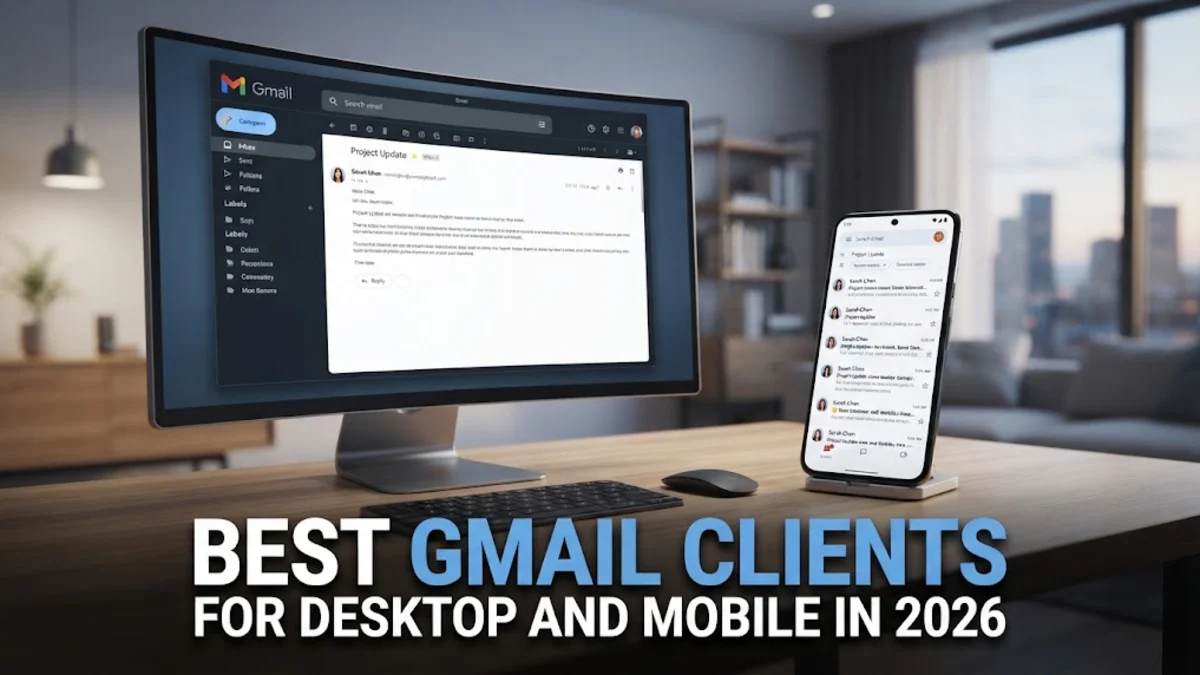
Finding the right email application to manage your Google inbox can drastically improve your daily productivity, streamline communication, and keep your messages organized. While the standard web browser interface works well for many users, dedicated email clients offer advanced offline access, better notification management, and superior multitasking capabilities.
In this guide, we break down the top-rated software options available in 2026 to help you choose the best gmail client based on your operating system, workflow preferences, and security requirements.
Why Use a Dedicated Gmail Client Instead of Webmail?
Using a dedicated email application instead of keeping a browser tab open offers several distinct advantages for everyday users and power professionals alike. Browser tabs can easily become cluttered, accidentally closed, or bogged down by heavy scripts, whereas a standalone desktop or mobile application provides a stable, distraction-free environment dedicated solely to your correspondence.
Furthermore, most modern email clients support secure OAuth authentication, allowing you to sign into your Google account directly without sharing your password with third parties. They also handle local caching much better than web browsers, meaning you can search through older messages, draft replies, and organize folders even when you are completely offline during a flight or an internet outage.
Microsoft Outlook for Advanced Organization
Microsoft Outlook remains one of the most powerful and feature-rich productivity tools available for managing multiple email accounts, including Gmail. It integrates deeply with calendar events, contact lists, and task managers, making it an ideal choice for professionals who need a centralized hub for their daily schedules and communications.
The application features robust search capabilities, customizable folders, and intelligent inbox filtering that separates important messages from automated newsletters. While it can feel somewhat heavy on lower-end systems, its enterprise-grade security and extensive plugin ecosystem make it a top contender for users who demand advanced organizational control over their workflow.
Mozilla Thunderbird for Open-Source Privacy
For users who prioritize data privacy, open-source software, and freedom from proprietary corporate ecosystems, Mozilla Thunderbird stands out as an exceptional choice. Completely free to use and heavily customizable through add-ons and themes, Thunderbird allows you to connect your Gmail account seamlessly via IMAP and configure advanced security filters.
Thunderbird includes built-in phishing protection, automated junk mail controls, and support for end-to-end encryption protocols like OpenPGP. Its interface features a modern tabbed layout that lets you open calendars, address books, and multiple email folders simultaneously, giving you a comprehensive workspace without sacrificing system performance or personal privacy.
Apple Mail for Seamless Ecosystem Integration
If you primarily use macOS, iOS, or iPadOS devices, Apple Mail provides the most integrated and battery-efficient way to access your Gmail inbox. Because it comes pre-installed on all Apple hardware, you do not need to download additional software or worry about background resource consumption draining your laptop battery.
Apple Mail supports modern features such as privacy protection pixels blocking, scheduled sending, follow-up reminders, and rich text formatting tools. Setup takes only a few seconds through the standard system settings, and notifications sync instantly across all your Apple devices without requiring manual intervention or complex configuration steps.
eM Client for Speed and Productivity Features
eM Client is a streamlined, highly responsive desktop application designed specifically for Windows and macOS users who want lightning-fast search speeds and a clean interface. It handles large Gmail archives effortlessly, indexing thousands of messages within seconds so you never waste time waiting for search results to load.
Beyond standard email management, eM Client includes a built-in chat client, an interactive calendar with timezone support, task management tools, and a unique translation feature that translates incoming messages instantly. Its user interface closely mirrors modern design standards, making the transition from webmail smooth and intuitive for new users.
How to Choose the Right Email Client for Your Needs
Selecting the ideal email application depends heavily on your hardware platform, daily message volume, and specific feature requirements. To help you make an informed decision, consider evaluating your options based on system resource usage, offline functionality, calendar integration, and cost.
Review the comparison breakdown below to see which platform aligns best with your personal or professional workflow:
| Client Name | Platforms | Best For | Offline Support |
|---|---|---|---|
| Microsoft Outlook | Windows, macOS, iOS, Android | Enterprise workflows & calendars | Yes |
| Mozilla Thunderbird | Windows, macOS, Linux | Privacy-focused open-source users | Yes |
| Apple Mail | macOS, iOS, iPadOS | Apple ecosystem users | Yes |
| eM Client | Windows, macOS | Fast searching & clean design | Yes |
The bottom line
Finding the best gmail client ultimately comes down to matching your software preferences with your daily habits. Whether you prefer the deep enterprise integration of Microsoft Outlook, the open-source privacy of Mozilla Thunderbird, the native simplicity of Apple Mail, or the rapid performance of eM Client, upgrading from webmail will transform how you handle your inbox.
Frequently asked questions
Can I use third-party clients with my secure Google account?
Yes, all reputable email clients support secure OAuth authentication, allowing you to log in directly through Google's secure portal without exposing your main password to the app.
Do these email clients support Gmail labels?
Most modern clients map Gmail labels to IMAP folders or support custom label views, though the exact presentation may vary slightly compared to the web browser interface.
Are these email applications free to use?
Mozilla Thunderbird and Apple Mail are completely free. Microsoft Outlook and eM Client offer robust free tiers with optional paid professional licenses for advanced features.
Can I access my Gmail offline using a desktop client?
Yes, desktop clients download and cache your messages locally, allowing you to read, search, and draft emails even when your computer is offline.
How do I add my Gmail account to a new client?
Simply open your chosen email client, select Add Account, choose Google as your provider, and follow the browser prompt to sign in and grant necessary permissions.