Android Phone vs iOS: Key Differences Explained
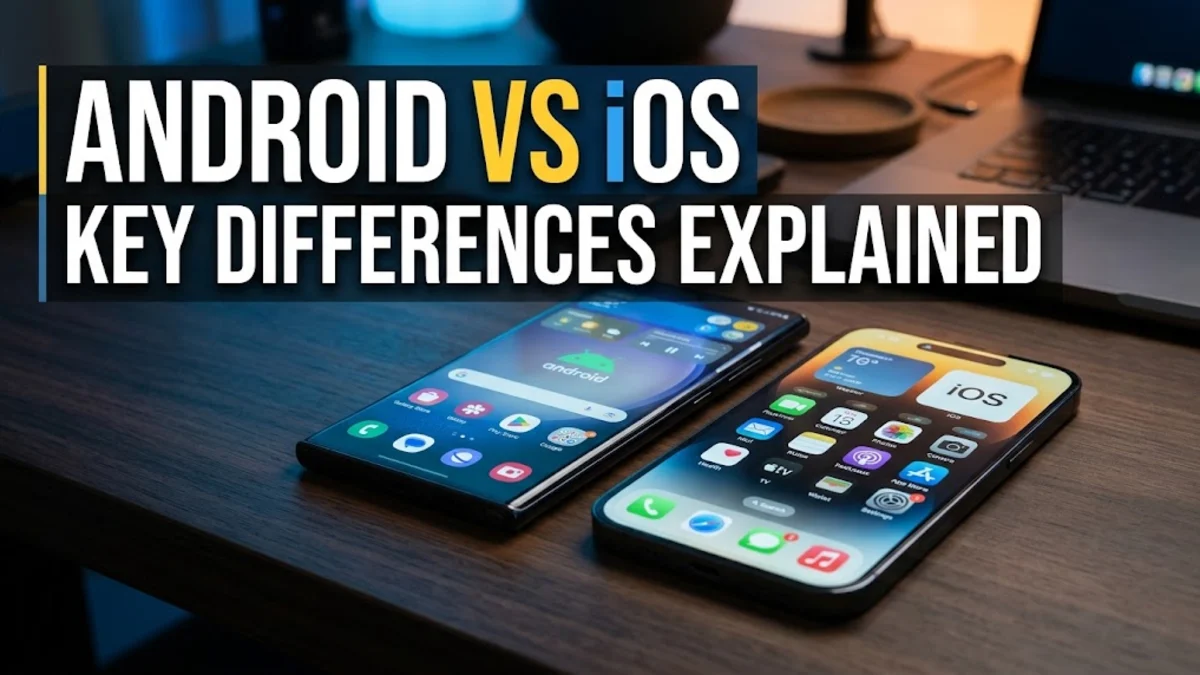
Understanding these core differences helps you select the platform that matches your workflow, device preferences, and long-term tech needs. Whether you prioritize deep system customization or seamless ecosystem synchronization, exploring how Android and iOS stack up provides clarity before your next smartphone purchase.
Customization and Interface Flexibility
Android has long been celebrated for its deep customization capabilities, giving users near-total control over how their home screen, app icons, and default applications look and behave. You can place interactive widgets anywhere on the grid, install third-party launchers to completely overhaul the user interface, and replace default apps for messaging, browsing, and email with alternative options from the Google Play Store. This flexibility makes Android ideal for users who enjoy tailoring every aspect of their device to match their personal workflow and aesthetic preferences. In contrast, iOS historically favored a more structured, uniform approach to the home screen layout. While recent versions of iOS have introduced customizable widget placement, tinted app icons, and flexible control center arrangements, Apple still maintains stricter boundaries around system-level modifications. The iOS interface emphasizes consistency, smooth animations, and a standardized layout across all supported iPhones. This design philosophy ensures that any iPhone feels immediately familiar to users transitioning from older Apple devices, minimizing the learning curve while sacrificing some of the granular personalization found on Android flagship devices.
Hardware Variety and Ecosystem Choice
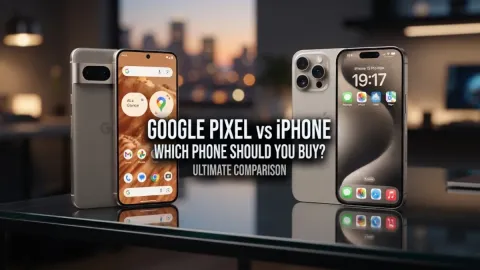
The hardware landscape represents one of the most striking divergences between the two platforms. Android operates as an open ecosystem utilized by multiple hardware manufacturers, including Samsung, Google, Motorola, and OnePlus. This means you can choose from a vast array of form factors, screen technologies, battery capacities, camera arrays, and price points, ranging from budget-friendly entry-level handsets to cutting-edge foldable devices. Such diversity allows you to select a physical device that matches your exact ergonomic and financial requirements. Apple, on the other hand, designs both the hardware and software for its iPhone lineup, maintaining tight control over manufacturing standards and component integration. While this limits your hardware choices to Apple's current generation of iPhones and select legacy models, it guarantees exceptional build quality, industry-leading processor performance, and long-term software support. Apple's integrated approach also extends to its broader ecosystem, allowing iPhones to communicate effortlessly with Mac computers, iPads, Apple Watches, and AirPods through proprietary features like AirDrop, Universal Clipboard, and Continuity.
App Store and Ecosystem Quality
Both the Google Play Store and the Apple App Store host millions of applications, but their curation and monetization models exhibit distinct characteristics. The Apple App Store is widely recognized for strict developer guidelines and rigorous review processes, which generally result in higher app optimization, consistent user interfaces, and robust security standards for third-party software. Developers often design and optimize their applications for iOS first because of Apple's uniform hardware ecosystem and high user monetization rates. Meanwhile, the Google Play Store offers an extensive selection of apps and greater flexibility for sideloading software from outside the official store, a feature appreciated by power users and developers. Google has introduced stringent security measures like Google Play Protect to scan applications for malicious behavior, narrowing the safety gap between the two platforms. However, the sheer variety of Android hardware means that app performance can occasionally vary across different phone models, whereas iOS apps run on a predictable, standardized set of specifications dictated by Apple's silicon chips.
Privacy, Security, and Software Updates
Privacy and security frameworks on Android and iOS reflect each company's business model and operating system architecture. iOS emphasizes user privacy through features like App Tracking Transparency, which requires applications to ask explicit permission before tracking your activity across other apps and websites. Apple processes much of its intelligence features on-device and maintains encrypted backups for messaging and cloud storage. Android addresses security through a sandboxed application environment, regular Google Play system updates, and advanced permission controls that let you grant temporary or one-time access to your microphone, camera, and location data. When it comes to software updates, Apple holds a distinct advantage by rolling out major iOS updates simultaneously to all supported iPhones worldwide, often supporting devices for five to seven years. Android update availability historically depended heavily on individual manufacturers and carriers, though modern flagship devices from Google and Samsung now match Apple's commitment by promising up to seven years of operating system and security patches.
File Management and Data Transfer
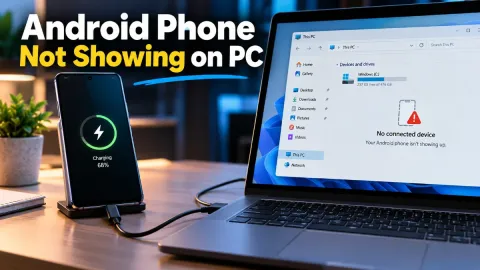
Managing files, documents, and media between your phone and a computer highlights another philosophical difference between Android and iOS. Android treats your phone storage much like a traditional desktop computer. You can connect your Android device to a Windows PC or Mac via a USB cable, open the internal storage directory, and freely drag and drop music files, documents, photos, and folders without specialized software. This makes transferring diverse file types straightforward and fast. iOS relies heavily on a cloud-first philosophy centered around iCloud, AirDrop, and structured app containers. While iOS features a built-in Files app, moving files between a computer and an iPhone typically requires using Apple's Finder or iTunes application on a computer, utilizing cloud storage services, or leveraging AirDrop for wireless transfers between Apple devices. While AirDrop offers unmatched speed and simplicity within the Apple ecosystem, users who frequently move varied file types between non-Apple hardware often find Android's open file system more convenient.
Side-by-Side Platform Comparison
| Feature | Android | iOS |
|---|---|---|
| Customization | High (Launchers, widgets, themes) | Moderate (Widgets, layouts, tinting) |
| Hardware Options | Many manufacturers (Samsung, Pixel, etc.) | Apple iPhone models only |
| File Management | Direct USB drag-and-drop | Cloud and Finder/iTunes-based |
| App Sideloading | Fully supported with security warnings | Restricted (Region-dependent) |
| Ecosystem Integration | Flexible across Windows, Mac, and mobile | Seamless within Apple ecosystem |
The bottom line
Choosing between an Android phone and iOS ultimately depends on your personal preferences for hardware, software freedom, and ecosystem integration. Android offers unmatched customization, diverse hardware options, and flexible file management, making it ideal for users who love personalizing their tech. iOS delivers a polished, highly secure, and seamlessly synchronized experience across Apple devices with long-term software support. Evaluate your current devices and daily workflow to decide which platform fits your lifestyle best.
Frequently asked questions
Is it difficult to switch from Android to iOS or vice versa?
Switching between platforms has become much easier thanks to migration apps provided by both Google and Apple. Contacts, messages, photos, and calendar events transfer smoothly, though you will need to repurchase paid apps from the respective app stores.
Which platform offers better battery life?
Battery life depends largely on the specific phone model and battery capacity rather than the operating system alone. Both Android flagships and modern iPhones offer all-day battery performance under normal usage conditions.
Can I use an Android phone with a Mac computer?
Yes, you can connect an Android phone to a Mac using third-party transfer tools like Android File Transfer or cloud services, though the integration is not as seamless as using an iPhone with macOS.
Which operating system is more secure?
Both platforms offer robust security architectures. iOS benefits from a closed app ecosystem and uniform hardware updates, while Android utilizes advanced sandboxing, Google Play Protect, and granular permission controls.
Do Android phones lose their value faster than iPhones?
Generally, iPhones tend to retain their resale value longer than most Android devices, largely due to Apple's brand loyalty and extended software support lifecycle across all models.