iPhone
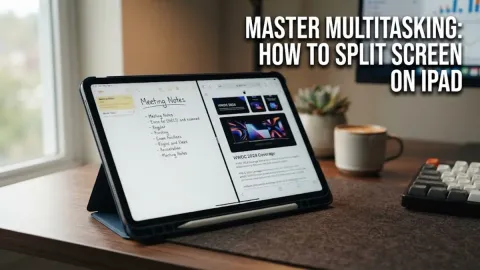
How to Split Screen on iPad
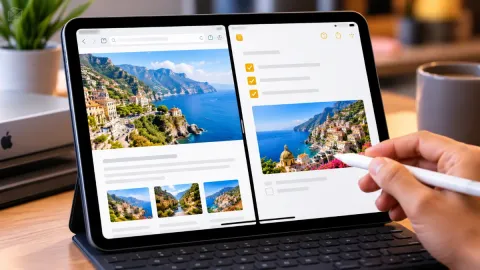
To split screen on an iPad, open your first app, tap the three-dot multitasking button at the top center of the display, and select Split View. Then pick your second app…
2 articles
To split screen on an iPad, open your first app, tap the three-dot multitasking button at the top center of the display, and select Split View. Then pick your second app…
Using split screen on your iPad allows you to work in two apps simultaneously, such as taking notes while watching a lecture or browsing the web while drafting an email.…