How to Fix Gemini Error 1095
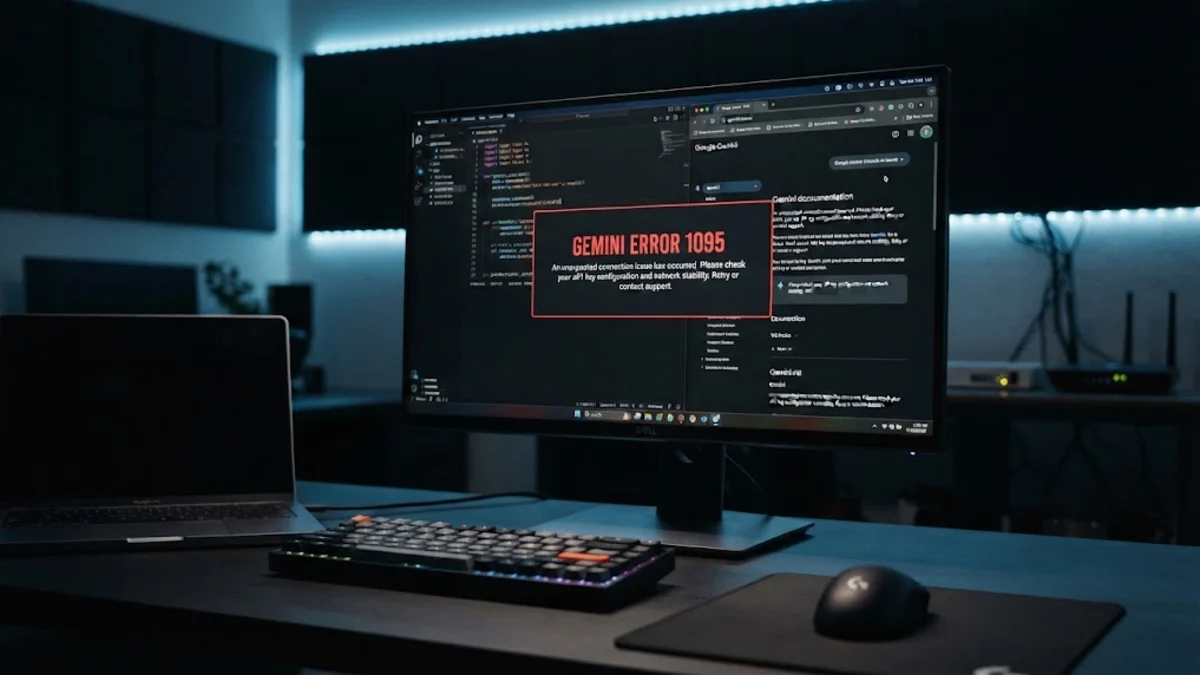
Gemini error 1095 is a common authentication failure that occurs when the Google AI interface cannot verify your session token or subscription status. This typically happens during the initial handshake between your device and Google's servers, preventing you from sending prompts or receiving AI-generated responses. If you are seeing this message, it usually means your login credentials have desynchronized or a third-party tool is interfering with the connection.
In most cases, you can resolve the issue by performing a clean re-login or clearing the specific site data for the Gemini domain. In this guide, we will walk through the steps to troubleshoot error 1095 across web browsers, Android devices, and iPhones to get your AI assistant back online in 2026.
Understanding the Causes of Error 1095
In the technical landscape of 2026, Gemini relies on a complex series of 'bearer tokens' to maintain a secure connection between your account and the multimodal models running in the cloud. Error 1095 is specifically categorized as an authentication handshake failure. It occurs when the server expects a valid security key but receives one that is expired, malformed, or associated with a different IP address than the one that initiated the session. This is common if you switch between Wi-Fi and mobile data frequently or if you use a Virtual Private Network (VPN) that rotates addresses.
Another frequent cause is the conflict between multiple Google accounts. If you are logged into a personal Gmail account and a professional Workspace account simultaneously, the browser may occasionally send the wrong credentials to the Gemini API, triggering the 1095 block. Furthermore, security extensions or aggressive ad-blockers can sometimes strip away the metadata required for the authentication process, leading the server to reject the request for security reasons. Identifying whether the issue is local to your browser or tied to your account status is the first step in a successful fix.
Refresh Your Session and Clear Browser Data
- Close all open browser tabs and windows to ensure no background processes are holding onto the old session.
- Open a new browser window and navigate directly to gemini.google.com.
- Sign in using your primary Google account.
- If the error persists, try accessing Gemini in an Incognito window by pressing Ctrl + Shift + N (Windows) or Cmd + Shift + N (Mac). If it works in Incognito, one of your extensions is likely the culprit.
Troubleshooting Extension and Ad-Blocker Conflicts
Fixing Gemini Error 1095 on Android and iOS
Network Configuration and DNS Fixes
ipconfig /flushdns, then press Enter.
Changing your DNS to a more reliable provider can also bypass local routing issues. We recommend using Google Public DNS or Cloudflare.
| Provider | Primary DNS | Secondary DNS |
|---|---|---|
| 8.8.8.8 | 8.8.4.4 | |
| Cloudflare | 1.1.1.1 | 1.0.0.1 |
| OpenDNS | 208.67.222.222 | 208.67.220.220 |
Account Permissions and Workspace Settings
If you are using a managed account (for work or school), Gemini error 1095 might be triggered by administrative restrictions. In 2026, Google Workspace administrators have granular control over which AI features are available to users. If an admin toggles a setting while you are mid-session, the 1095 error acts as a 'soft block' until your session re-validates against the new policy. Contact your IT department to ensure that 'Gemini Pro' or 'Gemini Advanced' permissions are correctly assigned to your organizational unit.
For personal accounts, ensure you haven't exceeded the usage limits of your tier. While 1095 is usually an auth error, it can occasionally trigger if the system is attempting to transition your account from a high-performance model to a basic model due to quota exhaustion. If you recently changed your Google One subscription, wait up to 24 hours for the changes to propagate across all global data centers. Logging out of all other Google services (like YouTube and Drive) and logging back into Gemini first can also prioritize the AI session token, bypassing conflicts with other active services.
The bottom line
Gemini error 1095 is rarely a permanent problem and is almost always solved by refreshing your authentication state. By clearing your browser cache, managing conflicting extensions, and ensuring your network settings are optimized, you can restore full functionality to your AI tools. If the problem persists after trying all these steps, it may indicate a temporary outage on Google's side, and you should check the official Google Workspace Status Dashboard for any ongoing service interruptions.
Frequently asked questions
Will clearing my cache delete my Gemini chat history?
No, your chat history is stored on Google's servers and is tied to your account, not your local cache. Clearing your browser data will only log you out and remove temporary files; your previous conversations will reappear once you sign back in.
Can a VPN cause error 1095?
Yes. If your VPN IP address is flagged for suspicious activity or is located in a region where Gemini features are restricted, Google may block the authentication handshake. Try disabling your VPN or switching to a different server location to see if the error clears.
Is error 1095 the same as a 'Service Unavailable' error?
No. Service Unavailable (Error 503) means Google's servers are down. Error 1095 means the servers are working, but they cannot verify who you are or whether you have permission to access the service.
How often should I clear site data for Gemini?
You only need to clear site data if you encounter persistent errors like 1095 or 1098. Under normal circumstances, the browser manages these tokens automatically without user intervention.