عربي
iPhone

iCloud vs Google Drive: Which Cloud Storage Is Best in 2026?
iCloud vs Google Drive: Which Cloud Storage Is Best in 2026?

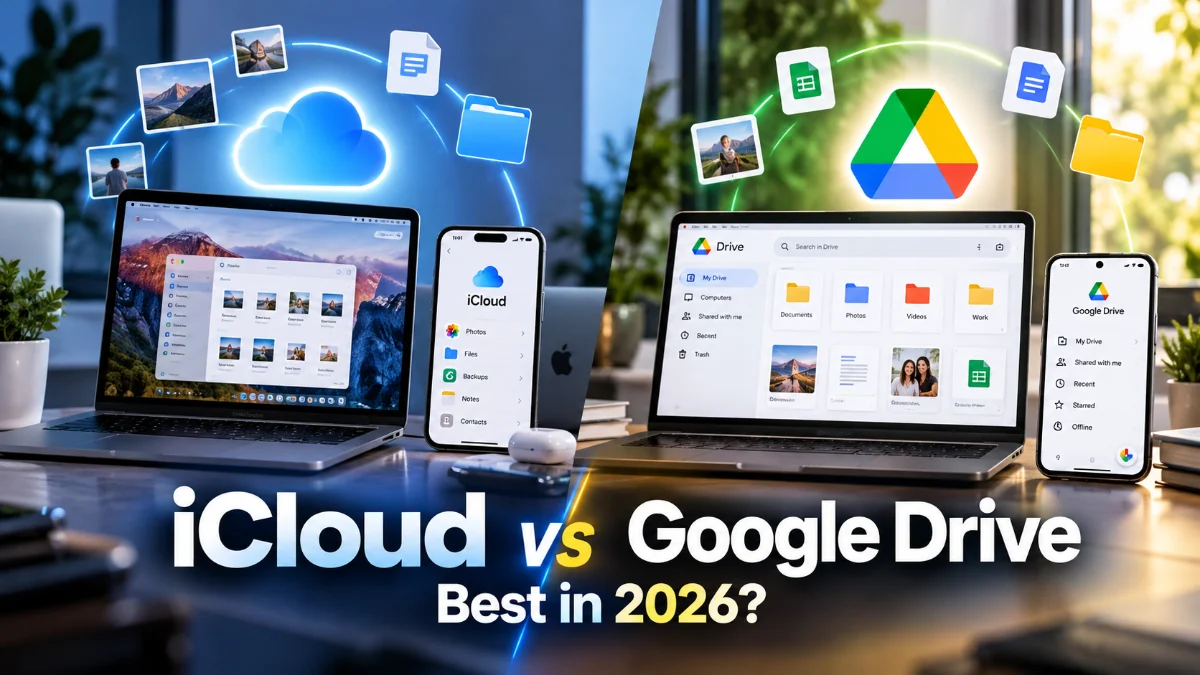
Choosing between iCloud and Google Drive in 2026 depends primarily on your hardware and how you prefer to collaborate. If you are deeply embedded in the Apple ecosystem with an iPhone, Mac, and iPad, iCloud offers a near-invisible experience that manages your backups and photos automatically. Conversely, Google Drive remains the superior choice for users who require cross-platform flexibility and powerful collaborative tools for work or education.

In this comparison, we break down the latest 2026 features, including AI-driven file organization, enhanced encryption protocols, and storage pricing. While both services provide reliable cloud hosting, their strengths cater to different user profiles. We will help you determine which platform deserves your monthly subscription fee based on your specific device usage and security requirements.

Storage Tiers and Pricing Structure in 2026

Pricing is often the deciding factor when choosing a cloud provider. As of 2026, both Apple and Google have standardized their tiers, but the value propositions differ. iCloud+ remains the primary choice for individuals, starting with 5GB of free storage, which remains notoriously small for modern backup needs. Their paid tiers typically range from 50GB to 12TB, catering to professional photographers and power users. A significant advantage for Apple users is the Apple One bundle, which combines iCloud storage with Music, TV+, and Arcade for a single monthly fee.

Google One, the subscription arm of Google Drive, offers 15GB of free storage shared across Gmail, Drive, and Photos. In 2026, Google has leaned heavily into family sharing, allowing users to split their 2TB or 5TB plans with up to five other people more efficiently than in previous years. While Apple also allows family sharing, Google's integration with Google Store discounts and AI-powered 'Gemini' workspace features often makes their higher-tier plans feel more comprehensive for those who do not strictly use Apple hardware. If you only need a small amount of extra space, Apple's 50GB plan is affordable, but for heavy data users, Google's 2TB tier often provides a better price-per-gigabyte ratio.

Ecosystem Integration and User Experience

The user experience is where these two services diverge most sharply. iCloud is not just an app; it is a core component of iOS, iPadOS, and macOS. When you enable iCloud, your device settings, messages, and app data sync in the background without any manual intervention. On an iPhone, you can access your files by navigating to the Files app and selecting iCloud Drive. This level of system-level integration means that saving a document on your Mac makes it instantly available on your iPhone's home screen widgets. Google Drive operates as a more traditional application on Apple devices but serves as the backbone for Android and ChromeOS. On a Mac or PC, you can use 'Drive for Desktop' to mirror your cloud files directly into Finder or File Explorer. However, on an iPhone, Google Drive feels like a guest. You must open the specific app to upload or manage files, and it cannot back up your system settings or device configuration the way iCloud can. For users who switch between a Windows PC at work and an iPhone at home, Google Drive offers a more consistent interface across different operating systems, whereas iCloud for Windows, while improved in 2026, still feels slightly less fluid than its native counterpart.

Photo and Video Management Comparison

Managing a lifetime of memories is a primary use case for cloud storage. iCloud Photos is designed for simplicity and 'invisible' operation. It uses a feature called Optimize iPhone Storage, which keeps full-resolution photos in the cloud while maintaining smaller, space-saving versions on your device. This is managed via Settings > Photos > iCloud Photos. It is perfect for users who want their photo library to just 'work' across all their Apple devices without thinking about it. Google Photos, which uses Google Drive storage, takes a different approach by focusing on search and AI organization. In 2026, Google's AI can identify people, pets, and objects with incredible accuracy, making it easy to find a specific photo from years ago just by typing 'sunset in London' or 'dog at the beach.' Google Photos also offers more robust editing tools directly in the cloud. While iCloud has improved its 'Memories' and search functionality, Google still leads in the ability to curate and find content within a massive library. If you prefer manual organization and Apple's native Photos app, iCloud wins; if you want a searchable, smart assistant for your gallery, Google is the better bet.

Collaboration and Productivity Tools

When it comes to working with others, Google Drive remains the undisputed champion. Google Workspace (Docs, Sheets, and Slides) was built for the web, meaning multiple people can edit a document simultaneously with zero lag. In 2026, the collaboration features include integrated AI that can draft emails or summarize long spreadsheets directly within the Drive interface. Sharing a file is as simple as clicking Share and entering an email address, regardless of whether the recipient has a Google account. Apple's iWork suite (Pages, Numbers, and Keynote) has closed the gap significantly in recent years. It now offers robust real-time collaboration via iCloud, but it still feels optimized for the desktop app experience rather than the web browser. Collaboration in iCloud works best when everyone in the group is using an Apple device. If you try to collaborate with a Windows or Android user, they are forced to use the web version of Pages, which, although functional, is not as snappy as Google's native web environment. For professional environments, students, or teams, Google Drive's platform-agnostic approach is almost always the more practical choice.

Security, Privacy, and Data Protection

Security is a high priority in 2026, and both companies have implemented sophisticated protections. Apple emphasizes 'Privacy as a Human Right' and offers a feature called Advanced Data Protection. This provides end-to-end encryption for the majority of your iCloud data, including device backups, notes, and photos. When enabled via Settings > [Your Name] > iCloud > Advanced Data Protection, Apple itself does not hold the encryption keys, meaning no one—not even Apple or law enforcement—can access your data without your trusted device. Google provides excellent security through robust two-factor authentication (2FA) and industry-leading encryption for data in transit and at rest. However, Google's business model is built on data, and while they do not 'sell' your files, they do scan metadata for features like AI suggestions and search indexing. Google also offers a 'VPN by Google One' and 'Dark Web Monitoring' for its subscribers to enhance overall digital security. For the privacy-conscious user who wants total control over their encryption keys, Apple's implementation is generally considered superior, whereas Google is excellent at preventing unauthorized access from outside parties while maintaining a more open data-processing model for its AI features.

Comparison Summary Table

To help you decide, here is a quick breakdown of how these services compare across key categories in 2026. Note that performance can vary based on your internet connection and local device hardware.
Feature iCloud (iCloud+) Google Drive (Google One)
Free Storage 5 GB 15 GB
Best Integration Apple (iOS, macOS) Android, ChromeOS, Web Collaboration Good (Best with Apple users) Excellent (Platform-agnostic) Privacy End-to-End Encryption available High Security, Data Scanning for AI Photo Management Native Gallery Integration AI-Powered Search & Editing

The bottom line

The winner of the iCloud vs Google Drive debate depends on your lifestyle. iCloud is the clear choice if you own multiple Apple devices and want a 'set it and forget it' backup solution with industry-leading privacy. However, if you work in a collaborative environment, use a mix of different operating systems, or need a powerful search tool for your photos, Google Drive offers more versatility. Many users in 2026 find that using both—iCloud for system backups and Google Drive for work and shared projects—is the most effective way to manage their digital life.

Frequently asked questions

Can I use Google Drive and iCloud together on the same iPhone?

Yes, you can use both simultaneously. You can set iCloud to handle your system backups and photos while using the Google Drive app for work documents and collaborative files. They do not conflict with each other.

Is it easy to move files from iCloud to Google Drive?

The easiest way is using a computer. On a Mac or PC, you can download your iCloud files and drag them into the Google Drive folder. For photos, Apple offers a specific 'Data and Privacy' tool on their website to transfer your entire library to Google Photos automatically.

Does Google Drive work on a Mac as well as iCloud does?

Google Drive for Desktop works very well on macOS, appearing as a separate drive in Finder. However, it cannot sync your Mac's system settings, Keychain passwords, or native app data like iCloud can.

What happens to my files if I stop paying for storage?

If you downgrade to the free tier and exceed your limit, both services will stop syncing new files and you will eventually stop receiving emails (Gmail or iCloud Mail). They generally give you a grace period to download your data before any deletion occurs.