Why Is My Google Account Suspended and How to Fix It
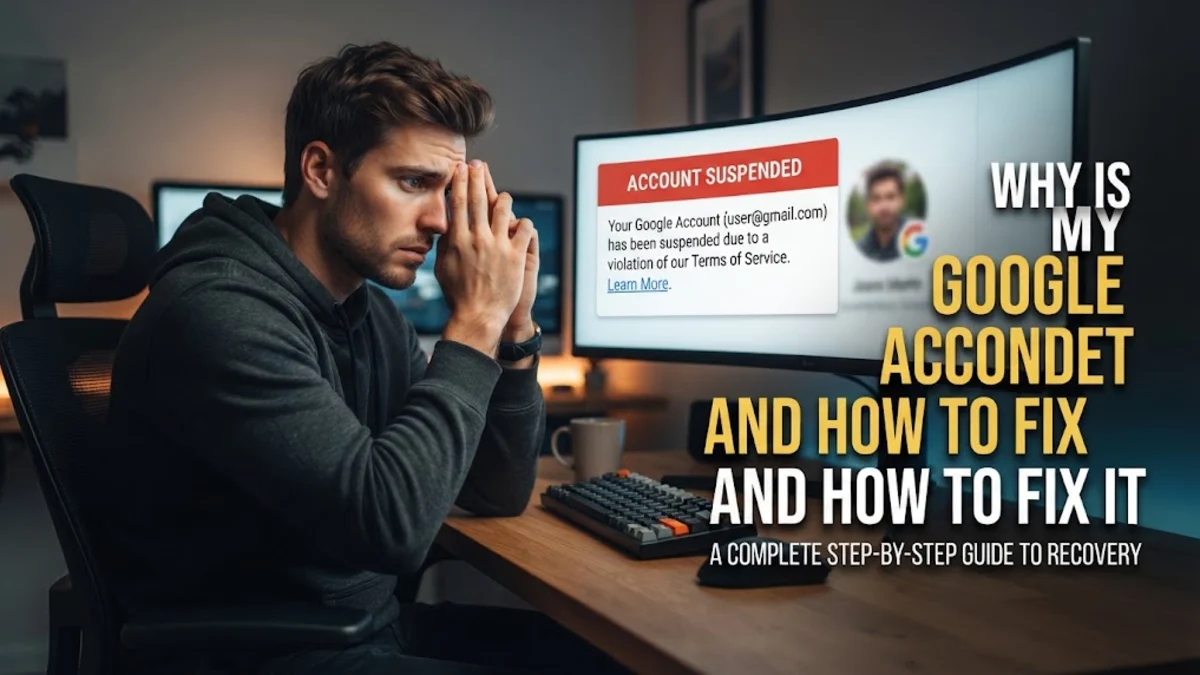
When you log in and find that your Google account has been suspended, it can completely disrupt your workflow, emails, photos, and connected devices. Understanding the exact reason for the suspension and following the official recovery process is essential to getting your access restored quickly.
Account suspensions typically occur due to perceived violations of Google Terms of Service, sudden security risks, or automated safety flags. This guide walks you through identifying the cause, checking your status, and submitting an effective appeal to regain control of your account.
Common Reasons for Google Account Suspension
Google monitors account activity using automated systems to protect users from malicious behavior and fraud. If your account has been disabled, it is usually because the system detected activity that violates Google Terms of Service or specific product policies. Common triggers include sending automated or bulk emails resembling spam, uploading prohibited content to Google Drive or YouTube, or attempting unauthorized access to other systems.
Another frequent cause is age requirement violations. If an account was created with a birthdate indicating the user is under the required age limit and fails to provide verification within the specified window, the system automatically suspends the profile. Additionally, sudden surges in login attempts from unusual locations can trigger security lockdowns to prevent potential hijacking by third-party actors.
Checking Your Account Status and Recovery Notices
Before taking any action, you need to confirm the exact nature of the suspension by attempting to sign into your account through a standard web browser. When you visit the main login page or access services like Gmail, Google will present a specific notification detailing whether the account is disabled and whether an appeal option is available.
Check your secondary recovery email or phone number for any official alerts sent by Google prior to the lockout. These messages often contain critical context regarding which policy was breached or if suspicious activity was detected from a specific IP address. Knowing this information helps you tailor your appeal and demonstrate that you understand the situation and are taking corrective steps.
Preparing Your Appeal and Supporting Evidence
If your account is eligible for review, you will see a link to start the appeal process. Before submitting your request, take time to gather any necessary details that support your case. If the suspension resulted from a compromised password or unauthorized access, note the timeline of events and be prepared to state that your account was temporarily hijacked.
Be honest, concise, and professional in your explanation. Avoid emotional language or lengthy excuses. State clearly how you use the account legitimately, acknowledge any accidental policy infractions if applicable, and outline the measures you will take to ensure compliance moving forward. Clear documentation dramatically improves your chances with the review team.
Submitting the Official Google Account Recovery Form
To submit your case, navigate to the official Google Account Recovery or Sign-in Assistance page. Follow the on-screen prompts carefully, entering your suspended email address and providing an active contact email where support agents can reach you with updates regarding your review status.
Complete any required verification steps, such as entering a security code sent to your phone or answering account security questions. Once you reach the final submission box for your appeal, paste the statement you prepared earlier. Click Submit and wait for a response from the review team, which typically takes anywhere from a few hours to a couple of business days.
Securing Your Account After Restoration
Once Google restores your account access, you must act quickly to secure your profile and prevent future suspensions. Log in immediately and navigate to Manage your Google Account > Security to review your active sign-in sessions, connected third-party apps, and recovery contact details.
Change your password immediately to a strong, unique combination of letters, numbers, and symbols. Enable two-factor authentication using an authenticator app or hardware security key rather than relying solely on text messages, which can be vulnerable to SIM swapping. Review your data permissions and remove any unrecognized devices or applications that retain access to your ecosystem.
Preventing Future Suspensions
Maintaining good standing with Google requires adhering consistently to their platform guidelines across all integrated services. If you use Gmail for business or personal outreach, avoid sending high volumes of identical emails in a short time frame, as this triggers anti-spam filters. Always review content guidelines before uploading shared documents, videos, or public files.
Keep your recovery phone number and backup email address up to date so that Google can reach you immediately if suspicious activity is detected. By monitoring your account health regularly and staying within acceptable usage boundaries, you can ensure uninterrupted access to your digital workspace and personal files.
The bottom line
Recovering a suspended Google account requires patience and adherence to the official review channels. By identifying the root cause, submitting a transparent appeal, and securing your login credentials upon restoration, you can safely resume using your account without further disruption.
Frequently asked questions
How long does a Google account review take?
Most account reviews are processed within two to three business days, though some complex cases may take longer depending on support volume.
Can I recover my data if my account is permanently deleted?
If an account is permanently deleted due to severe policy violations, data recovery is generally not possible once the appeal window closes.
Why did Google suspend my account without warning?
Automated security systems take immediate action when severe Terms of Service violations or high-risk security threats are detected to protect the broader network.
What should I do if my appeal is rejected?
If an appeal is denied after a formal review, the decision is usually final, and Google does not provide a secondary appeal mechanism for that specific suspension.
Will a suspended account affect my Android phone?
Yes, a suspended Google account will prevent you from accessing the Google Play Store, syncing contacts, and using associated apps on your Android device until resolved.