Best Routers for Gaming in 2026
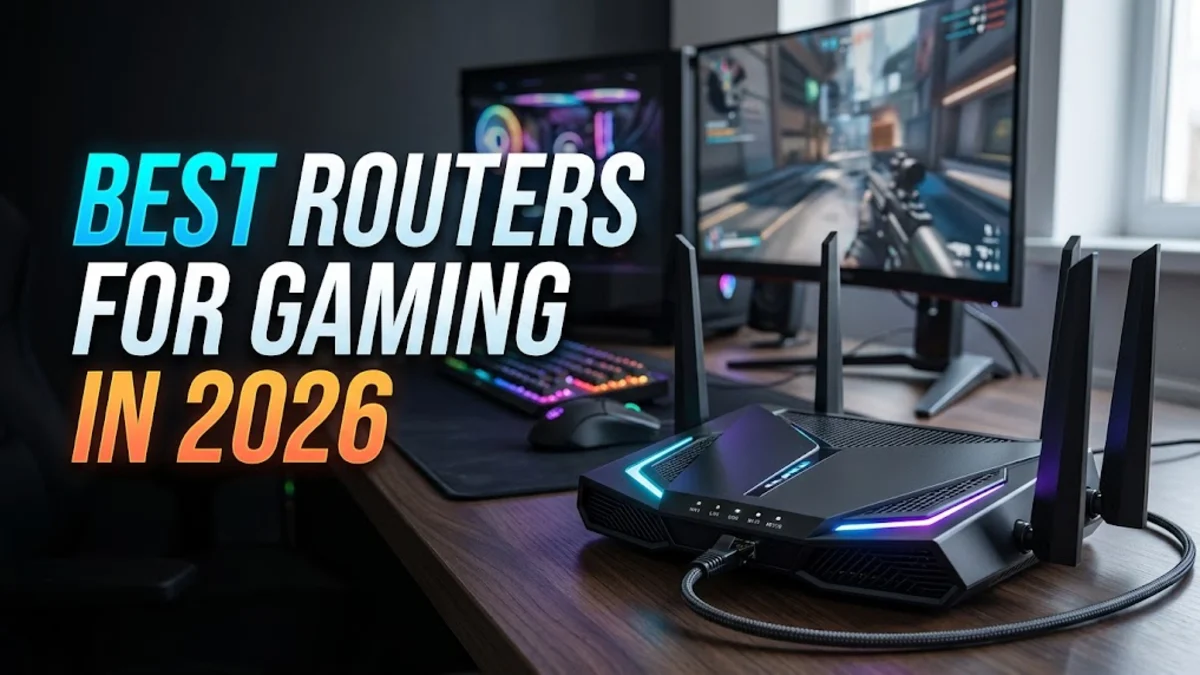
Finding the best router for gaming requires looking beyond raw speed to focus on low latency, advanced Quality of Service (QoS), and stable multi-band connections. Upgrading your networking hardware eliminates connection drops and reduces ping spikes during intense online matches.
This guide reviews the top gaming routers available, highlights essential hardware specifications like Wi-Fi 7 support, and explains how proper configuration can drastically improve your overall online competitive performance.
Understanding Gaming Router Specifications
When shopping for a gaming router, traditional speed metrics only tell part of the story. While download speeds matter for downloading large game files, latency and jitter dictate your real-time responsiveness. Modern gaming routers incorporate multi-core processors and dedicated RAM to process heavy data packets instantly without bottlenecking your connection. Look for hardware featuring multi-gigabit ports and robust thermal designs to prevent overheating during marathon gaming sessions.
Furthermore, tri-band technology has become a baseline standard for high-end setups. By splitting traffic across three distinct frequencies (one 2.4 GHz band and two 5 GHz or 6 GHz bands), you can dedicate an entire fast lane exclusively to your gaming console or PC. This isolation ensures that other devices streaming 4K video or downloading updates in your household will not interfere with your competitive matches, keeping your ping consistently low and stable.
Top Wi-Fi 7 Routers for Competitive Gaming
Wi-Fi 7 technology represents a monumental leap forward for wireless gaming, offering unprecedented speeds and significantly reduced latency compared to older generations. Routers utilizing the 6 GHz band escape the congested airwaves of traditional 2.4 GHz and 5 GHz frequencies, providing a clean channel with virtually zero interference. Models equipped with Multi-Link Operation (MLO) can transmit and receive data across multiple bands simultaneously, ensuring your connection remains uninterrupted even if one frequency experiences sudden congestion.
Investing in a Wi-Fi 7 router future-proofs your home network for upcoming hardware releases and demanding multiplayer titles. While these routers carry a higher price tag, their ability to deliver wired-like stability over a wireless connection makes them indispensable for players who cannot run an Ethernet cable directly from their router to their gaming rig.
Best Mesh Systems for Large Homes and Gaming
If your gaming setup is located far from your primary modem or on a different floor, a traditional single router may struggle to maintain a strong signal. Dedicated gaming mesh systems solve this problem by blanketing your entire home in seamless Wi-Fi coverage without the dead zones typical of standard extenders. These systems use a dedicated backhaul channel to communicate between nodes, preserving your bandwidth and preventing the latency spikes associated with traditional repeater setups.
When choosing a mesh system for gaming, ensure it supports Ethernet backhaul if you prefer wired node connections. Premium mesh routers also feature built-in prioritization software that recognizes gaming traffic across every connected node in the house, automatically routing those packets with absolute priority to keep your connection responsive regardless of where you are playing.
Key Features: QoS and Bufferbloat Reduction
Quality of Service (QoS) is arguably the most critical feature to look for when selecting a gaming router. Advanced QoS engines, such as Adaptive QoS or proprietary gaming profiles, automatically identify gaming packets and place them at the absolute front of the data queue. This ensures that even when someone else in your home starts a heavy file transfer or cloud backup, your game data bypasses the queue entirely to prevent rubberbanding and lag spikes.
Additionally, modern gaming routers feature active queue management algorithms designed to eliminate bufferbloat. Bufferbloat occurs when data buffers fill up inside network equipment, causing massive latency jumps under heavy load. Routers equipped with intelligent rate limiting and smart queue management keep your latency flat and predictable, giving you a distinct competitive advantage in fast-paced shooters and fighting games.
Wired versus Wireless: Ethernet and Port Speeds
Despite advances in wireless technology, a wired Ethernet connection remains the gold standard for competitive gaming. When evaluating routers, examine the physical port configuration carefully. Look for models featuring at least one 2.5 Gbps or 10 Gbps Ethernet port to support multi-gigabit fiber internet subscriptions. Port aggregation is another valuable feature, allowing you to combine two physical ports into a single high-speed connection for devices that demand maximum throughput.
If you must use Wi-Fi, ensure your router supports beamforming technology, which concentrates the wireless signal directly toward your gaming device rather than broadcasting it uniformly in all directions. Combined with high-gain external antennas, beamforming maximizes signal strength and reliability through walls and across longer distances.
How to Optimize Your Existing Router for Gaming
Before purchasing new hardware, you can often optimize your current router to significantly improve gaming performance. Start by logging into your router admin panel and updating the firmware to the latest version provided by the manufacturer, as updates frequently include crucial security patches and latency optimizations. Next, navigate to your wireless settings and change your channel width to 80 MHz or 160 MHz on the 5 GHz band to maximize data transfer rates while avoiding overlapping channels from neighboring networks.
You should also enable Universal Plug and Play (UPnP) or manually forward the specific port numbers required by your favorite games and consoles to ensure strict NAT types do not hinder matchmaking. Finally, changing your DNS server to a fast, public provider like Cloudflare or Google can noticeably reduce initial connection lookup times when joining online game lobbies.
The bottom line
Choosing the right gaming router transforms your online experience by eliminating frustrating lag spikes and maintaining rock-solid stability. Evaluate your home layout, internet plan speed, and wired versus wireless preferences to select the ideal model that keeps your ping low and your competitive edge sharp.
Frequently asked questions
Do I really need a gaming router for online gaming?
Not necessarily, but gaming routers offer specialized features like advanced QoS, dedicated game bands, and bufferbloat reduction that standard ISP routers lack, which drastically improve connection stability.
Is Wi-Fi 7 necessary for gaming?
While Wi-Fi 6 and 6E are more than capable, Wi-Fi 7 provides superior multi-link operation and ultra-low latency on the 6 GHz band, making it the best choice for competitive wireless gaming.
How does QoS improve my gaming ping?
QoS prioritizes your gaming data packets over other household internet traffic, ensuring your game commands jump to the front of the queue even when other devices are streaming or downloading.
Should I use a wired Ethernet connection instead of Wi-Fi?
Yes, a wired Ethernet connection is always superior for competitive gaming because it completely eliminates wireless interference, packet loss, and jitter.