Best Gemini Model for Image Generation in 2026
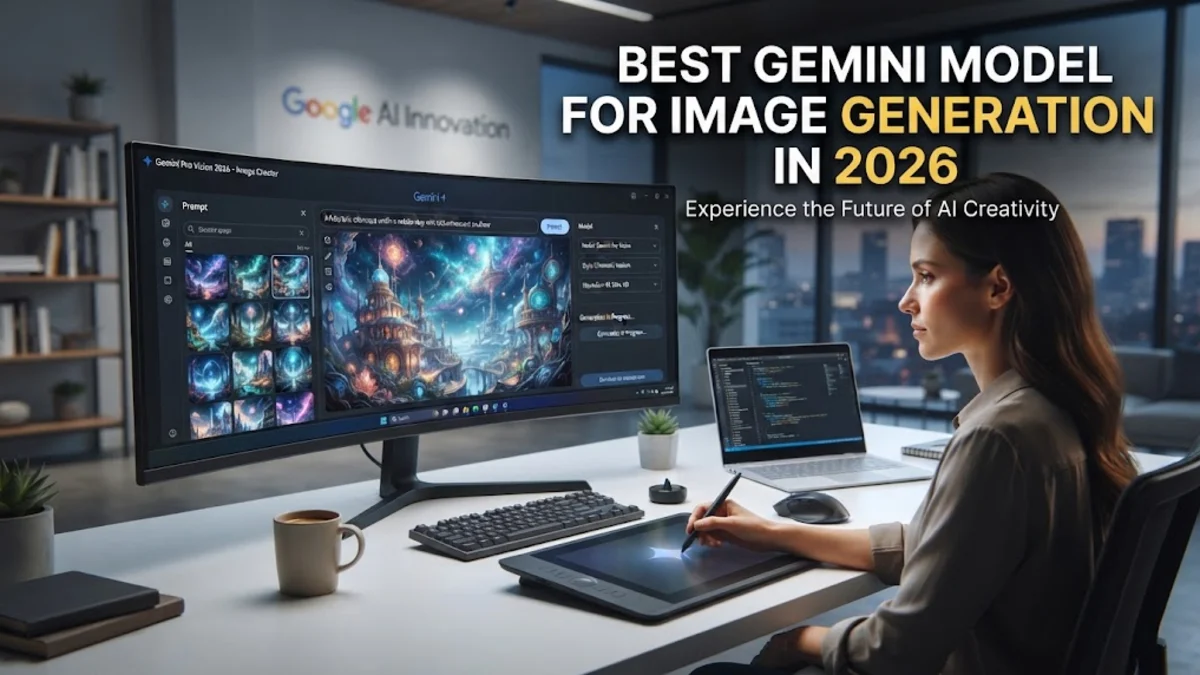
Choosing the right Google AI version for visual projects can significantly impact your creative output. Understanding which architecture powers your prompts ensures you get the sharpest details, accurate text rendering, and fastest turnaround times.
In this guide, we break down the leading options available within the ecosystem so you can select the ideal configuration for your specific workflow.
Understanding Google's Image Generation Architecture
Google integrates its powerful Imagen technology directly into the core AI assistant ecosystem, allowing users to create visuals using natural language prompts. When you request an image, the system relies on advanced diffusion models trained on vast datasets of text and graphical assets. This integration means you no longer need a separate standalone software suite to render professional-grade graphics; everything is handled natively through your workspace.
The underlying technology focuses heavily on photorealism, artistic styles, and strict adherence to complex user prompts. Whether you are designing marketing materials, conceptual art, or educational diagrams, understanding how these underlying engines interpret your descriptions is the first step toward mastering AI-assisted design.
Gemini 1.5 Pro vs. Flash for Visual Creativity
When selecting the optimal environment for your visual tasks, you will typically choose between the Pro and Flash tiers. The Pro tier is engineered for complex reasoning and nuanced creative direction. It excels at parsing multi-layered prompts, rendering intricate background details, and maintaining consistent character traits across multiple generations. If your project demands high fidelity and deep contextual understanding, Pro is the clear choice.
On the other hand, the Flash tier prioritizes speed and efficiency. While it may occasionally simplify intricate background elements compared to its heavier counterpart, it renders images in a fraction of the time. For rapid prototyping, brainstorming sessions, or generating quick social media assets, Flash provides a seamless and responsive experience without sacrificing core visual appeal.
Evaluating Image Quality and Text Rendering
One of the most significant advancements in modern image creation is the ability to render legible text directly inside graphics. Older architectures frequently produced garbled letters or nonsensical symbols, but current iterations handle typography with impressive precision. When testing various configurations, look closely at how well the engine spells requested store names, book titles, or directional signage within the composition.
Beyond typography, overall fidelity involves lighting accuracy, shadow consistency, and anatomical correctness for human subjects. The top-tier models utilize advanced aesthetic scoring filters that weed out distorted limbs and unnatural lighting angles before the final asset appears on your screen. This drastically reduces the time spent regenerating flawed outputs.
Speed and Performance Benchmarks for Creators
Workflow velocity matters immensely when you are working under tight deadlines. Performance benchmarks show distinct trade-offs between rendering depth and processing duration. Heavy configurations designed for cinematic quality may take several seconds longer to synthesize complex prompts, whereas lightweight configurations deliver initial drafts almost instantaneously.
To optimize your daily routine, consider using the faster option during the exploratory phase of your project. Once you have locked down your core concept and exact phrasing, switch to the highest-fidelity model for the final export. This hybrid approach saves valuable time while ensuring your final deliverables meet professional standards.
How to Access and Prompt for Optimal Results
Accessing these visual creation features is straightforward through your web browser or mobile application. Navigate to your dashboard, ensure you are utilizing the latest version of the platform, and type your descriptive prompt into the chat box. To achieve the best results, be specific about lighting, camera angles, color palettes, and artistic mediums rather than relying on vague descriptors.
A common mistake is overloading the system with conflicting stylistic instructions. Instead, structure your prompt logically by stating the subject first, followed by the environment, lighting style, and final mood. Utilizing this structured syntax helps the underlying neural network map out your vision accurately on the first attempt.
Best Practices for Commercial and Personal Use
Before deploying AI-generated assets into commercial projects, it is essential to understand licensing guidelines and platform policies. Always review Google's current terms of service regarding copyright ownership and acceptable use cases. Ensure your prompts do not accidentally replicate copyrighted characters, trademarked logos, or likenesses of real living people without explicit permission.
For personal projects, feel free to experiment with abstract art styles, surreal landscapes, and imaginative character designs. Keep a running document of your most successful prompt structures so you can easily replicate a specific artistic style across future projects, maintaining consistency in your creative portfolio.
The bottom line
Selecting the ideal configuration depends entirely on whether your priority is maximum visual fidelity or rapid iteration speed. By understanding the strengths of each tier within the ecosystem, you can streamline your workflow and produce stunning graphics for any project.
Frequently asked questions
Can I generate photorealistic people using this system?
Yes, modern iterations excel at creating realistic human subjects, though you should always verify anatomical details like hands and eyes before final use.
How do I make the system include specific text in an image?
Enclose the exact wording you want to appear inside quotation marks within your prompt, and specify the style of the sign or typography.
Is there a limit to how many images I can create per day?
Usage limits vary depending on your subscription tier and server load, with free accounts typically experiencing stricter hourly caps than paid workspace plans.
Can I edit an image after it has been generated?
Yes, you can use follow-up conversational prompts to modify specific elements, such as changing colors, adding objects, or altering the background.
Which tier is best for commercial graphic design?
The Pro tier is generally recommended for commercial work due to its superior resolution, finer detail rendering, and adherence to complex instructions.