Best ChatGPT Model for Image Generation
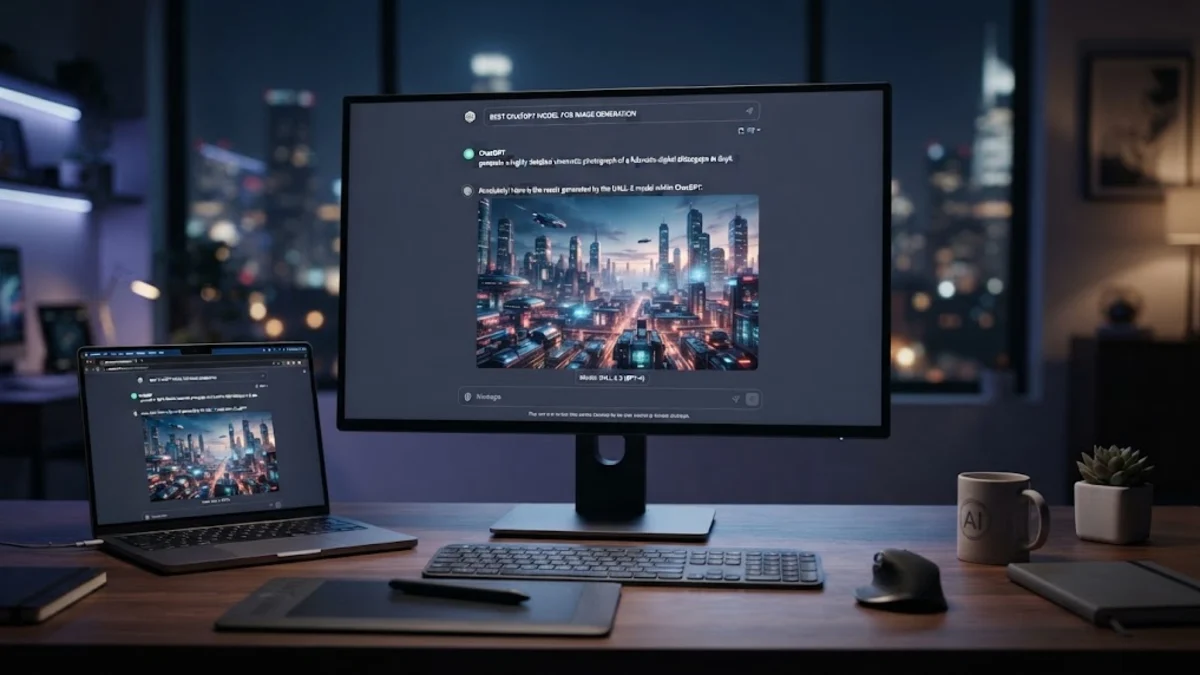
When you want to create custom graphics, diagrams, or illustrations using OpenAI's chatbot, DALL-E 3 serves as the primary and most powerful model integrated directly into the platform. Choosing the right configuration ensures your visual outputs match your exact creative requirements for professional projects or academic assignments.
Understanding DALL-E 3 Integration in ChatGPT
OpenAI currently powers all native image generation within ChatGPT using DALL-E 3. Unlike older iterations or competing standalone generators, this model excels at understanding complex, nuanced prompts and rendering legible text within images. When you enter a prompt in the chat interface, the system interprets your natural language description and generates high-resolution graphics without requiring separate software plugins.
For work and study, this integration means you can seamlessly transition from brainstorming text-based outlines to generating conceptual illustrations in the same conversation thread. The model automatically refines your prompts behind the scenes to add stylistic details, lighting cues, and compositional balance, making it accessible even if you have no formal graphic design background.
Accessing Image Generation Across Different Tiers
Accessing the image generation model depends largely on your subscription tier. Free users typically receive a limited allocation of image generations per day, often restricted to standard resolution outputs. Upgrading to paid tiers unlocks higher generation caps, faster rendering speeds, and advanced editing features such as inpainting and outpainting directly within the chat window.
To verify which model version you are actively using, check the model selector at the top of your chat interface or look for the image generation tool icon in your prompt toolbar. Ensuring your account is running the latest version guarantees access to improved safety filters, better text rendering capabilities, and enhanced color accuracy across all your visual exports.
Crafting Effective Prompts for Superior Visuals
Maximizing the output quality of your image generation model relies heavily on how you construct your prompts. Instead of using vague keywords, write descriptive sentences that specify the subject, background, art style, and mood. For example, rather than typing office setup, try a minimalist wooden desk setup with a laptop, soft warm lighting, and a potted plant in the background, photorealistic style.
You can also instruct the model to adopt specific artistic mediums, such as vector art for presentation slides, technical diagrams for study notes, or watercolor illustrations for creative projects. Including details about aspect ratios—such as widescreen for presentations or square for social media posts—helps the model deliver assets that fit your exact publishing format without requiring immediate cropping.
Refining and Editing Generated Images
One of the most valuable features of using ChatGPT for image generation is the ability to iterate through conversation. If the initial output is close to what you need but requires minor adjustments, you do not need to rewrite the entire prompt from scratch. Simply reply to the message with specific feedback, such as change the background color to dark blue or remove the object on the left.
For precise modifications, utilize the select tool on web or mobile to highlight a specific region of the generated graphic. This opens an inpainting window where you can add, remove, or modify elements within that exact boundary while keeping the rest of the composition intact. This iterative workflow saves significant time when preparing visual aids for tight deadlines.
Comparing ChatGPT Visuals to Standalone Generators
While dedicated image generators offer extensive parameter controls, aspect ratio sliders, and negative prompt fields, ChatGPT prioritizes ease of use and conversational context. The table below outlines how ChatGPT image generation compares to traditional standalone platforms for everyday tasks.
| Feature | ChatGPT (DALL-E 3) | Standalone AI Generators |
|---|---|---|
| Prompt Style | Conversational natural language | Keyword and parameter heavy |
| Text Rendering | Exceptional accuracy | Variable, often produces gibberish |
| Workflow Integration | Text and images in one chat | Separate interface required |
| Learning Curve | Minimal | Moderate to steep |
For most professionals and students who need quick, context-aware illustrations without memorizing complex technical parameters, the conversational approach provides a faster and more efficient path from concept to finished graphic asset.
Troubleshooting Common Image Generation Errors
Occasionally, you might encounter errors or refusals when attempting to generate images. The most common cause is triggering safety filters related to copyrighted characters, realistic human faces, or restricted content themes. If the model refuses a prompt, rephrase your request to focus on generic archetypes, abstract concepts, or non-copyrighted artistic styles to stay within safety guidelines.
If generations fail due to temporary network timeouts or high server traffic, clear your browser cache, log out and back into your account, or switch from the mobile app to a desktop browser. Ensuring your internet connection is stable prevents interrupted rendering sessions and ensures your generated assets download successfully to your local storage.
The bottom line
Using the built-in DALL-E 3 capabilities within ChatGPT provides a fast, intuitive way to create professional graphics and study aids. By structuring clear conversational prompts and utilizing iterative editing features, you can produce tailored visual assets without needing complex design software.
Frequently asked questions
Can I use ChatGPT image generation for commercial projects?
Yes, you own the copyright to the images you generate using ChatGPT, allowing you to use them in commercial work, presentations, and publications according to OpenAI's current terms of use.
Why does the model misspell words in generated images?
While DALL-E 3 is significantly better at spelling than older models, complex or long phrases can still occasionally result in typos. Keep text short and enclosed in quotation marks within your prompt to improve accuracy.
How do I change the image dimensions?
You can request specific aspect ratios in your prompt, such as asking for a widescreen image or a square layout, though availability may vary based on your subscription plan.
Are my generated images private?
Images generated within your chat history are governed by your account's privacy and data retention settings. You can turn off chat history or adjust enterprise privacy settings depending on your subscription.