How to Report Scam Texts on iPhone and Android
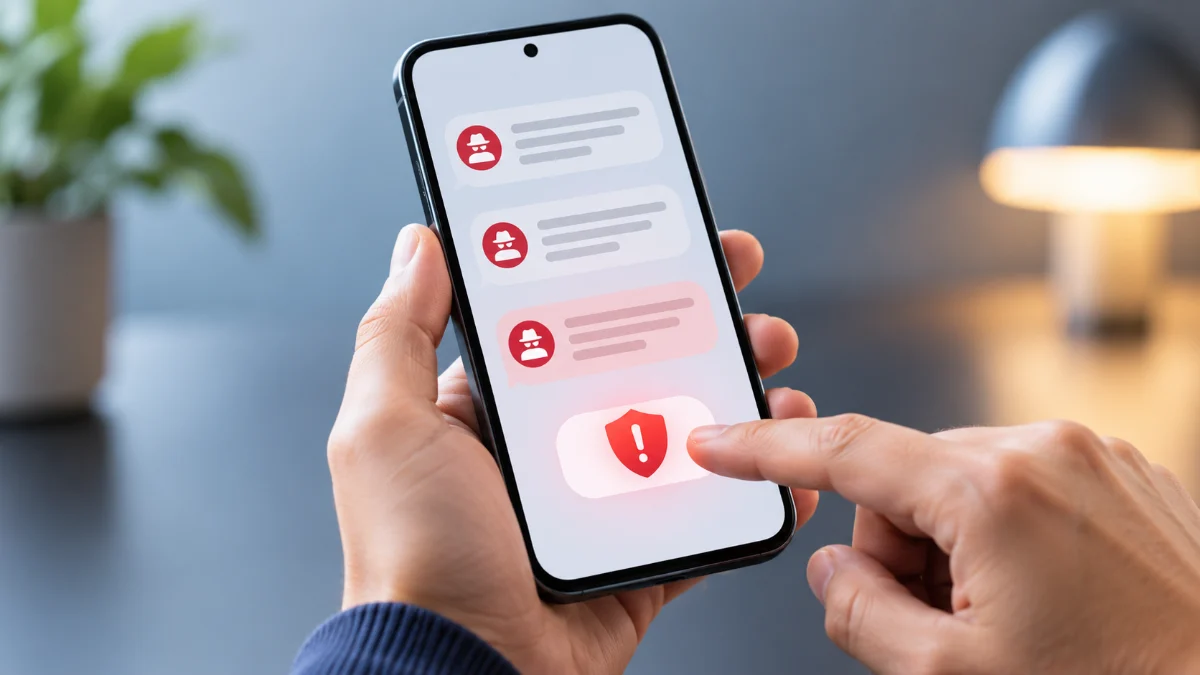
Reporting scam texts is the fastest way to protect yourself and others from phishing attempts, identity theft, and financial fraud. Whether you use an iPhone or an Android device, built-in reporting tools make it easy to flag suspicious messages to your carrier and operating system provider.
Fraudsters constantly send fraudulent messages disguised as banks, delivery services, or utility companies to steal your personal information. Taking a few seconds to report these messages helps authorities track cybercriminals and prevents others from falling victim to the exact same scams.
Understanding Scam Texts and Why Reporting Matters
Scam texts, often referred to as smishing, are fraudulent text messages designed to trick you into clicking malicious links, downloading malware, or revealing sensitive personal details like passwords and bank account numbers. These messages frequently mimic trusted brands such as shipping couriers, government agencies, or financial institutions.
When you report a scam text, you do more than just clean up your inbox. Mobile carriers and security researchers use these reports to analyze fraudulent sender patterns, blacklist malicious URLs, and shut down active phone numbers used by cybercriminals. Every report contributes to a larger database that strengthens network-level defenses for millions of users worldwide.
How to Report Scam Texts on iPhone
If you use an Apple iPhone running iOS, reporting junk and scam messages is built directly into the default Messages app. When you receive a text from an unknown sender who is not saved in your contacts, Apple provides a convenient reporting option beneath the message bubble.
To report the message, open the conversation and tap the Report Junk link located directly under the text. A prompt will appear asking you to delete and report the message to Apple. Tap Delete and Report Junk to send the sender data and message content to Apple's security servers. If you do not see this option, you can still forward the message manually or block the number directly through your contact settings.
How to Report Scam Texts on Android
Android users utilizing the default Google Messages app have robust, automated spam protection features built right into the messaging interface. When a suspected scam text arrives, Google Messages typically quarantines it into a dedicated spam folder and prompts you to verify the threat.
To report a message manually, long-press the conversation thread in your inbox, tap the three-dot menu icon or the block symbol at the top of the screen, and select Report spam. You can choose whether to block the sender and contribute data about the spam message to help Google improve its automated detection algorithms for future security updates.
Forwarding Scam Texts to Number 7726
In the United States, the United Kingdom, Canada, and Australia, major mobile carriers participate in a centralized spam-reporting system accessible via the short code 7726 (which spells SPAM on a telephone keypad). Forwarding scam messages to this number alerts your specific carrier to fraudulent activity occurring on their network.
To use this method, long-press the scam text bubble and select the option to forward the message. Enter 7726 as the recipient and send the message. Your carrier will typically reply asking for the sender's phone number. Reply with the exact number that sent the text to complete the carrier investigation process successfully.
Reporting Smishing to Government Authorities
Beyond notifying your phone carrier and device manufacturer, severe financial scams or identity theft attempts should be reported to official government consumer protection agencies. In the United States, you can forward scam text details to the Federal Trade Commission or report them via official cybercrime reporting portals.
When filing an official report, take a clear screenshot of the text message, record the exact date and time it was received, and note any suspicious URLs included in the body of the message. Having this documentation ready helps investigators track down organized fraud rings and take down fraudulent websites hosting phishing login pages.
Best Practices to Avoid Future Scam Texts
Reporting active threats is crucial, but proactive prevention keeps your device secure in the first place. Never click on shortened URLs or links sent via text message from unknown numbers, even if the message appears to come from a legitimate corporate entity or delivery service.
Enable built-in filtering options in your device settings. On iPhone, go to Settings > Messages and toggle on Filter Unknown Senders. On Android, open Google Messages, navigate to Settings > Spam protection, and ensure the protection toggle is fully enabled. Additionally, avoid posting your mobile phone number publicly on social media platforms or online classified directories where automated scraper bots can harvest it.
The bottom line
Reporting scam texts takes only a few seconds but plays a vital role in keeping mobile networks secure. By utilizing your phone's built-in reporting tools, forwarding messages to 7726, and practicing good digital hygiene, you can significantly reduce the volume of spam you receive.
Frequently asked questions
Does reporting a scam text block the sender automatically?
Yes, using the built-in report functions on iPhone and Android typically blocks the sender from contacting you again, while also sending message data to security teams.
Will the scammer know that I reported their text message?
No, reporting a text is completely anonymous. The sender will not receive any notification that you flagged, blocked, or reported their message.
What should I do if I accidentally clicked a link in a scam text?
Immediately disconnect your device from the internet, run a trusted mobile security scan, change your critical account passwords, and monitor your bank statements for unauthorized activity.
Can I report scam messages on third-party messaging apps?
Yes, most third-party messaging applications feature internal reporting mechanisms accessed by holding down on the specific message bubble and selecting report or block.
Why am I suddenly receiving so many scam texts?
Your phone number may have been leaked in a corporate data breach or harvested by automated bot software that cycles through random number combinations.