How to Stop Spam Texts on iPhone and Android
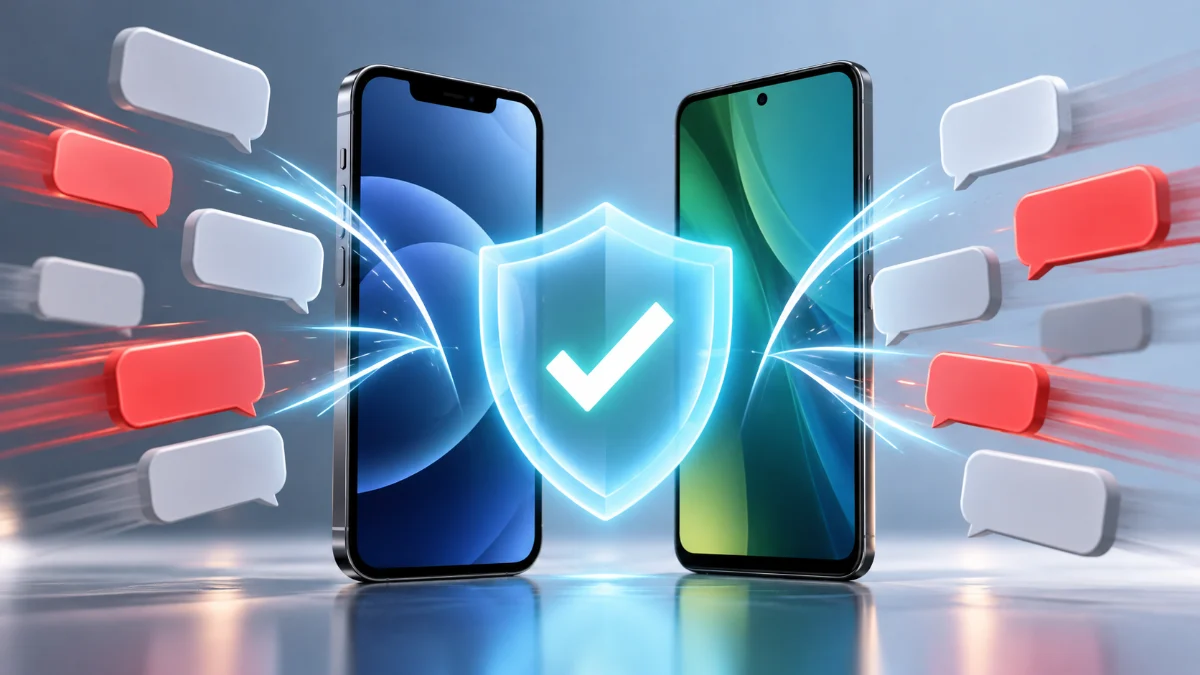
Unwanted text messages and phishing scams are more than just an annoyance; they pose serious security risks to your personal data and financial privacy. Whether you are receiving messages about fake package deliveries, fraudulent bank alerts, or random promotional junk, dealing with a flooded inbox can quickly become overwhelming.
Stopping text spam requires a multi-layered approach that combines built-in operating system features, mobile carrier tools, and strict personal habits to prevent your phone number from falling into the hands of automated marketing bots and malicious actors.
Understanding Why You Receive Spam Texts
Spam texts usually arrive because your mobile number was leaked in a corporate data breach, scraped from a public directory, or generated by automated dialers that cycle through random number combinations. Scammers often use these bulk messaging campaigns to test active phone numbers, hoping recipients will click malicious links or reply with sensitive information.
Knowing the source helps you respond appropriately. While you cannot always erase your number from databases that have already been compromised, you can significantly reduce the volume of incoming spam by cutting off the specific delivery vectors and blocking persistent senders before they can cause harm or trick you into a financial trap.
Blocking Spam Numbers Directly on iPhone
If you use an iPhone running iOS, you have immediate, built-in tools to block specific numbers and unknown senders directly within the Messages app. When an unwanted text arrives, open the conversation, tap the sender's profile icon or phone number at the top of the screen, and select Info. From there, tap Block this Caller to prevent any future messages or calls from that specific number.
To take protection a step further, you can filter messages from people who are not in your contacts list. Go to Settings > Messages, scroll down to the Message Filtering section, and toggle on Filter Unknown Senders. This automatically sorts texts from unknown numbers into a separate tab, keeping your main inbox clean and preventing accidental clicks on suspicious links.
Blocking Spam Numbers on Android Devices
Android users can block spam texts easily using the default Google Messages app or manufacturer-specific messaging applications. When you receive a text from an unknown or suspicious sender, open the conversation, tap the three-dot menu icon or your profile icon, and select Block & report spam. Check the box to report the message as spam if prompted, then tap OK to confirm.
You should also ensure that built-in spam protection is fully enabled on your device. Open the Messages app, tap your profile picture in the top right corner, go to Messages settings > Spam protection, and make sure the toggle for Enable spam protection is switched on. This leverages automated detection systems to flag known scam numbers before they even alert your phone.
Enabling Built-in Carrier Filtering and Spam Protection
Beyond your phone's operating system, major mobile network providers offer network-level spam and fraud blocking services that catch junk messages before they reach your device. Carriers in the United States, United Kingdom, Canada, and Australia provide dedicated apps and service codes to manage text filtering.
For instance, Verizon users can use Call Filter, AT&T offers ActiveArmor, and T-Mobile provides Scam Shield. In the UK, you can forward any suspicious text message to 7726 to report it directly to your mobile operator and the National Cyber Security Centre. Check your carrier's official mobile application or customer support page to verify which free network-level text filtering options are available on your current plan.
Using Third-Party Spam Blocking Apps
If native operating system tools and carrier filters still let too many spam texts slip through, you can install specialized third-party security applications designed to analyze and block incoming junk messages. Popular apps like Hiya and Truecaller maintain extensive, crowdsourced databases of known scam numbers and automated text spammers.
To set these up, download the app from the Apple App Store or Google Play Store, complete the initial setup wizard, and grant the necessary permissions in your phone settings to allow the app to filter incoming messages. These applications automatically scan text content against global threat databases, immediately diverting suspicious messages into designated junk folders.
Best Practices to Prevent Future Spam Texts
Stopping current spam texts is only half the battle; preventing your number from being added to new distribution lists is essential for long-term peace of mind. Never reply to spam texts, even with the word STOP, because doing so confirms to the sender that your number is active, which often results in receiving even more spam.
Avoid publishing your primary phone number on public social media profiles, online forums, or untrusted websites. If a service requires a phone number for account verification and you suspect it might share data with third parties, consider using a secondary burner number app or a VoIP service to keep your personal mobile number private and secure.
The bottom line
Stopping spam texts requires a combination of operating system settings, carrier tools, and vigilant personal habits. By utilizing built-in filters, reporting scam messages, and avoiding engagement with unknown senders, you can reclaim your inbox and keep your mobile device secure.
Frequently asked questions
Does replying STOP to spam texts work?
Usually no. For legitimate marketing companies, it may work, but for scam and spam bots, replying confirms your number is active, leading to more junk texts.
How do scammers get my phone number?
Scammers obtain phone numbers through corporate data breaches, public directory scraping, social media leaks, and automated random number generators.
Can I report spam texts to my mobile carrier?
Yes. Most major carriers allow you to forward spam texts to 7726 or use carrier-specific security apps to report fraudulent activity.
Are third-party spam blocking apps safe to use?
Reputable apps like Hiya and Truecaller are safe when downloaded from official app stores, but you should always review their privacy policies before granting permissions.
Why am I suddenly getting so many spam texts?
A sudden increase usually means your number was recently included in a new data leak or picked up by an active automated dialing campaign.