ChatGPT vs Gemini: Which AI Assistant Is Better?
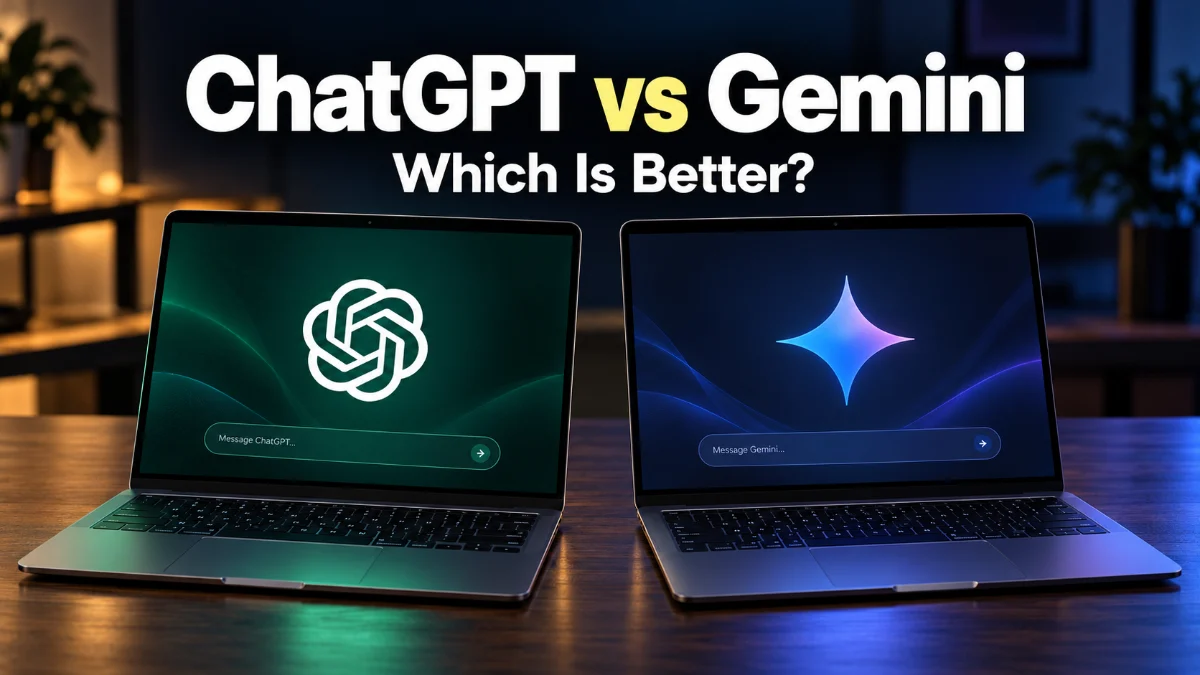
Both platforms offer capable free tiers alongside subscription options designed for heavy professional and academic workloads. Knowing how their underlying models handle research, document editing, data analysis, and voice interaction helps you select the best tool for your daily routine.
Key Differences at a Glance
While both services function as conversational AI assistants, their underlying philosophy and ecosystem connections differ significantly. ChatGPT relies on OpenAI's GPT-4o architecture, offering tight integration with custom GPTs, specialized voice modes, and advanced python-backed data analysis. Gemini runs on Google's Gemini 1.5 model family, featuring native multimodal processing, deep integration with Docs, Drive, and Gmail, and an exceptionally large context window.
| Feature | ChatGPT (OpenAI) | Gemini (Google) |
|---|---|---|
| Primary AI Model | GPT-4o / GPT-4o mini | Gemini 1.5 Pro / Flash |
| Free Tier Access | GPT-4o mini (unlimited), GPT-4o (limited) | Gemini 1.5 Flash (unlimited) |
| Web Search Engine | Bing / Hybrid web browsing | Google Search engine |
| Workspace Connectivity | Custom GPTs, Zapier, Webhook APIs | Google Drive, Docs, Gmail, YouTube |
| Context Window Limit | Up to 128,000 tokens | Up to 1,000,000+ tokens |
| Best Overall Use Case | Coding, nuanced writing, complex prompt execution | Live web research, summarizing large files, Google ecosystem |
Understanding these distinct architectural targets ensures you do not waste time prompting a model for tasks outside its primary strength. Users working inside Google Cloud environments usually lean toward Gemini, whereas software developers and technical analysts often favor ChatGPT.
Reasoning and Writing Performance
When generating long-form copy, drafting essays, or structuring creative content, ChatGPT produces highly structured, polished responses with minimal prompt tweaking. It follows precise negative constraints well, such as avoiding specific vocabulary, adhering to rigid formatting structures, or outputting clean JSON code. Its tone control allows you to switch smoothly between academic tone, casual conversational style, or technical documentation formats.
Gemini approaches draft generation with a concise, factual tone that mirrors a search summary. By default, it presents information cleanly using bullet points, bold headings, and direct answers. Gemini includes a built-in draft selector feature that lets you view three alternative responses for any query without re-running the prompt. If you need to quickly tweak tone, clicking Modify response below any answer lets you instantly select Shorter, Longer, Simpler, or More professional without re-typing instructions.
Real-Time Web Search and Fact-Checking
Gemini holds a distinct advantage when pulling live information, breaking news, or local statistics due to its direct integration with Google's web index. When you ask Gemini about current events, sports scores, or recent technical releases, it formats sources with inline citation chips. Clicking the Google logo (Double-check response icon) at the bottom of a response highlights claims in green if verified by web results, or orange if search results conflict with the generated output.
ChatGPT handles live search using web browsing connectors integrated into its GPT-4o engine. While accurate for general search queries, it occasionally encounters paywalls or rate limits on news sites, resulting in slower response times during web research. However, ChatGPT excels when summarizing complex web pages after you paste a direct URL or specific raw text into the message box.
Integration with Work Tools and Extensions
For users embedded in Google Workspace, Gemini connects directly to your cloud storage using extensions. By typing @Google Drive, @Gmail, or @Google Docs into the chat prompt, Gemini searches your personal files to summarize meetings, parse PDFs, or pull specific statistics from spreadsheets stored in Drive. You can also export generated text directly to a new Google Doc or draft an email response straight into Gmail with a single click on the Share & export button.
ChatGPT approaches productivity through its GPT Store and custom GPT builders. You can construct personalized versions of ChatGPT configured with custom instructions, uploaded reference manuals, and third-party action APIs. Professional users can create a dedicated bot that follows organizational style guides, connects to Slack, or executes custom Python code directly within the sandbox interface using the Advanced Data Analysis tool.
Coding, Data Analysis, and Multimodal Features
In software development and technical data processing, ChatGPT remains the benchmark tool for writing, debugging, and explaining complex code. Its code execution sandbox runs Python scripts live inside the browser, allowing you to upload CSV or Excel files, generate chart visuals, run statistical regressions, and download edited datasets directly. Debugging errors with stack traces in ChatGPT yields accurate, actionable line-by-line solutions.
Gemini excels at analyzing massive codebase repositories due to its expansive context window. You can upload entire project folders or codebases containing hundreds of thousands of lines of code into a single chat window. Gemini quickly maps out architectural patterns, identifies missing dependencies, and explains multi-file logic flows that exceed the token capacity of standard context models. For image analysis, both platforms process uploaded diagrams, handwritten notes, and technical schematics with high accuracy.
Pricing and Subscription Value
Both platforms maintain robust free versions alongside premium tiers priced at approximately $20 per month. The free version of ChatGPT provides unlimited access to GPT-4o mini alongside dynamic, capped access to the flagship GPT-4o model. Upgrading to ChatGPT Plus unlocks higher rate limits, custom GPT creation, image generation via DALL-E, advanced voice interaction, and early access to experimental reasoning features.
The paid subscription tier for Gemini, available through Google One AI Premium, unlocks Gemini Advanced powered by the 1.5 Pro model. Beyond the expanded AI capabilities and 1-million-token context window, this subscription includes 2 TB of Google Drive cloud storage and integrates Gemini directly into Docs, Gmail, Slides, and Meet. If you already pay for expanded Google cloud storage, the Google One AI Premium package often delivers higher overall utility per dollar.
The bottom line
Choose ChatGPT if your daily work centers on software development, intricate writing tasks, data analysis scripts, or customized AI assistant workflows. Opt for Gemini if your daily tasks rely heavily on Google Workspace apps, live search verification, or reading through massive documents and multi-page research files.
Frequently asked questions
Is Gemini better than ChatGPT for research?
Gemini holds an advantage for current events and web-based research because it connects directly to Google Search and features a double-check button that verifies claims against live web sources. However, ChatGPT is often better at synthesizing uploaded PDF documents and complex analytical text.
Can I use ChatGPT and Gemini for free?
Yes, both AI assistants offer free tiers. ChatGPT provides standard access to GPT-4o mini and limited access to GPT-4o. Gemini offers free access to its fast Gemini 1.5 Flash model with live web search and basic Google Workspace integrations.
Which AI assistant is better for writing code?
ChatGPT is generally preferred for generating precise code snippets, debugging stack traces, and running Python scripts directly in its built-in execution environment. Gemini is excellent for analyzing vast multi-file code repositories thanks to its larger context window.
Does Gemini search my private Google Drive files without permission?
No, Gemini only accesses your Google Drive, Gmail, or Docs files when you explicitly enable Workspace extensions and reference them in your prompt using keywords like @Google Drive or @Gmail.