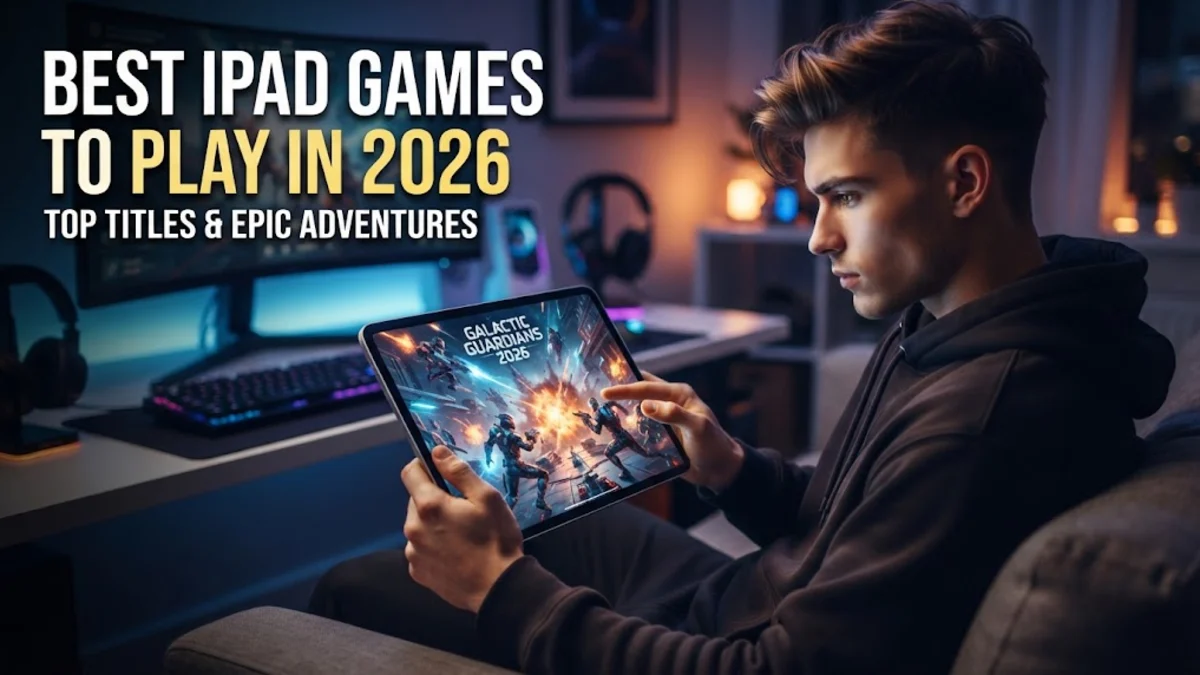
The iPad has evolved from a simple media consumption tablet into a powerhouse capable of running the world’s most demanding video games. In 2026, thanks to the continued dominance of M-series chips and the latest iPadOS 20 enhancements, the gap between mobile gaming and console gaming has almost entirely vanished. Whether you are using a 13-inch iPad Pro with a Tandem OLED display or the ultra-portable iPad Mini, the current library of games offers something for every type of player, from casual puzzlers to hardcore RPG enthusiasts. In this guide, we will explore the best iPad games available in 2026, focusing on titles that push the hardware to its limits. We will also provide practical tips on how to optimize your settings for the smoothest possible frame rates and which accessories, like external controllers and high-fidelity headphones, can transform your tablet into a true portable console. If you have been looking for a reason to put your M5-powered iPad to work, these titles represent the absolute pinnacle of what mobile gaming can achieve today.
The Rise of AAA Console Ports on iPad
The landscape of mobile gaming shifted permanently when Apple began working with major developers to bring full console versions of games to the iPad. In 2026, this category is led by masterpieces like Resident Evil 4 Remake and Death Stranding 2. These are not stripped-down mobile versions; they are the exact same games found on high-end consoles, now optimized for the iPad’s touch interface and M-series architecture. Playing these games on an iPad Pro allows you to experience features like hardware-accelerated ray tracing, which provides realistic lighting and reflections that were once impossible on a portable device. If you are a fan of high-octane action and atmospheric storytelling, these AAA ports are the best way to showcase what your tablet can do. One thing to keep in mind is the storage requirement for these titles. AAA games often exceed 50GB in size, so before downloading, you should check your available space by navigating to Settings > General > iPad Storage. Additionally, while touch controls are supported, these games are designed with physical buttons in mind. For the best experience, we recommend pairing a DualSense or Xbox Wireless Controller via Settings > Bluetooth. This setup allows you to play for hours without the fatigue of holding a large tablet or obscuring the beautiful OLED screen with your thumbs.
Top Apple Arcade Exclusives in 2026
Apple Arcade has matured into a robust subscription service that offers an incredible value for iPad gamers. In 2026, the service is defined by its lack of in-app purchases and advertisements, which is a breath of fresh air in the mobile market. One of the standout titles this year is NBA 2K27 Arcade Edition, which offers a deep MyCAREER mode and updated graphics that take full advantage of the latest iPadOS 20 features. Unlike the standard versions found elsewhere, the Arcade Edition is completely free of microtransactions, allowing you to progress based on skill rather than spending. Another favorite for families and casual players is the latest iteration of Hello Kitty Island Adventure, which has received massive content updates in 2026, adding new islands and social features. The beauty of Apple Arcade is its cross-platform progression. You can start a session on your iPad while commuting and finish it on your Apple TV or Mac when you get home. To find the latest curated titles, simply open the App Store and tap the Arcade tab at the bottom. This is where you will find the 'Greatest Hits' section, which features legendary mobile games that have been updated to remove ads and premium currencies, providing a pure gaming experience that focuses entirely on fun and engagement.
Immersive Strategy and RPG Masterpieces
The large screen of the iPad makes it the perfect platform for strategy games and deep RPGs that require complex UI management. In 2026, Civilization VII has become the gold standard for strategy on the iPad. The game allows you to lead a civilization from the Stone Age to the Space Age, and on the iPad, you can use the Apple Pencil Pro to precisely manage your units and cities. The touch-optimized interface makes the 'one more turn' addiction even more potent than it is on the PC. For those who prefer role-playing games, the 2026 update to Genshin Impact continues to push the boundaries of open-world exploration. With the power of the M5 chip, the game now supports 120fps at high resolutions, making the combat feel incredibly fluid. Below is a comparison of some of the top strategy and RPG titles in 2026:
| Game Title | Genre | Key iPad Feature |
|---|
| Civilization VII | Strategy | Apple Pencil Precision |
| Genshin Impact | Action RPG | 120FPS ProMotion Support |
| Divinity: Original Sin 2 | CRPG | Split-Screen Co-op |
| HSR: Star Rail | Turn-Based | Cross-Save Compatibility |
These games are heavy on battery consumption, so we recommend playing with a charger nearby or using a high-wattage power bank. If you notice your iPad getting warm, you can reduce the 'Render Resolution' in the game's internal settings to maintain a stable frame rate during long sessions.
Competitive Multiplayer and Esports Titles
Competitive gaming on the iPad has never been bigger than it is in 2026. Titles like Warzone Mobile and the newly released Valorant Mobile have created a vibrant esports ecosystem where iPad players often have a distinct advantage over phone users due to the larger field of view. The high-refresh-rate ProMotion displays found on the iPad Pro and Air models allow for lower input latency, which is critical in fast-paced shooters where every millisecond counts. In 2026, many competitive players use a 'claw' grip on the iPad or connect a high-polling-rate gaming mouse for precision aiming in games that support it. To ensure you aren't interrupted during a match, it is essential to use Game Mode. Introduced in earlier versions and refined in iPadOS 20, Game Mode automatically minimizes background activity and doubles the Bluetooth sampling rate for controllers and audio. To verify your settings, go to Settings > Focus > Gaming and ensure that it is set to activate automatically when a game is launched. Additionally, using a wired Ethernet connection via a USB-C hub can significantly reduce ping times compared to Wi-Fi, giving you a more stable connection in ranked matches. This setup is the secret weapon for many top-tier mobile competitors who want to eliminate any possible source of lag.
Best Indie Games for Touchscreens
While AAA titles get all the headlines, the indie scene on iPad in 2026 is where some of the most innovative gameplay can be found. Hades II and Balatro have become essential downloads for any iPad owner. Hades II, the sequel to the critically acclaimed roguelike, feels right at home on the iPad, with its vibrant art style popping on the XDR display. The touch controls are surprisingly responsive, though many players still prefer a controller for the higher difficulty 'Heat' runs. Balatro, the poker-themed roguelike, is perhaps the most addictive game of 2026; its simple touch-and-drag interface makes it the perfect 'pick up and play' game for short breaks or long flights. Indie games often prioritize unique art styles over raw polygon counts, which means they are much lighter on the battery than games like Warzone. They are also great for older iPad models that might struggle with the latest AAA releases. If you are looking for games that offer hundreds of hours of replayability without draining your battery in two hours, the indie category in the App Store is your best starting point. Many of these titles also support Family Sharing, meaning one purchase can be shared with everyone in your household, making them an economical choice for families.
Optimizing Your iPad for Gaming Performance
To get the most out of the best ipad games in 2026, you need to ensure your hardware is configured correctly. The first step is to manage your thermal profile. High-end games generate significant heat, and once an iPad gets too hot, it will 'throttle' the CPU, leading to dropped frames. We recommend removing any thick protective cases during intense gaming sessions to allow the aluminum back to dissipate heat more effectively. Another technical tip is to manage your background processes. Even with the power of the M5 chip, having dozens of apps refreshing in the background can cause micro-stuttering. Go to Settings > General > Background App Refresh and turn it off, or set it to Wi-Fi only. For those using the iPad Pro, ensure that ProMotion is enabled by checking Settings > Accessibility > Motion and making sure Limit Frame Rate is toggled off. This ensures you are getting the full 120Hz experience that these games are designed for. Finally, always keep your iPad updated to the latest version of iPadOS 20. Apple frequently releases 'Game Porting Toolkit' updates that improve the translation of console code to iPad hardware, which can result in significant performance gains in newer AAA titles without the developers even needing to patch the game itself.
Best Accessories for iPad Gaming
Transforming your iPad into a console-tier gaming machine requires the right accessories. In 2026, the must-have accessory is a dedicated mobile controller like the Backbone One (USB-C version) or a standard console controller. The PlayStation DualSense is particularly popular because it supports haptic feedback in many iPad games, providing a level of immersion that standard mobile controllers can't match. If you prefer a desktop-like experience, the Magic Keyboard is excellent for strategy games like Civilization VII, allowing you to use keyboard shortcuts to manage your empire. Audio is another critical component. While the iPad’s quad-speaker system is impressive, using AirPods Pro or AirPods Max with Spatial Audio enabled provides a competitive edge in shooters by allowing you to hear exactly where footsteps are coming from. For those who want to play on a larger screen, a high-quality USB-C to HDMI cable or a dedicated gaming dock is essential. iPadOS 20 features improved Stage Manager support for external monitors, allowing you to run your game on a 4K display at full resolution while keeping your Discord chat or a walkthrough open on the iPad screen. This dual-screen setup has become the standard for mobile streamers and power users who want the flexibility of a tablet with the power of a desktop gaming rig.
Frequently asked questions
Do I need an iPad Pro to play the latest 2026 games?
While the iPad Pro with the M5 chip offers the best performance and 120Hz refresh rates, many of the best games in 2026 are highly optimized and will run beautifully on the iPad Air (M2/M3) and even the latest iPad Mini. However, AAA ports like Resident Evil 4 typically require an M-series chip to function.
How do I connect a PS5 or Xbox controller to my iPad?
Put your controller into pairing mode (for PS5, hold the Create and PS buttons; for Xbox, hold the Pair button). On your iPad, go to Settings > Bluetooth and select the controller from the list of available devices. Once connected, most modern iPad games will automatically switch to controller UI.
Does gaming on iPad drain the battery quickly?
Yes, intensive 3D games and AAA ports can drain an iPad battery in 3 to 5 hours. To extend battery life, you can lower the screen brightness, turn off Background App Refresh, or use the game's internal settings to cap the frame rate at 30fps or 60fps instead of 120fps.
Can I play iPad games with a keyboard and mouse?
Many strategy and simulation games, such as Civilization VII and various Apple Arcade titles, fully support keyboard and mouse input. Some first-person shooters also support this, but many competitive games restrict mouse input to keep the playing field level for touch users.
Is Apple Arcade worth it for gamers in 2026?
Absolutely. For a small monthly fee, you get access to over 250 games with no ads or in-app purchases. In 2026, the service includes premium titles like NBA 2K and exclusive indie games that would cost significantly more if purchased individually, making it a great value for heavy gamers.