Best Gmail Alternative Apps for Your Email in 2026
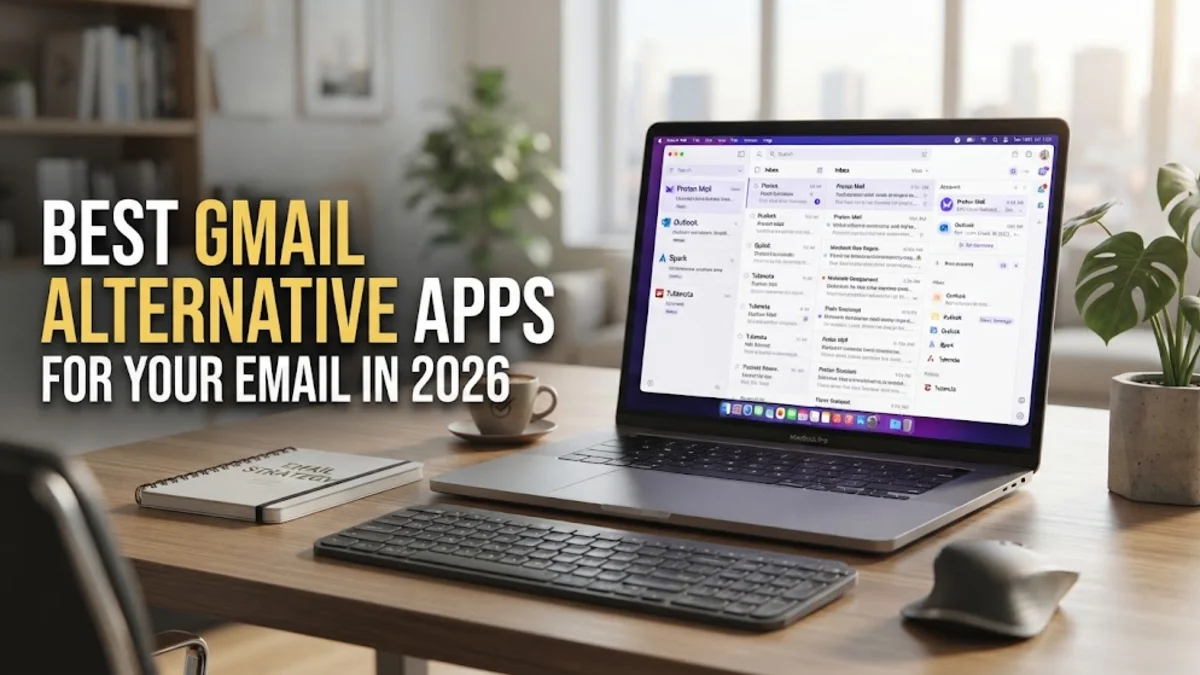
The best gmail alternative for most people in 2026 is Proton Mail if you prioritize privacy, or Microsoft Outlook if you need a deep feature set for professional productivity. While Gmail remains the most popular email service globally, many users are seeking alternatives due to concerns over Google's data collection practices, the increasing presence of AI-generated advertisements, and the restrictive nature of shared storage across Google Photos and Drive.
Why You Might Need a Gmail Alternative in 2026
In 2026, the landscape of digital communication has shifted significantly. While Google continues to dominate the market, their aggressive integration of Gemini AI into every aspect of the inbox has become a point of contention for many. Users often find that their personal data is being used to train large language models or that the 'Smart Reply' features feel more like an intrusion than a convenience. Furthermore, the shared storage pool of 15GB, which must be split between Gmail, Google Photos, and Google Drive, often hits its limit quickly, forcing users into monthly subscription plans that they might not otherwise want.
Privacy remains the primary driver for switching providers. Many users are looking for 'zero-access' encryption, where the service provider cannot read the content of your messages even if they wanted to. Additionally, the user interface of Gmail has become increasingly cluttered with promotional tabs, social notifications, and integrated Meet calls. A dedicated Gmail alternative often provides a cleaner, more focused environment that allows you to manage your correspondence without the distractions of a massive tech ecosystem. Whether you are looking for better security, more storage, or simply a fresh start, there are several robust options available today.
Proton Mail: The Gold Standard for Privacy
Proton Mail remains the strongest contender for anyone looking to leave the Google ecosystem for security reasons. Based in Switzerland, Proton benefits from some of the world's strictest privacy laws. The service uses end-to-end encryption and zero-access encryption, meaning your emails are encrypted before they even reach Proton's servers. In 2026, Proton has expanded its suite to include a fully integrated calendar, drive, and VPN, making it a viable 'all-in-one' replacement for Google Workspace. The interface is modern and intuitive, moving away from the technical look of early encrypted mail services.
One of the standout features of Proton Mail is the 'Easy Switch' tool. To use it, navigate to Settings > All Settings > Import & Export > Import Assistant. This tool allows you to securely migrate your entire Gmail archive, folders, and contacts directly into your new encrypted inbox. While there is a free tier, the paid versions offer significantly more storage and the ability to use custom domains. For those who deal with sensitive information or simply value their digital footprint, Proton is hard to beat. However, keep in mind that because it is so secure, password recovery is more complex; if you lose your recovery phrase, you may lose access to your encrypted data forever.
Microsoft Outlook: Best for Corporate Productivity
If your primary reason for leaving Gmail is a need for better organization and professional tools, Microsoft Outlook is the most logical step. In 2026, the web and desktop versions of Outlook have been unified into a single, high-performance experience that integrates seamlessly with the Microsoft 365 suite. Outlook’s 'Focused Inbox' is arguably superior to Gmail’s tabbed system, as it uses machine learning to accurately filter out newsletters and automated alerts while keeping your important human-to-human interactions at the top. It also offers deeper integration with Word, Excel, and Teams, which is essential for remote workers.
Setting up Outlook is straightforward, and it offers robust support for third-party add-ins. To customize your view, you can go to View > View Settings > Mail > Layout. Here, you can adjust the message height and density to suit your workflow. One advantage Outlook holds over Gmail is its handling of attachments; the integration with OneDrive allows for much larger file sharing without the 'bouncing' issues often seen in older email protocols. For users who are already paying for a Microsoft 365 subscription for their home or office, the premium ad-free version of Outlook is essentially included, making it a cost-effective alternative.
Fastmail: Speed and Customization for Power Users
Fastmail is a premium, paid-only service that caters to users who want an incredibly fast, ad-free experience. Unlike Gmail, Fastmail does not scan your emails for marketing data, and their business model is supported entirely by user subscriptions. This creates a different relationship between the user and the provider; you are the customer, not the product. The search functionality in Fastmail is notably faster and more precise than Gmail’s, allowing you to find specific threads from years ago in a fraction of a second. It also supports 'masked emails,' which allow you to create unique, disposable addresses for every website you sign up for, keeping your main address safe from data breaches.
Customization is where Fastmail truly shines. You can manage multiple domains under one account and create complex rules for incoming mail by going to Settings > Rules > Create Rule. This allows for a level of automation that exceeds Gmail's 'Filters' system. While there is no free tier, many users find the small monthly fee worth it for the lack of tracking and the superior performance. If you are a 'power user' who manages thousands of emails a month and needs a reliable, lightning-fast interface, Fastmail is often cited as the top choice among tech professionals in 2026.
Zoho Mail: The Business-First Alternative
Zoho Mail is an excellent choice for entrepreneurs and small business owners who find Gmail's 'Workspace' pricing to be too high. Zoho offers a very generous free tier that allows for custom domain hosting, which is a rarity in 2026. The interface is clean, professional, and devoid of the social-media-style features that have crept into other platforms. Zoho Mail also includes a unique 'Streams' feature, which turns email threads into a social-media-like feed for team collaboration, reducing the need for endless 'Reply All' chains. This makes it a hybrid between an email client and a project management tool.
Security in Zoho Mail is handled through multiple layers of protection, including 2FA and EAR (Encryption at Rest). To enhance your security, you can visit the Control Panel > User Details > Two-Factor Authentication. Zoho also integrates with its own massive suite of office apps, including a CRM, accounting software, and a writer. For a user who wants to completely de-Google their life while maintaining a suite of professional tools, Zoho provides a comprehensive and affordable ecosystem. The only downside is that the mobile app, while functional, is slightly less polished than the Gmail or Outlook counterparts.
Comparison Table: Top Gmail Alternatives
| Provider | Primary Focus | Free Tier | Key Benefit |
|---|---|---|---|
| Proton Mail | Privacy & Security | Yes (Limited) | End-to-End Encryption |
| Microsoft Outlook | Productivity | Yes (Ad-supported) | Deep 365 Integration |
| Fastmail | Speed & Efficiency | No (Trial Only) | Masked Emails / No Ads |
| Zoho Mail | Business Tools | Yes (Limited) | Custom Domains for Free |
| Tuta | Extreme Privacy | Yes | Open Source Client |
When choosing between these options, consider what you value most. If you want a drop-in replacement that feels familiar, Outlook is your best bet. If you want to disappear from the data-tracking world, Proton Mail is the gold standard. For those who want the most efficient tool for high-volume work, Fastmail's subscription is a worthwhile investment. Each of these services has spent years refining their migration tools, so moving away from Gmail no longer means losing your digital history.
How to Migrate Your Data Without Losing Emails
Moving from Gmail can seem daunting, but the process is largely automated in 2026. The first step is to perform a full backup of your data using Google Takeout. Go to myaccount.google.com > Data & privacy > Download your data. Select only 'Mail' and 'Contacts' to speed up the process. This will generate an MBOX file that most modern email clients can import. However, a better method for live migration is to use the IMAP sync tools provided by your new provider. Most services will ask for your Gmail credentials and a 'One-Time App Password' to securely pull your messages into their system.
To create an app password, you must have 2FA enabled on your Google account. Navigate to Security > 2-Step Verification > App passwords. Once the migration begins, it may take several hours depending on the size of your inbox. A common mistake is to delete the old Gmail account immediately. Instead, set up 'Email Forwarding' in Gmail by going to Settings > See all settings > Forwarding and POP/IMAP. This ensures that any straggling emails sent to your old address are automatically sent to your new one while you update your accounts on various websites.
The bottom line
Switching to a Gmail alternative in 2026 is a practical move for anyone seeking better privacy, more storage, or a more professional set of tools. Whether you choose the encrypted vaults of Proton Mail, the productivity suite of Outlook, or the streamlined speed of Fastmail, you are taking a significant step toward owning your digital data and reducing your reliance on a single tech giant.
Frequently asked questions
Will I lose my old emails if I switch from Gmail?
No, you will not lose your emails if you use the import tools provided by your new service. Most alternatives like Proton and Outlook have 'Migration Assistants' that log into your Gmail and copy all messages, folders, and contacts over to the new platform.
Can I still use my Gmail address with another app?
Yes, you can use a third-party email client (like Apple Mail or Thunderbird) to manage your Gmail account. However, if you want to stop using Google's servers entirely, you will need to create a new email address with a different provider and set up forwarding.
Are paid email services really better than free ones?
In 2026, paid services like Fastmail or Proton's premium tiers offer a 'no-ad' experience and do not scan your data for marketing. They also typically offer better customer support and more storage, making them a superior choice for professional use.
Is it possible to have an email address with my own name?
Yes, many Gmail alternatives like Zoho Mail and Fastmail make it very easy to use a custom domain (e.g., name@yourname.com). This looks more professional and allows you to switch providers in the future without ever changing your email address again.