Software
How to Fix Zoomed In Screen on Windows
If your Windows screen suddenly looks massive, distorted, or heavily magnified, it is usually triggered by an accidental keyboard shortcut, an active Magnifier tool, or…
2 articles
If your Windows screen suddenly looks massive, distorted, or heavily magnified, it is usually triggered by an accidental keyboard shortcut, an active Magnifier tool, or…
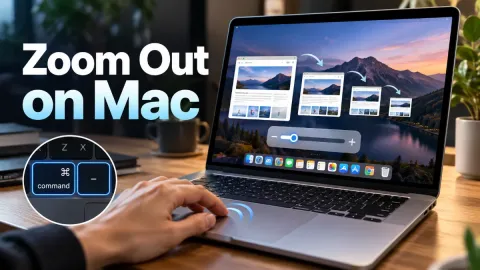
To zoom out on Mac instantly when your entire screen is magnified, press Option + Command + 8 to toggle the accessibility zoom off, or press Option + Command + - (minus)…