Best PC Cases for Windows Gaming Rigs in 2026
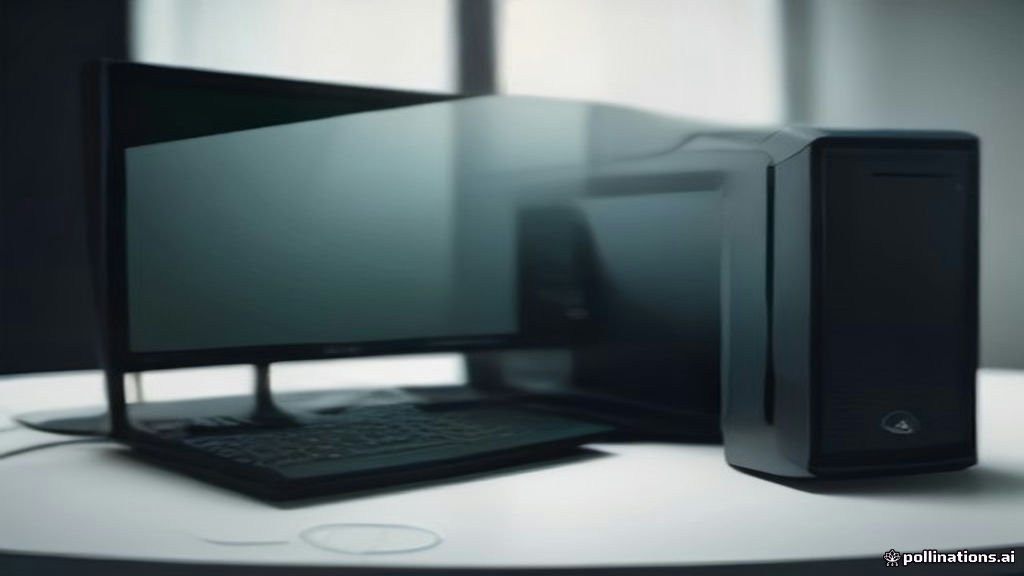
Finding the right chassis for your custom-built Windows rig involves balancing thermal performance, internal space, and aesthetic appeal. Whether you are assembling a high-end gaming machine with liquid cooling or a compact desktop for daily productivity, choosing the correct enclosure ensures optimal hardware longevity. Modern enclosures offer advanced cable management channels, modular layouts, and high-airflow mesh panels designed to keep modern processors and graphics cards cool. This guide breaks down top-performing options across different form factors to help you select the ideal housing for your components.
Understanding PC Case Form Factors and Compatibility
Before purchasing any chassis, you must understand motherboard and component sizing standards. ATX, Micro-ATX, and Mini-ITX are the primary form factors that dictate how much space you will have inside your system. Full-tower and mid-tower cases support standard ATX motherboards and large graphics cards, while smaller enclosures require careful measurement of GPU length and power supply depth. Checking these dimensions prevents compatibility issues during assembly and ensures that all parts fit securely without forcing connections. Furthermore, radiator support is a critical consideration if you plan to use an all-in-one liquid cooler or custom loop. Manufacturers specify maximum radiator thicknesses and lengths for the top, front, and side mounting locations. Ensuring your chosen enclosure accommodates your cooling solution keeps your processor operating at peak efficiency under heavy workloads without thermal throttling.
High-Airflow Mid-Tower Cases for Performance Builds
Mid-tower cases remain the most popular choice for mainstream and enthusiast Windows systems because they strike an ideal balance between footprint and internal volume. High-airflow mid-towers typically feature perforated front mesh panels and pre-installed fans that pull cool air directly across your components. This design significantly reduces temperatures on overclocked CPUs and power-hungry GPUs compared to solid glass or metal front panels. When evaluating high-airflow options, look for models that include dust filters on all intake vents. Removable magnetic filters on the top and bottom make routine maintenance effortless, preventing dust buildup inside your system. Additionally, spacious main chambers allow for unhindered airflow pathways, ensuring that ambient heat escapes rapidly through exhaust fans positioned at the rear and top.
Compact Micro-ATX and Mini-ITX Enclosures
For users who want a smaller footprint on their desk without sacrificing gaming performance, compact enclosures provide a sleek alternative. Micro-ATX and Mini-ITX cases require meticulous cable management and often demand SFX power supplies to save internal space. Despite their reduced physical dimensions, many modern small-form-factor designs ingeniously accommodate full-sized graphics cards and dual-slot radiators. Building in a compact chassis presents unique challenges, such as tight clearance around RAM slots and cable routing bottlenecks. To simplify the process, select cases with removable outer panels and modular internal brackets. These features allow you to install motherboards and power supplies outside the restricted main compartment before sliding the assembly smoothly into place.
Dual-Chamber and Panoramic Glass Cases
Panoramic glass cases have surged in popularity for builders who want to showcase internal RGB lighting, custom liquid cooling loops, and specialized hardware aesthetics. These dual-chamber enclosures separate the power supply and storage drives into a rear compartment, leaving the main glass-fronted chamber exclusively for the motherboard, GPU, and cooling components. This separation creates an exceptionally clean look while hiding unsightly cables completely from view. While dual-chamber designs offer stunning visual presentations, they require careful planning regarding intake and exhaust airflow. Because front glass panels block direct airflow, these cases rely heavily on bottom and side intake fans to draw fresh air upward across the motherboard. Maintaining a positive pressure setup with quality fans ensures both stunning aesthetics and reliable thermal performance.
Cable Management and Build Quality Essentials
A premium chassis distinguishes itself through thoughtful engineering details that make building and upgrading straightforward. Generous clearance behind the motherboard tray, pre-routed velcro straps, and rubber grommets transform a chaotic tangle of wires into a professional installation. Look for steel construction thickness and solid panel locking mechanisms that prevent rattling and vibration noise during high-speed fan operation. Front I/O connectivity is another vital factor to evaluate based on your peripheral setup. Modern enclosures should feature high-speed USB-C ports, standard USB-A connections, and dedicated audio jacks on the top or front panel. Ensuring easy access to these ports guarantees seamless connection for external storage drives, headsets, and gaming controllers.
Key Features Comparison Table
To help you weigh your options, comparing structural classifications and primary use cases highlights the differences between mainstream design philosophies. The table below outlines key considerations for selecting a chassis type based on your hardware requirements and desktop space availability. Reviewing these categories ensures you select an enclosure that matches your thermal needs, whether you are building an entry-level productivity station or a high-end gaming powerhouse loaded with multiple expansion cards.
The bottom line
Selecting the right PC case for your Windows system depends on balancing your hardware dimensions, cooling requirements, and aesthetic preferences. By prioritizing proper airflow, adequate clearance for your graphics card, and user-friendly cable management features, you can build a reliable and visually striking desktop that performs exceptionally well for years to come.
Frequently asked questions
Do I need a full-tower case for a high-end gaming PC?
No, most high-end components fit comfortably inside a well-designed mid-tower case. Full-towers are typically reserved for extreme custom liquid cooling setups or multi-GPU workstations.
How important are pre-installed fans in a PC case?
Pre-installed fans save you money and ensure immediate airflow, but you should check their quality and noise levels. Many builders supplement stock fans with high-static-pressure or high-airflow models for better performance.
Can a small PC case overheat my graphics card?
Compact cases can experience higher temperatures if airflow is restricted. Choosing a case with a mesh front panel and ensuring proper intake and exhaust fan configuration prevents overheating.
What is the benefit of a dual-chamber PC case?
Dual-chamber cases hide the power supply and cables in a rear compartment, making the main windowed chamber look clean while optimizing airflow pathways.
Are glass side panels safe to handle during building?
Modern PC cases use tempered glass, which is durable and shatter-resistant compared to standard glass, but you should still handle panels carefully on soft surfaces during assembly.