Why Is My iPhone Getting Hot and How to Fix It
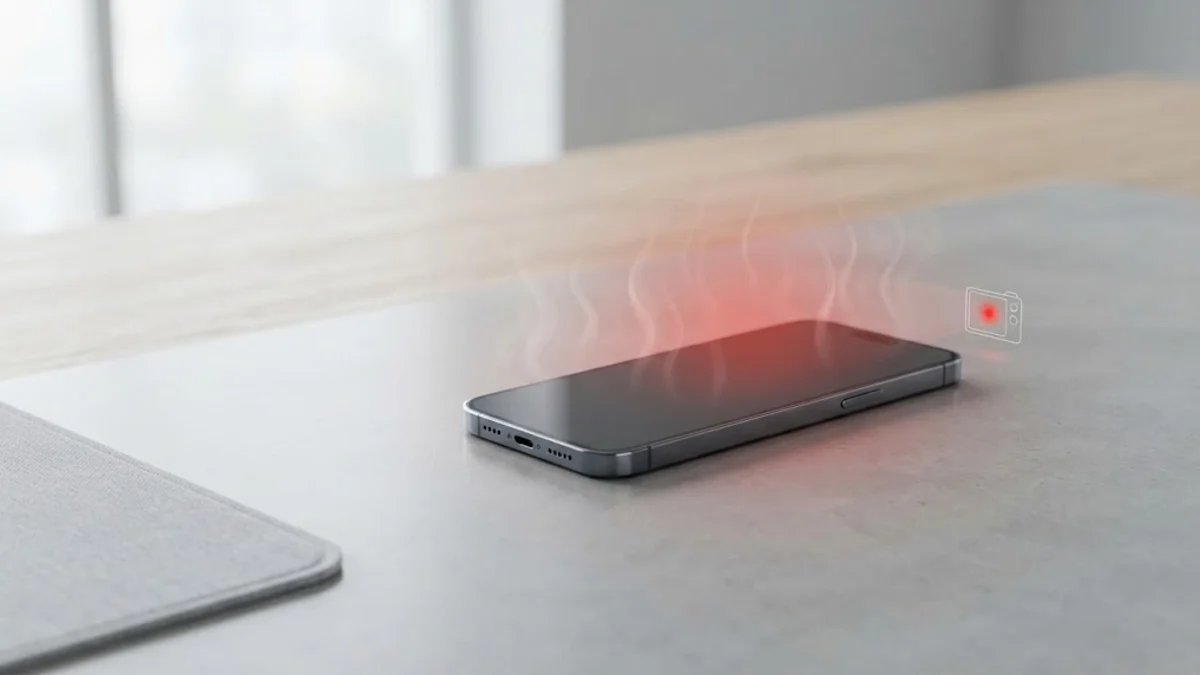
If your iPhone feels unusually warm or hot to the touch, it is usually a sign that the processor is working overtime or the battery is under stress. Excessive heat can degrade your battery health quickly and trigger temporary performance throttling or safety shutdowns.
In this guide, you will learn the most common reasons why your iPhone gets hot and practical step-by-step methods to cool it down and prevent future overheating episodes.
Understanding Why Your iPhone Gets Hot
When your iPhone gets hot, it is almost always caused by high processor utilization, intensive display usage, charging stress, or exposure to environmental heat. Modern iOS devices are engineered with advanced thermal management systems designed to dissipate heat safely, but external factors and runaway software processes can overwhelm these mechanisms.
Common triggers include playing high-graphic games for extended periods, using navigation apps while the phone sits in direct sunlight on a car dashboard, restoring from a massive iCloud backup, or running buggy third-party applications that consume 100 percent of your CPU in a continuous loop. Recognizing what activity preceded the heat spike is the first step toward applying the correct fix.
Remove Your Phone Case and Move to a Cooler Area
The quickest physical fix when your phone starts heating up rapidly is to remove any thick protective case. Many popular cases act as thermal insulators, trapping heat inside the device instead of letting it radiate away from the aluminum or glass chassis. Take the case off immediately to allow ambient air to circulate around the phone.
Next, move your iPhone away from direct sunlight, hot vehicles, or enclosed spaces like a tight pocket or a bag. If you are charging the phone in a warm room, unplug it temporarily. Place the device on a cool, hard surface such as a wooden desk or marble countertop to accelerate passive cooling. Avoid placing your iPhone in a refrigerator or freezer, as the rapid temperature change will cause internal condensation and permanent water damage.
Lower Screen Brightness and Turn Off Location Services
The display panel and the GPS chip are two of the largest internal heat generators on any smartphone. When your screen is set to maximum brightness outdoors, the display driver draws immense electrical current and heats up the upper portion of the device near the earpiece. Swipe down from the top right corner of your screen to open the Control Center and manually drag the brightness slider down to a comfortable, lower level.
Additionally, continuous background tracking by navigation and social media apps keeps the internal GPS and cellular modems active, creating sustained warmth. You can restrict location access by going to Settings > Privacy & Security > Location Services and changing permissions for apps that do not need continuous tracking from Always to While Using or Never.
Check for Rogue Apps and Background Refresh
A single malfunctioning app stuck in an infinite processing loop can silently drain your battery and bake your processor while your phone sits idle in your hand. To identify which app is causing the heat, check your recent power and resource usage by navigating to Settings > Battery and scrolling down to view the app activity list over the last 24 hours or 10 days.
If you notice an app consuming a disproportionate percentage of energy relative to your actual usage time, force close it by swiping up from the bottom of your screen and pausing in the middle, then swiping the app preview card away. To prevent apps from constantly fetching new data in the background, go to Settings > General > Background App Refresh and disable it entirely or toggle it off for non-essential applications.
Update Your iOS Software and Installed Applications
Software bugs are a frequent culprit behind unexpected iPhone overheating. Apple regularly releases iOS updates that patch optimization flaws, memory leaks, and thermal management errors. Go to Settings > General > Software Update to check if a newer version of iOS is available and install it while your phone is at a normal temperature and connected to Wi-Fi.
Similarly, outdated third-party apps may not be optimized for current iOS frameworks, leading to excessive processor strain. Open the App Store, tap your profile icon in the top right corner, scroll down to your pending updates, and tap Update All to ensure every app runs its latest, most stable code version.
Manage Charging Habits to Prevent Heat Generation
Batteries naturally generate heat during the chemical reaction of charging, especially when they are nearly full or when you are using fast chargers. If you simultaneously charge your phone and play demanding video games or stream high-definition video, the combined heat from the processor and the battery charging circuit can push temperatures past safe operational limits.
To avoid this, refrain from using your iPhone for heavy tasks while it is plugged into a high-wattage power adapter or a wireless charging pad. If your phone feels hot while wireless charging, switch to a certified Lightning or USB-C cable, as wireless charging pads inherently produce more thermal waste due to inductive energy transfer.
Reset All Settings as a Last Resort
If your iPhone continues to get hot despite trying all the physical adjustments and software updates, corrupted system configurations might be forcing background services to cycle continuously. Resetting your system settings can clear out stubborn bugs without deleting your personal photos, messages, or apps.
To perform this reset safely, navigate to Settings > General > Transfer or Reset iPhone > Reset and select Reset All Settings. Enter your device passcode when prompted and confirm the action. Your phone will reboot to factory default settings for Wi-Fi networks, Bluetooth connections, and system preferences, giving your software environment a clean slate.
The bottom line
An iPhone getting hot occasionally under heavy load is normal, but persistent overheating requires immediate attention to protect your hardware and battery health. By removing cases, managing display brightness, closing rogue background processes, and keeping your software updated, you can easily keep your device running cool and efficient.
Frequently asked questions
Is it normal for my iPhone to get hot while charging?
Yes, mild warmth during charging is normal because electrical energy transfer generates heat. However, it should never become hot to the touch or display an on-screen temperature warning.
Will an overheated iPhone damage the battery?
Prolonged exposure to high temperatures accelerates chemical aging inside lithium-ion batteries, permanently reducing their maximum capacity and overall lifespan.
What should I do if my iPhone shows a temperature warning screen?
Immediately stop using the device, remove the protective case, unplug it from any charger, and move it to a cool, shaded environment out of direct sunlight until it cools down completely.
Does playing games cause iPhones to overheat?
Yes, 3D graphics games push the GPU and CPU to their maximum limits, drawing high amounts of power and generating significant heat, especially during long gaming sessions.
Can a failing battery cause my iPhone to get hot?
Yes, a degraded lithium-ion battery with increased internal resistance can heat up quickly during discharge and charging cycles, often accompanied by rapid battery drain.