PC vs Laptop: Which Should You Buy in 2026?
Choosing between a desktop PC and a laptop comes down to balancing raw performance, upgradability, and price against mobility and workspace convenience. While traditional desktops offer superior cooling and hardware longevity, modern laptops deliver incredible processing power in a portable form factor that travels anywhere you go.
Performance and Raw Power
When it comes to pure performance, desktop PCs hold a distinct advantage over laptops with equivalent specifications. Desktops feature larger power supplies and robust cooling systems, allowing their components to run at higher wattages and sustained clock speeds without thermal throttling. A desktop processor and graphics card can draw hundreds of watts of power, pushing performance limits for demanding tasks like 4K video rendering and high-refresh-rate gaming.
Laptops, on the other hand, rely on mobile-optimized hardware designed to balance performance with battery life and thermal constraints within a tight chassis. Even high-end gaming laptops must manage intense heat using vapor chambers and compact fans, which often results in louder noise levels and reduced sustained performance under heavy loads. If you need maximum computing power for intensive professional workloads, a desktop PC remains the superior choice.
Portability and Workspace Flexibility
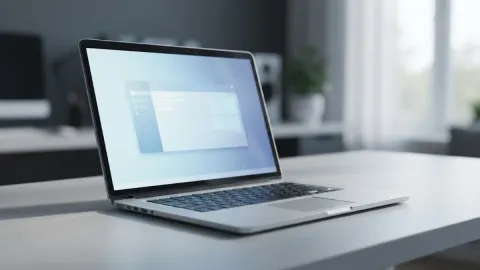
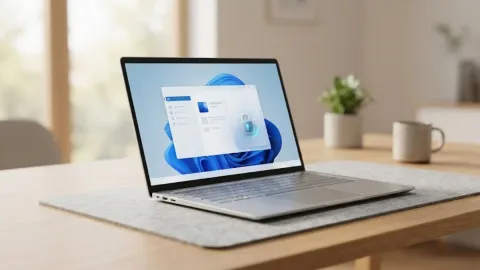
The most obvious advantage of a laptop is its all-in-one design, which integrates a display, keyboard, trackpad, and battery into a single portable device. You can easily pack a laptop into a backpack, take it to a coffee shop, work from a flight, or move between different rooms in your house without missing a beat. This mobility makes laptops essential for students, traveling professionals, and anyone who values workspace flexibility.
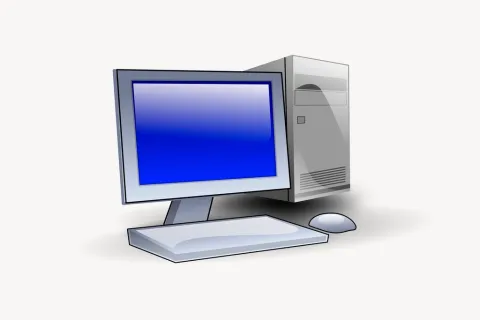
Desktop PCs lack this inherent mobility and require a dedicated, stationary workspace equipped with a monitor, keyboard, mouse, and power outlets. Setting up a desktop involves managing multiple cables and peripheral connections, meaning your computing sessions are anchored to one specific location. However, this stationary setup allows for larger multi-monitor configurations and a more ergonomic, permanent desk environment that reduces physical strain during long working hours.
Customization and Upgradability
Desktop computers are built for modularity, making them exceptionally easy to customize, repair, and upgrade over time. If your graphics card becomes outdated or your system needs more memory, you can simply open the case, swap out the component, and significantly extend the lifespan of your machine. You can choose every individual part when building a PC, tailoring the storage, motherboard, and cooling to your exact budget and performance requirements.
Laptops offer very limited upgrade paths once you make a purchase. While some models allow you to upgrade the storage drive or add extra RAM, many modern ultrabooks solder these components directly onto the motherboard, making them completely unchangeable. Upgrading a laptop's graphics card or processor is virtually impossible, meaning that when a laptop becomes obsolete, you generally have to replace the entire system rather than just a single part.
Cost and Value for Money
Evaluating value requires looking at what is included in the initial purchase price. Laptops bundle the screen, keyboard, trackpad, battery, and speakers into a compact package, which drives up the cost of miniaturized engineering. For the same price, a desktop PC almost always delivers faster performance and better hardware specifications because desktop components are cheaper to manufacture and cool than their miniaturized laptop counterparts.
Additionally, desktop computers offer a lower total cost of ownership over their lifespan. If a monitor breaks or a keyboard stops working, you only replace that specific peripheral rather than buying a whole new computer. Desktops also allow you to upgrade parts incrementally over the years, whereas a dying laptop component often renders the entire machine useless or too expensive to repair.
Gaming and Heavy Workloads
For heavy gaming and resource-intensive creative software, the choice between a PC and a laptop depends heavily on your lifestyle and performance expectations. Desktop graphics cards deliver superior frame rates, support higher resolutions, and handle ray tracing much better than mobile GPU variants bearing the same name. The thermal headroom of a desktop case ensures that your hardware stays cooler, leading to longer component lifespans even when running demanding applications for hours on end.
Modern gaming laptops have closed the performance gap significantly, but they demand compromises. High-end gaming laptops are heavy, bulky, have short battery lives when gaming unplugged, and run noticeably hot. If you travel frequently and refuse to compromise on your entertainment or productivity on the road, a powerful laptop is worth the investment despite these trade-offs.
Key Differences at a Glance
To help you weigh your options, reviewing a direct side-by-side comparison of desktops and laptops highlights how they differ across key categories:
| Feature | Desktop PC | Laptop |
|---|---|---|
| Portability | Stationary and heavy | Highly portable and light |
| Upgradability | High component modularity | Limited to storage and RAM |
| Performance per Dollar | Significantly higher | Lower due to miniaturization |
| Cooling and Acoustics | Quiet and efficient | Loud under heavy loads |
| Peripherals | Bought separately | Built-in screen and keyboard |
The bottom line
Ultimately, your choice between a PC and a laptop depends entirely on your daily routine. Go with a desktop PC if you want maximum performance, easy upgradability, and the best value for your money at a fixed desk. Choose a laptop if you need the freedom to work, create, and play wherever your day takes you.
Frequently asked questions
Which lasts longer, a PC or a laptop?
Desktop PCs generally last longer than laptops. Because desktops have superior cooling and allow you to easily replace failing parts like power supplies or graphics cards, you can keep them running efficiently for many years.
Can a laptop match the performance of a desktop PC?
While top-tier laptops offer impressive performance, they cannot fully match a high-end desktop with the same named components due to strict power limits and thermal constraints inside a mobile chassis.
Is a desktop PC better for gaming than a laptop?
Yes. Desktops provide better frame rates, superior cooling, and greater durability for long gaming sessions, making them the preferred choice for serious gamers.
Can I use a laptop like a desktop PC?
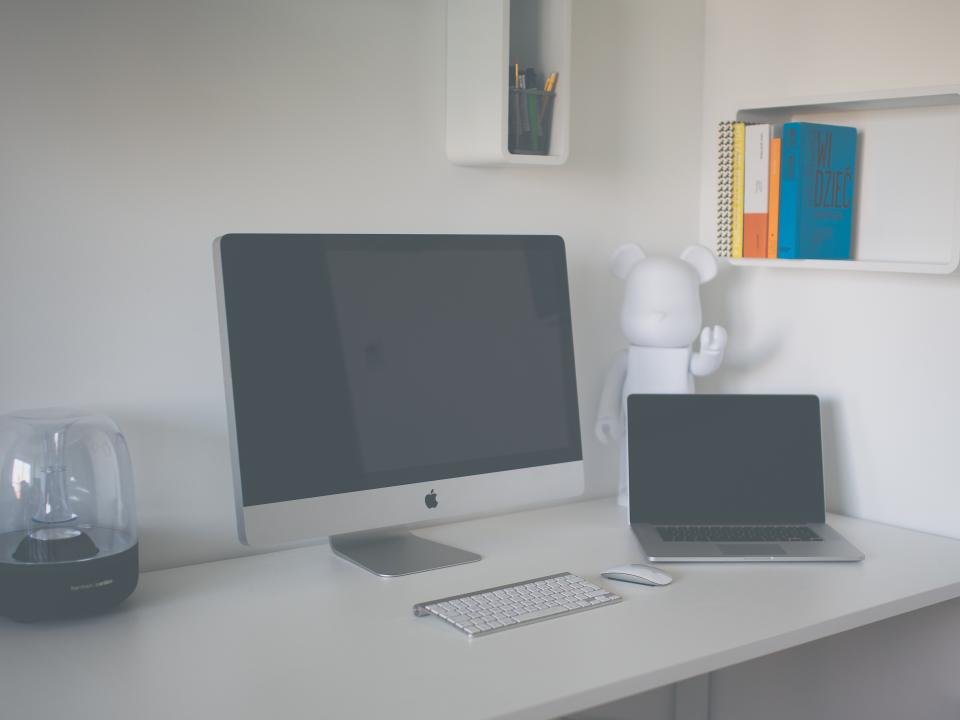
Yes. You can connect a laptop to an external monitor, full-size keyboard, mouse, and speakers through a docking station or USB hub, giving you a desktop-like experience when working at home.
Which option is better for students?
Laptops are usually better for students because they can be carried to lectures, libraries, and study groups, offering all-in-one convenience without requiring a dedicated desk setup.